35
Customizing the Sound
34
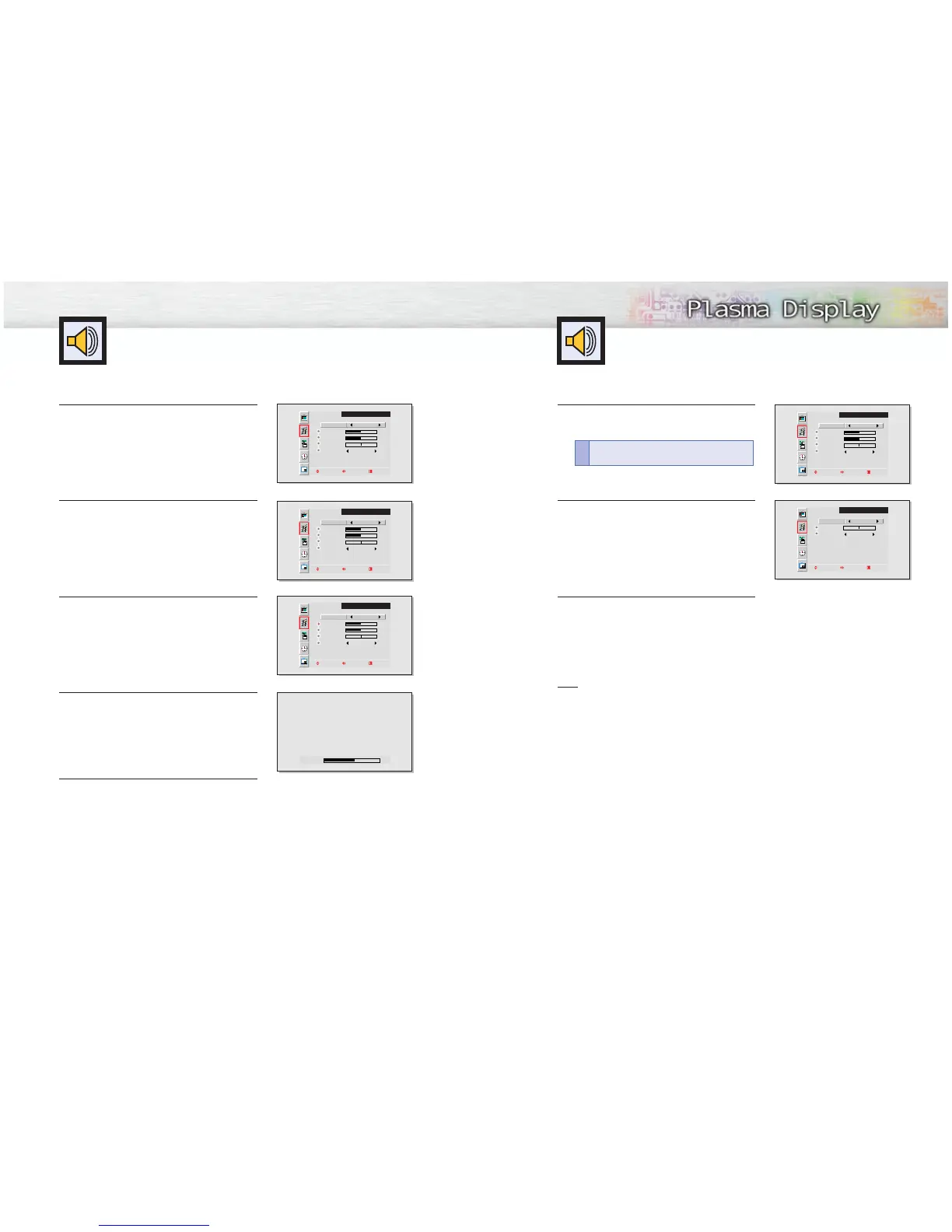
1
Press the Menu button. Move the joystick up or
down to select the “AUDIO”, then press the joystick
to enter.
2
Move the joystick left or right to select the “Custom”,
“Standard”, “Music”, “Movie” or “Speech” sound
setting.
3
Press the Menu button to exit.
Note
• The Automatic Sound Setting function doesn’t operate in PC mode.
Using Automatic Sound Settings
SOUND
Select
Treble
Bass
Balance
Surround Off
Move Adjust Exit
Custom
50
50
0
SOUND
Select
Balance
Surround Off
Move Adjust Exit
Standard
0
1
Press the Menu button. Move the joystick up or
down to select the “AUDIO”, then press the joystick
to enter.
2
Move the joystick left or right to select the “Custom”.
You will also see the items “Treble”, “Bass”,
“Balance” and “Surround”.
3
Move the joystick up or down to select the item you
wish to change.
4
Move the joystick left or right to change the value of
the item.
5
Press the Menu button to exit.
SOUND
Select
Treble
Bass
Balance
Surround Off
Move Adjust Exit
Custom
50
50
0
SOUND
Select
Treble
Bass
Balance
Surround Off
Move Adjust Exit
Custom
50
50
0
SOUND
Select
Treble
Bass
Balance
Surround Off
Move Adjust Exit
Custom
50
50
0
Treble 60
Quick way to access the sound setting: Just
press “S.Mode” on the remote control.
!



 To Next Page