EasyManua.ls Logo

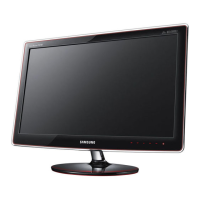
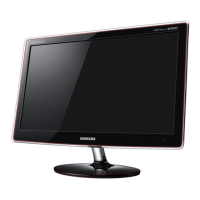
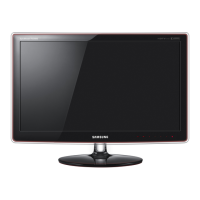
Samsung PX2370 - User Manual

Samsung PX2370
51 pages
Print Icon
To Next Page IconTo Next Page
Loading...
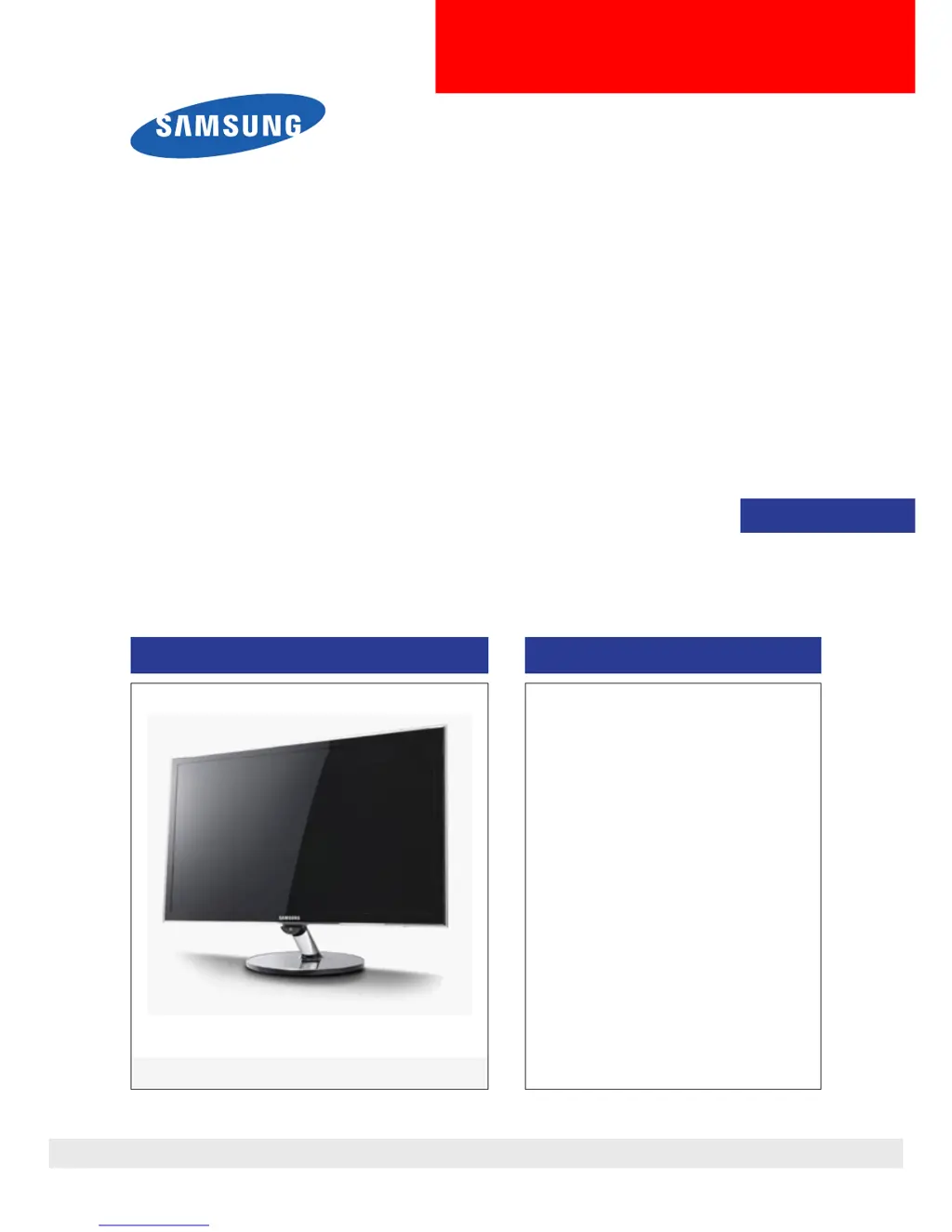
LCD-Monitor
Chassis : LS23WHU
Model : PX2370
SERVICE
Manual
TFT-LCD Monitor Contens
PX2370
Refer to the service manual in the GSPN (see the rear cover) for the more information.
1. Precautions
2. Product specications
3. Disassembly and Reassemble
4. Troubleshooting
5. Exploded View & Part List
6. Wiring Diagram

Questions and Answers

  • J
    jeffrey44Jul 30, 2025
    How to fix a Samsung PX2370 when the power does not turn on?
    • M
      Melissa ThompsonJul 30, 2025
      If your Samsung Monitor isn't powering on, begin by inspecting the adaptor power fuse and its output power. Then, check the connections for the adaptor and the main board inside the monitor. Also, check the main board power part, looking for any abnormal output at the output terminals. If problems persist, consider replacing the adaptor.
  • M
    Maria CrawfordAug 3, 2025
    What to do if my Samsung PX2370 Monitor displays a blank screen (Digital)?
    • S
      Sarah HudsonAug 3, 2025
      If your Samsung monitor screen is blank in digital mode, check the DVI cable connections first. If the issue persists, verify that the LVDS(FFC) cable is correctly connected to the panel and that the lamp connector of the panel is correctly connected to the Inverter. You may also need to check and replace the circuits related to X300, check the circuits related to CN400, or, as a last resort, check and replace the panel.
  • D
    dickersonjoshuaAug 8, 2025
    What to do if my Samsung PX2370 Monitor displays a blank screen (HDMI)?
    • K
      Kenneth MillerAug 8, 2025
      If your Samsung monitor screen is blank when using HDMI, check the HDMI cable connections. If the issue persists, verify that the LVDS(FFC) cable is correctly connected to the panel and that the lamp connector of the panel is correctly connected to the Inverter. You may also need to check and replace the circuits related to X300, check the circuits related to CN400, or, as a last resort, check and replace the panel.
  • M
    Megan CastilloAug 12, 2025
    What to do if my Samsung PX2370 Monitor displays a blank screen (Analog)?
    • H
      hayeschristinaAug 12, 2025
      If your Samsung monitor screen is blank in analog mode, check the DVI-I to D-sub cable connections. If the issue persists, verify that the LVDS(FFC) cable is correctly connected to the panel and that the lamp connector of the panel is correctly connected to the Inverter. You may also need to check and replace the circuits related to X300, check the circuits related to IC200, or, as a last resort, check and replace the panel.
  • R
    Raymond GarciaAug 16, 2025
    Why are DVI signals not recognized on my Samsung Monitor?
    • C
      Christopher MillerAug 17, 2025
      The PC cannot recognize the mode information since the DVI DDC is not input to the monitor. To resolve this, input the DVI DDC.
  • P
    Pamela AguirreAug 20, 2025
    Why does my Samsung PX2370 display a full white screen?
    • A
      Andrea ShermanAug 20, 2025
      This issue occurs when only lamp power is supplied, and the video signals are not input to the panel due to an LVDS cable connection error. Replace the LVDS cable or connect the cable correctly so that the video signals can be supplied to the panel.
  • D
    Dylan BirdAug 25, 2025
    Why does noise occur on the screen when connecting the DVD to my Samsung PX2370 Monitor?
    • S
      Sarah JamesAug 26, 2025
      When connecting a DVD, noise may occur on the screen if the HDCP key is not inserted. To resolve this, enter the HDCP key.

Summary

Precautions

Safety Precautions

General safety, servicing, and ESD precautions to prevent hazards.

Servicing Precautions

Procedures and warnings for servicing the monitor unit safely.

Static Electricity Precautions

Guidelines to prevent component damage from electrostatic discharge.

Product Specifications

Disassembly and Assembly

Disassembly Steps

Step-by-step guide for disassembling the monitor.

Troubleshooting

Power On Troubleshooting

Diagnosing and resolving issues when the monitor does not turn on.

Samsung PX2370 Specifications

General IconGeneral
Screen Size23 inches
Resolution1920 x 1080
Panel TypeTN
Aspect Ratio16:9
Brightness250 cd/m²
Response Time2 ms (GTG)
Viewing Angle170° (H) / 160° (V)
Color Support16.7 million
Contrast Ratio1000:1 (Static), Mega DCR (dynamic)
InputsDVI, HDMI
Weight4.1 kg (with stand)
Dimensions548 x 416 x 190 mm (with stand)

Related product manuals