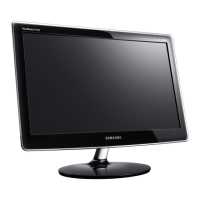
PLASMA DISPLAY PANEL
Connecting PC and Operation
Connecting to a PC ......................................................................44
Adjusting the PC Screen................................................................48
Changing the Position of the Image ................................................49
Changing the Size of the Image ....................................................50
Enlarge of the Image (Zoom)..........................................................51
Move Expanded Picture ................................................................52
Picture Quality Adjustment ............................................................53
Information..................................................................................56
Power Saver (PC mode only)..........................................................57



 To Next Page