Bluetooth Power
This feature automatically turns the Soundbar on when it receives a connection
request from a previously connected TV or Bluetooth device. The setting is On by
default.
– Press and hold the SOUND MODE button for more than 5 seconds to turn off the
Bluetooth Power function.
PAIR
Bluetooth
PAIR
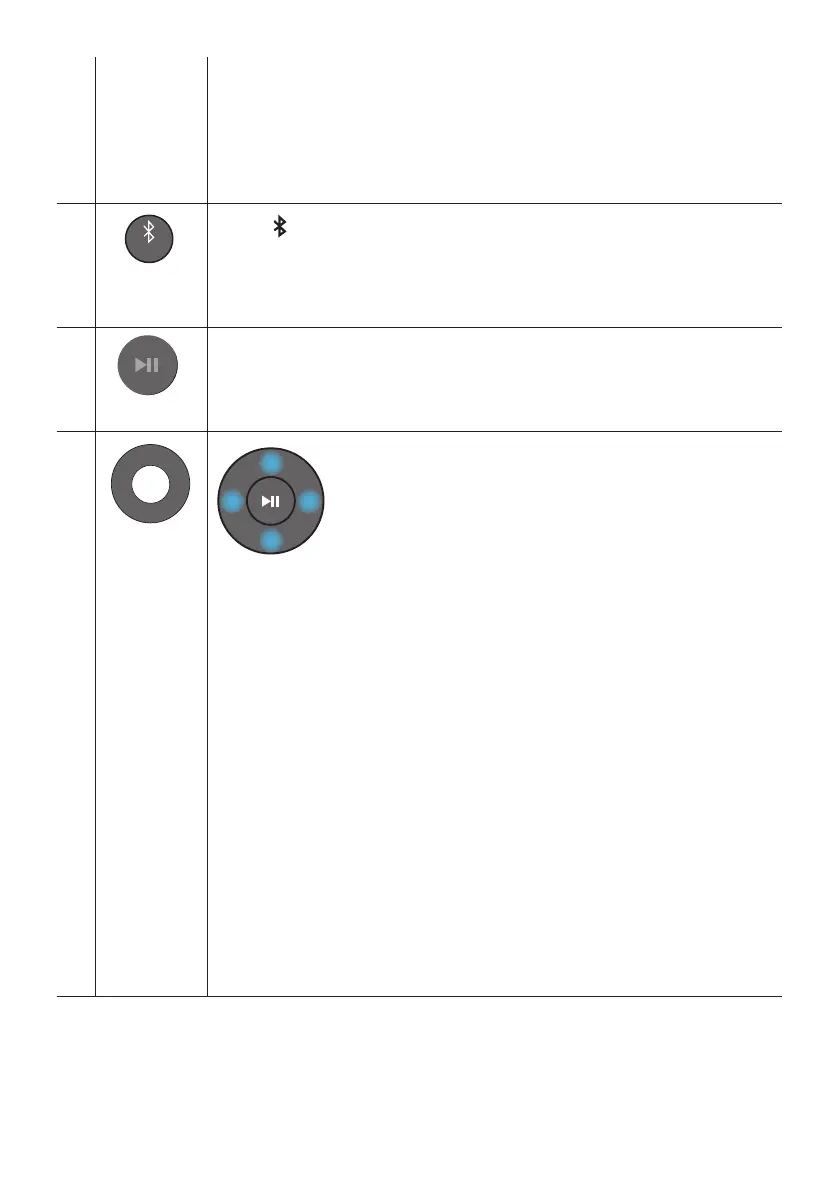
Press the PAIR button. “BT PAIRING” appears in the Soundbar’s display.
You can connect the Soundbar to a new Bluetooth device in this mode by selecting the
Soundbar from the Bluetooth device's search list.
Play / Pause
Press the p
Up/Down/
Left/Right
Press the indicated areas to select Up/Down/Left/Right.
Press Up/Down/Left/Right on the button to select or set functions.
Repeat
To use the Repeat function in “USB” mode, press the Up button.
Music Skip
Press the RightLeft button to select the
ID SET
Press and hold the Up button for 5 seconds to complete ID SET (when connecting to a
wireless subwoofer or wireless rear speakers).
Volume Restriction function
– The default value for the Volume Restriction function is Off. You must turn it on to
activate it.
– When turned on, the Volume Restriction function stays on even when the power is
turned off.
– To turn Volume Restriction on or off, press and hold the Down button on the
remote control for 5 seconds. With Volume Restriction off, “V FREE” appears on
the front display. With the function on, “V LOCK” appears.



 To Next Page