3-30
Manual
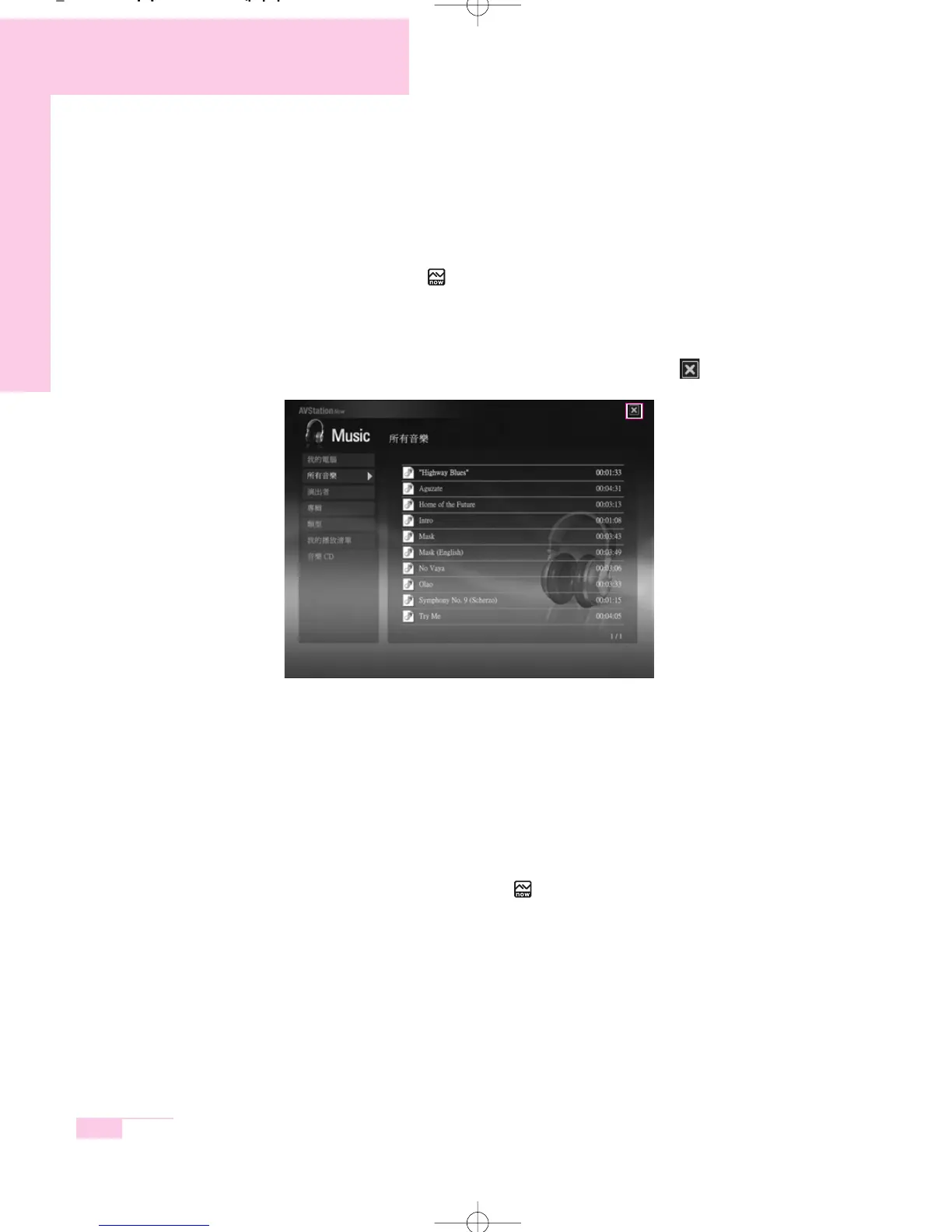
Start / Exit AVStation now
■
Starting
Press the AVS button ( ) of the computer when the computer is turned off.
■
Exiting
Move the mouse pointer to the top screen and click the Exit ( ) button.
Alternatively press the Power button of the computer.
Start / Exit AVStation premium Viewer
■
Starting
Select Start > All Programs > Samsung > AVStation premium > AVStation pre-
mium Viewer from Windows.
Alternatively press the AVS button ( ) of the computer from Windows.
r65-hk_ch3 2006.1.2 2:45 PM 페이지30 1000 Dolev-2540-Color-S T



 To Next Page