16_ setting up
contents
SETTING UP YOUR REFRIGERATOR ………………………………………………………… 16
OPERATING YOUR REFRIGERATOR ………………………………………………………… 19
REVERSING THE DOOR (OPTIONAL) ………………………………………………………… 25
TROUBLESHOOTING …………………………………………………………………………… 31
GETTING READY TO INSTALL THE
REFRIGERATOR
Congratulations on the purchase of your Samsung
Refrigerator.
We hope you will enjoy the many state-of-the-art
features and effi ciencies that this new appliance
has to offer.
• This refrigerator must be properly installed and
located in accordance with the manual before it
is used.
• Use this appliance only for its intended purpose
as described in this instruction manual.
• We strongly recommend that any servicing be
performed by a qualifi ed individual.
• Please dispose of the packaging material for
this product in an environmentally friendly
manner.
• Pull the power plug out of the socket
before changing the interior light of the
refrigerator.
- Otherwise, there is a risk of electric shock.
Selecting the best location for the
refrigerator
• Select a location without direct exposure to
sunlight.
• Select a location with level (or nearly level)
fl ooring.
• Select a location with enough space for the
refrigerator doors to open easily.
WARNING
• Allow suffi cient space to install the refrigerator
on a fl at surface.
- If your refrigerator is not level, the internal
cooling system may not work correctly.
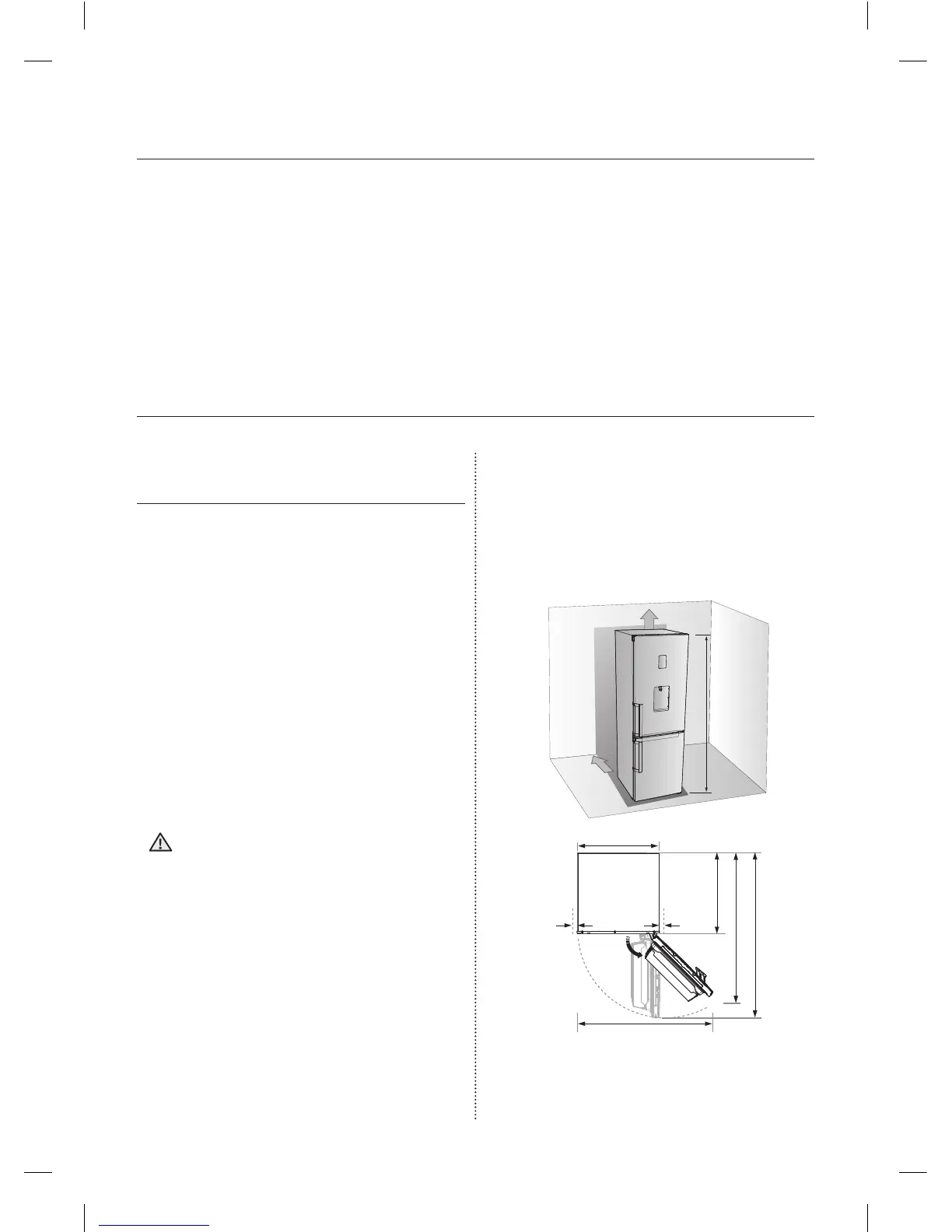
- Overall space required in use.
Refer to drawing and dimension as below.




 To Next Page