English 35
Operations
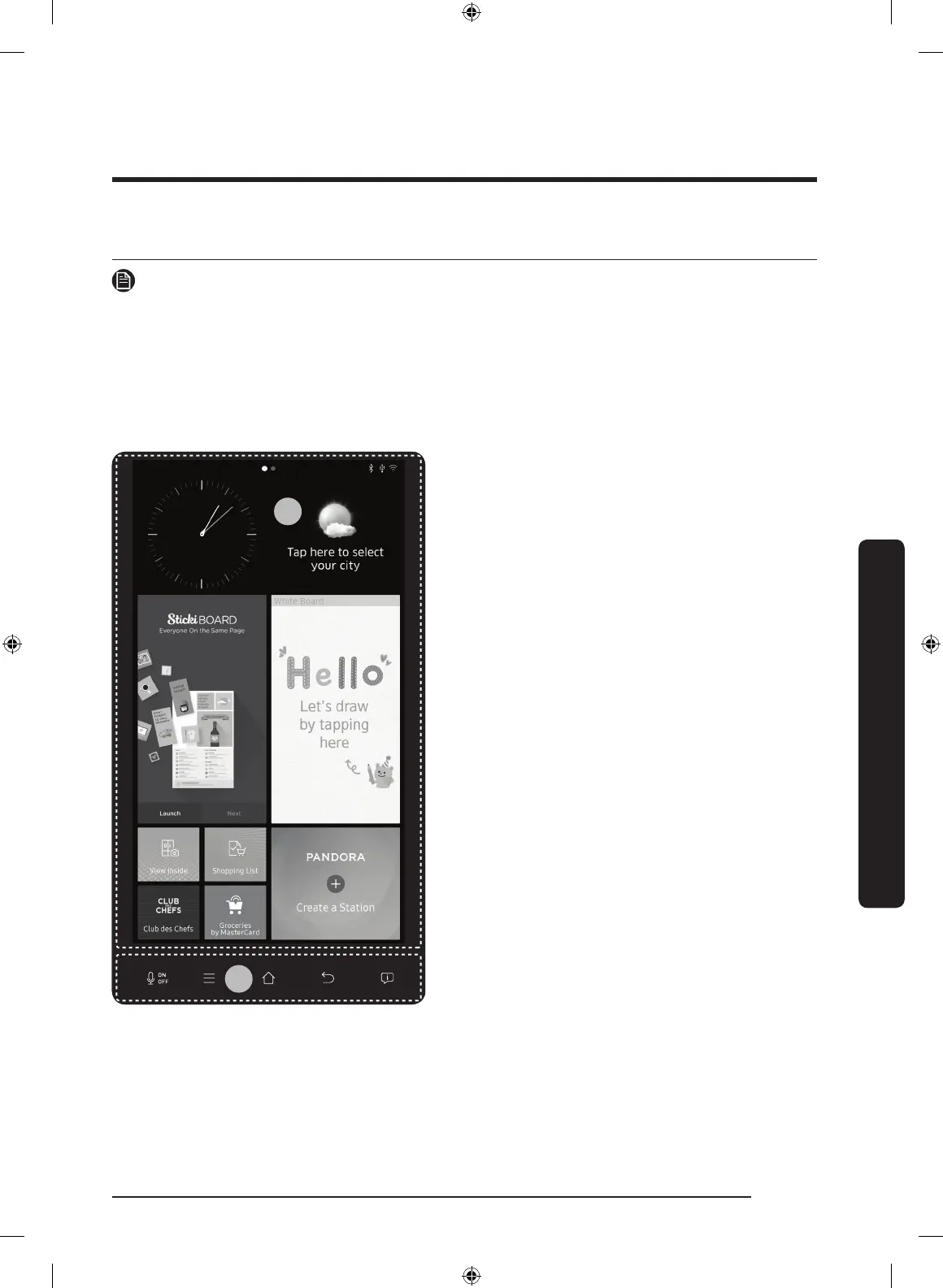
User interface
NOTE
• For detailed information about the refrigerator's functions, and apps, see the on-screen
user manual available on the LCD display of your refrigerator.
• The content of apps and widgets, or their design is subject to change. Support for apps
and widgets may be discontinued without notice, depending on the content provider’s
policy.
• Underage transactions with the services must be supervised by adults.
01 Home screen
02 Task bar
Operations
Untitled-1 35 2016-04-25 12:12:28



 To Next Page