English - 3
Handle replacement
Tools required (not provided)
To detach the handles
NOTE
This procedure applies to both the fridge and freezer compartment.
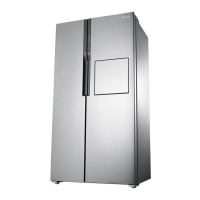
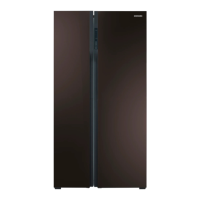
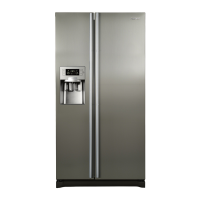
Model name looks like this: RS54**3****, RS52**3****, RS50**3****, What replaces the asterisks
may differ depending the model.
Asterisk(s) in the model code indicate a variant model and may replace (0-9) or (A-Z) in the model
code.
CAUTION
• When replacing the door handle, take care not to scratch the front of the door.
• Firmly press the handles at the supports. Make sure there is no gap between the supports and the
door.
• Tightly fasten the screws when attaching the handle.
• Check that the handle is rmly attached before using the product.
Philips screwdriver Flat-head screwdriver
1. Handle Assemblies are located on the
front of the refrigerator door.
2. Insert the small flat-head driver to the
hole at the bottom of Cap support handle
and pull the handle assembly out to the
front side with turning driver to one side.
Turn around the Handle assembly
to one side to dissemble about the
bottom position



 To Next Page
 Loading...