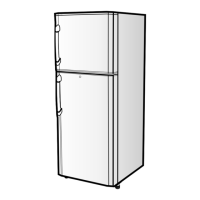
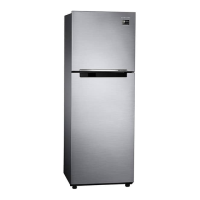
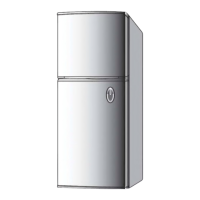
This document is an owner's manual for a Samsung refrigerator, covering models RT23, RT26, RT31, and RT34. It provides instructions for operation, maintenance, and troubleshooting.
Function Description:
The Samsung refrigerator is designed to store food and beverages, keeping them fresh for extended periods. It features separate compartments for freezing and refrigeration, with adjustable temperature controls for both. Specific models offer premium features like a Twist Ice-Tray and iCooling.
Important Technical Specifications (Derived from features and parts list):
- Models Covered: RT23, RT26, RT31, RT34.
- Compartments: Freezer Compartment and Refrigerator Compartment.
- Cooling System: Features "iCooling" (Premium only) for advanced air circulation and faster surround cooling, and a "Super Freeze Zone" for quick freezing.
- Ice Making: Available with "Twist Ice Cube Tray" (Premium only) for automatic ice cube release, and an "Economic Type" ice tray for manual twisting.
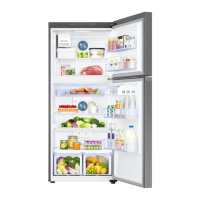
- Storage: Includes various shelves and guards:
- Refrigerator Shelf (Plastic or Steel)
- Adjustable Storage Guard
- Dairy Guard (RT26 Premium only, RT31/34)
- Bottle Guide (Premium only)
- Jumbo Storage Guard
- Bottle Storage Guard
- Bio-Fresh Zone for vegetables and fruits.
- Sliding Drawer (Premium only) for extra storage.
- Special Zones:
- Chiller Compartment: Helps preserve the taste and prolong freshness of food by freezing the surface only. Suitable for cheese, meat, snacks, or food to be used soon.
- Bio-Fresh Zone: Maintains moisture and freshness of vegetables, protecting them from direct cold air. Features a humidity control (HIGH/LOW). Not suitable for tropical fruits like bananas or pineapples.
- Super Freeze Zone: Designed for quick freezing of stored items.
- Lighting: Equipped with an internal lamp.
Usage Features:
- Temperature Control:
- Freezer Temperature Control: Allows adjustment for optimal freezing.
- Refrigerator Compartment Temperature Control: Allows adjustment for optimal refrigeration.
- "COLDER" Setting: Recommended for storing large quantities of food, making ice, or fast freezing.
- "NORMAL" Setting: Midway point between "COLDER" and "COLD" for standard refrigerating/freezing.
- "COLD" Setting: Recommended for storing small amounts of food, especially when the ambient air temperature is below 5°C to prevent freezing.
- Ice Cube Maker:
- Premium Type (Twist Ice Cube Tray): Fill the tray with water (do not overfill), slide it onto the shelf. Once ice is formed, twist the knobs to release cubes into the storage bin below.
- Economic Type: Fill the tray with water (do not overfill), place it on the support tray. Once ice is formed, hold both ends and twist gently to release cubes.
- Food Storage Guidelines:
- Store food in small portions.
- Seal food in containers with lids, plastic wrap, or bags to prevent drying and odor mingling.
- Allow hot food and drinks to cool to room temperature before placing them in the refrigerator or freezer.
- Allow sufficient space between items for cool air circulation.
- Place liquids at the front of the refrigerator to avoid freezing.
- Wash dry fruits and vegetables before placing them in the refrigerator.
- Adjustable Storage: Adjustable Storage Guards can be positioned to fit different container heights. Bottle Storage Guards and Dairy Guards are designed for specific items.
- Leveling: The appliance can be leveled by turning adjustable feet (located at the front, along the lower edge of the chassis) clockwise or counterclockwise to compensate for uneven floors.
Maintenance Features:
- Cleaning:
- Initial Setup: Wipe the appliance inside and outside with a cloth dampened with warm water and a small amount of detergent.
- Evaporation Slots in Freezer: Wipe with a clean, dry, soft cloth. Caution: Do not allow foreign substances to clog these openings.
- Interior Parts: After removing shelves, wipe with a clean, soft cloth dampened with warm water and a mild detergent.
- Door Seals: Clean often with a clean, soft cloth dampened with warm water and a mild detergent. Caution: Be careful not to damage the seals, as dirt-encrusted seals prevent proper door closure, leading to energy waste.
- Lamp Replacement:
- Press the upper tab of the lamp cover with a tool (like a screwdriver) and pull it out.
- Turn the existing lamp bulb and replace it with a new one.
- Replace the lamp cover by aligning it at the top and carefully pressing it into place.
- Accessory Removal: Instructions are provided for removing the Freezer Shelf, Refrigerator Shelf, Bio-Fresh Zone Bin and Cover, Chiller Compartment, Adjustable Storage Guard, Bottle Storage Guards, and Dairy Guard for cleaning or reorganization.
Safety and Warnings:
- Installation: Install on a firm, flat surface. Avoid draughts, dampness, direct sunlight, and proximity to heaters/stoves/ovens. Allow 50mm space from the wall and 300mm clearance above if in a recessed area. Properly ground the appliance; do not ground with telephone lines or gas pipes.
- Usage Cautions:
- Do not allow water to splash on the refrigerator to prevent electrical shock or fire.
- Do not use flammable sprays (lacquer, paint) near the refrigerator, as heat can ignite aerosols.
- Do not allow unattended children to play in or around the refrigerator, or hang on the door.
- Do not leave the door open longer than necessary to maintain temperature and save energy.
- Do not store volatile chemicals (ether, benzene) in the refrigerator to prevent damage and explosions.
- If the refrigerator is not operating correctly or is damaged, disconnect from power and call service. Damaged power cords must be replaced by the manufacturer or a qualified person.
- Be careful not to hit your head on the bracket lock when storing or taking out food.
- Troubleshooting: The manual includes a "BEFORE CALLING SERVICE" section to help diagnose common issues such as insufficient cooling, food freezing in the refrigerator, noise, hot rear/side panels, water flowing sounds, foul odors, frost in the freezer, and dew in the vegetable compartment. It notes that warm sides are normal and not a malfunction.


 To Next Page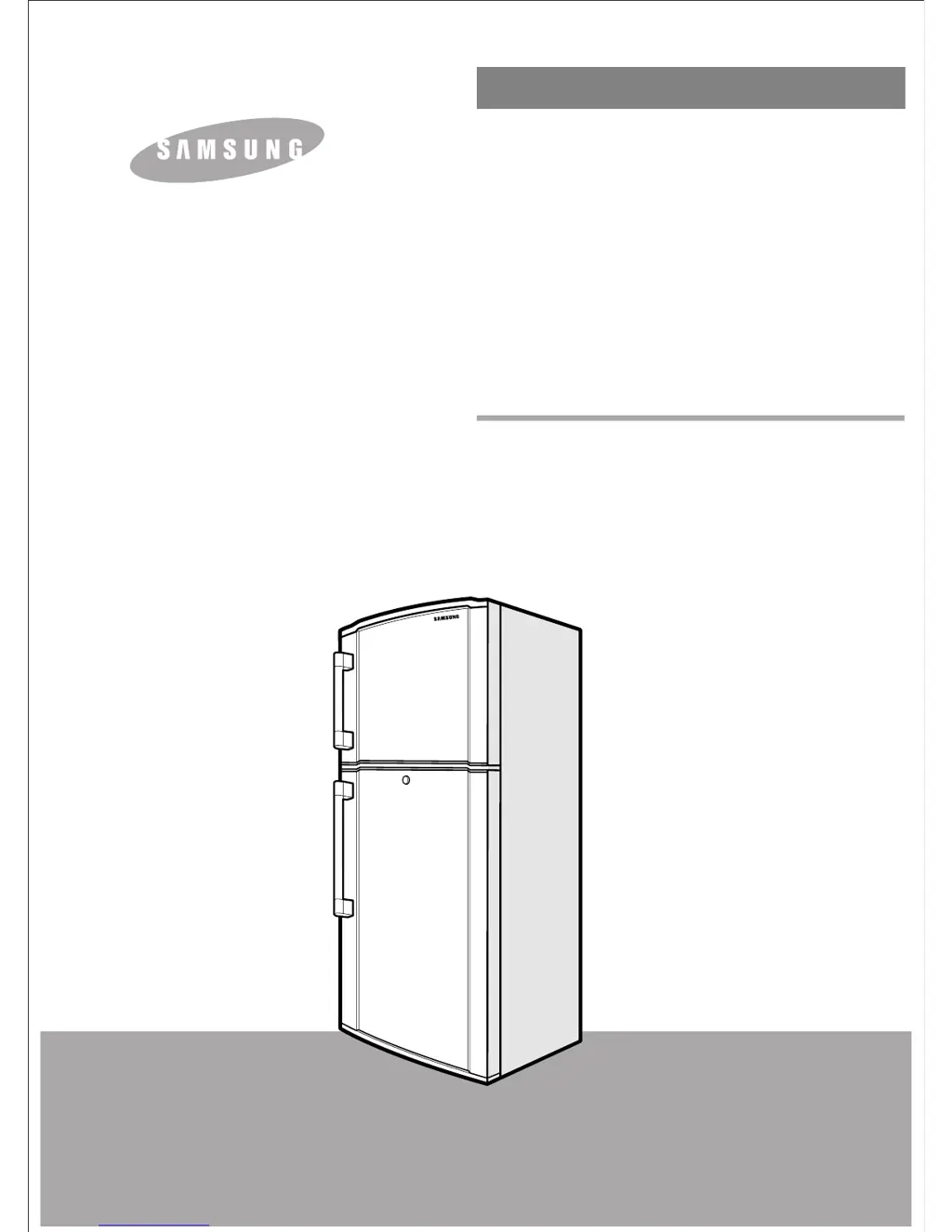


 General