EasyManua.ls Logo

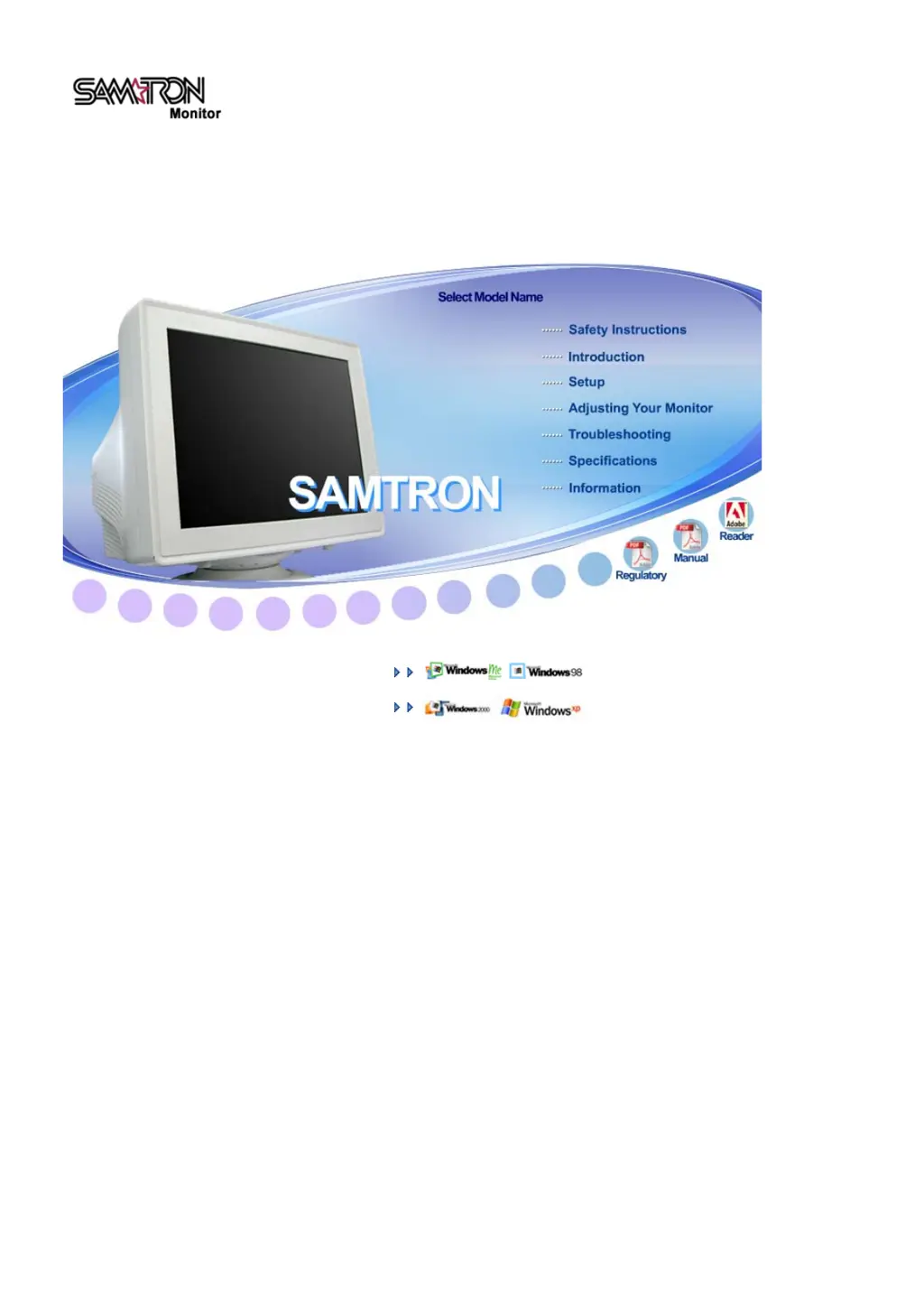
Samsung SAMTRON 58V - User Manual

Samsung SAMTRON 58V
75 pages
Print Icon
To Next Page IconTo Next Page
Loading...
Install drivers
SAMTRON 591S/58V/59E/78E/78DF/78BDF/98PDF

Questions and Answers

  • A
    Austin Fuller MDAug 11, 2025
    What to do if my Samsung SAMTRON 58V has no image on the screen?
    • W
      William HooverAug 12, 2025
      If there is no image on the screen of your Samsung Monitor, here are a few things you can try: * Check the power cord connection and supply. * Check the signal cable connection. * Press a key on the keyboard or move the mouse to activate the monitor. If the initial screen appears, boot the computer in safe mode and change the frequency of the video card. If the initial screen does not appear, then the signal from the video card may exceed the maximum resolution. In this case, adjust the maximum resolution and frequency applicable to the monitor.
  • R
    ronaldpadillaAug 21, 2025
    Why is my Samsung SAMTRON 58V not turning on and showing no image?
    • M
      Melissa HollowayAug 21, 2025
      If your Samsung Monitor is not turning on and showing no image, consider the following: * Ensure the power cord is securely connected and the power supply is working. * Verify the signal cable connection. * The signal from the video card may exceed the maximum resolution and frequency that the monitor can properly handle, so adjust the resolution and frequency. * Try pressing a key on the keyboard or moving the mouse to activate the monitor.
  • M
    Michael TateAug 31, 2025
    How to fix a Samsung SAMTRON 58V Monitor with no image?
    • J
      Julie MillerAug 31, 2025
      To fix a Samsung Monitor that displays no image, try these steps: 1. Check the power cord and its connection. 2. Check the signal cable connection. 3. Adjust the maximum resolution and frequency applicable to the monitor. 4. Press a key on the keyboard or move the mouse.

Samsung SAMTRON 58V Specifications

General IconGeneral
BrandSamsung
ModelSAMTRON 58V
CategoryMonitor
LanguageEnglish

Related product manuals