Troubleshooting
User’s Manual
Are there any magnetic products such
as an adapter, speaker or a high
voltage wire near the monitor?
The screen is
partialy distorted.
LED is blinking but
no images on the
screen.
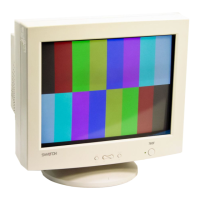
There are only 16
colors shown on the
screen. The screen
colors have changed
after changing the video
card.
Enter the OSD and perform a
'Degauss'.
Is the frequency properly adjusted
when checking the Display Timing
on the menu?
Adjust the frequency properly by
referring to the video card manual
and the Preset Timing Modes.
(The maximum frequency per
resolution may differ from product to
product.)
Have the Windows colors been set
properly?
For Windows ME/XP/2000:
Set the colors properly at the Control
Panel, Display, Settings.
There is a message
that reads
“Unrecognized
monitor, Plug & Play
(VESA DDC)
monitor found”.
Have you installed the monitor
driver?
Install the monitor driver according to
the Driver Installation Instructions.
See the video card manual to see if
the Plug & Play (VESA DDC)
function can be supported.
Install the monitor driver according to
the Driver Installation Instructions.
Has the video card been set
properly?
Set the video card by referring to the
video card manual.
Keep the monitor away from any
magnetic products.
Symptom Chek List Solution





 To Next Page