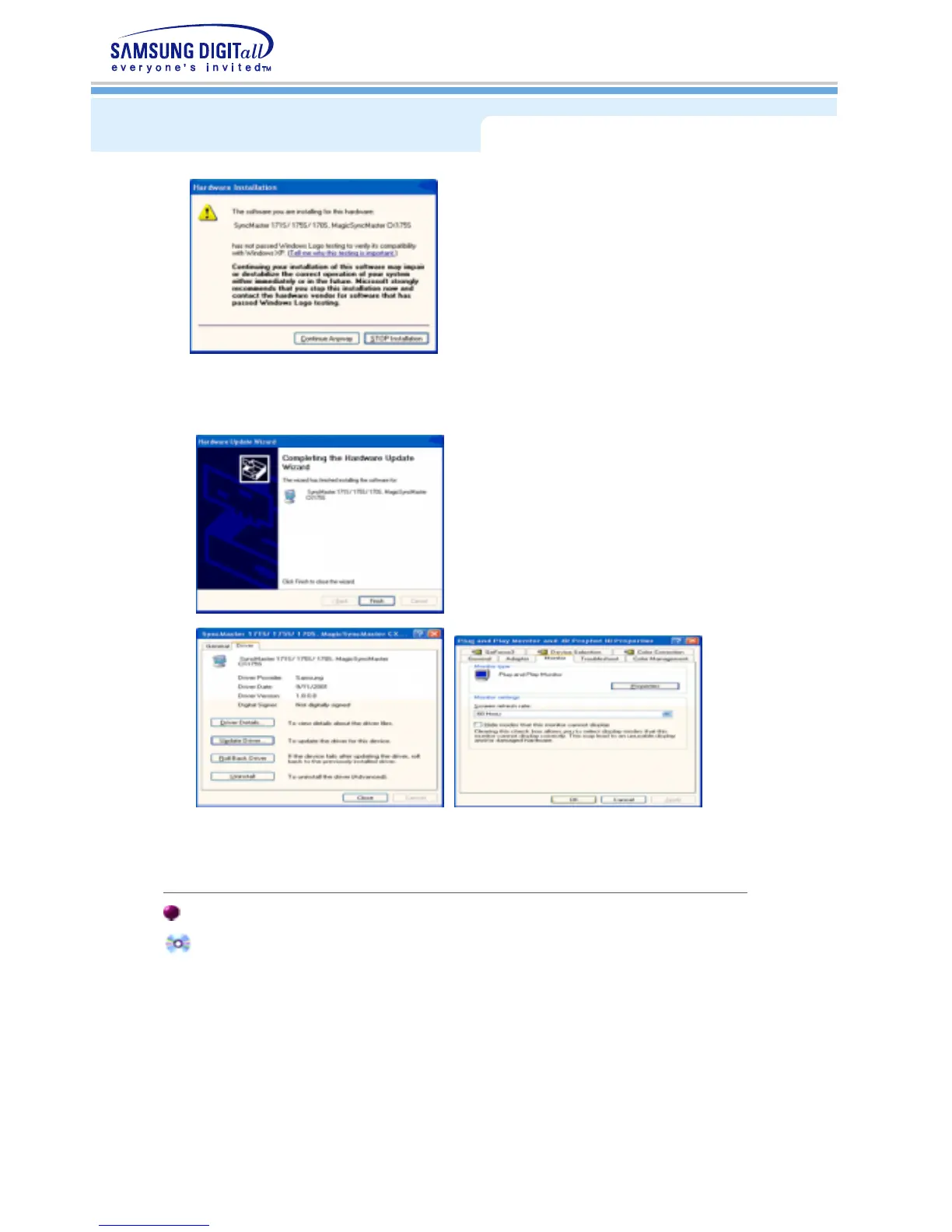
This monitor driver is under certifying MS logo,and this installation don't damage your
system.The certified driver will be posted on Samsung Monitor Homepage
http://www.samsung-monitor.com/.
9. Click the "
Close
" button then click "
OK
" button continually.
10. Monitor driver installation is completed.
Microsoft
®
Windows
®
2000 Operating System
When you can see "Digital Signature Not Found" on your monitor, follow these steps.
1. Choose "
OK
" button on the "
Insert disk
" window.
2. Click the "
Browse
" button on the "
File Needed
" window.
3. Choose A:(D:\Driver) then click the "Open" button and then click "
OK
" button.
Installing the Monitor Driver





 To Next Page