ENGLISH
22
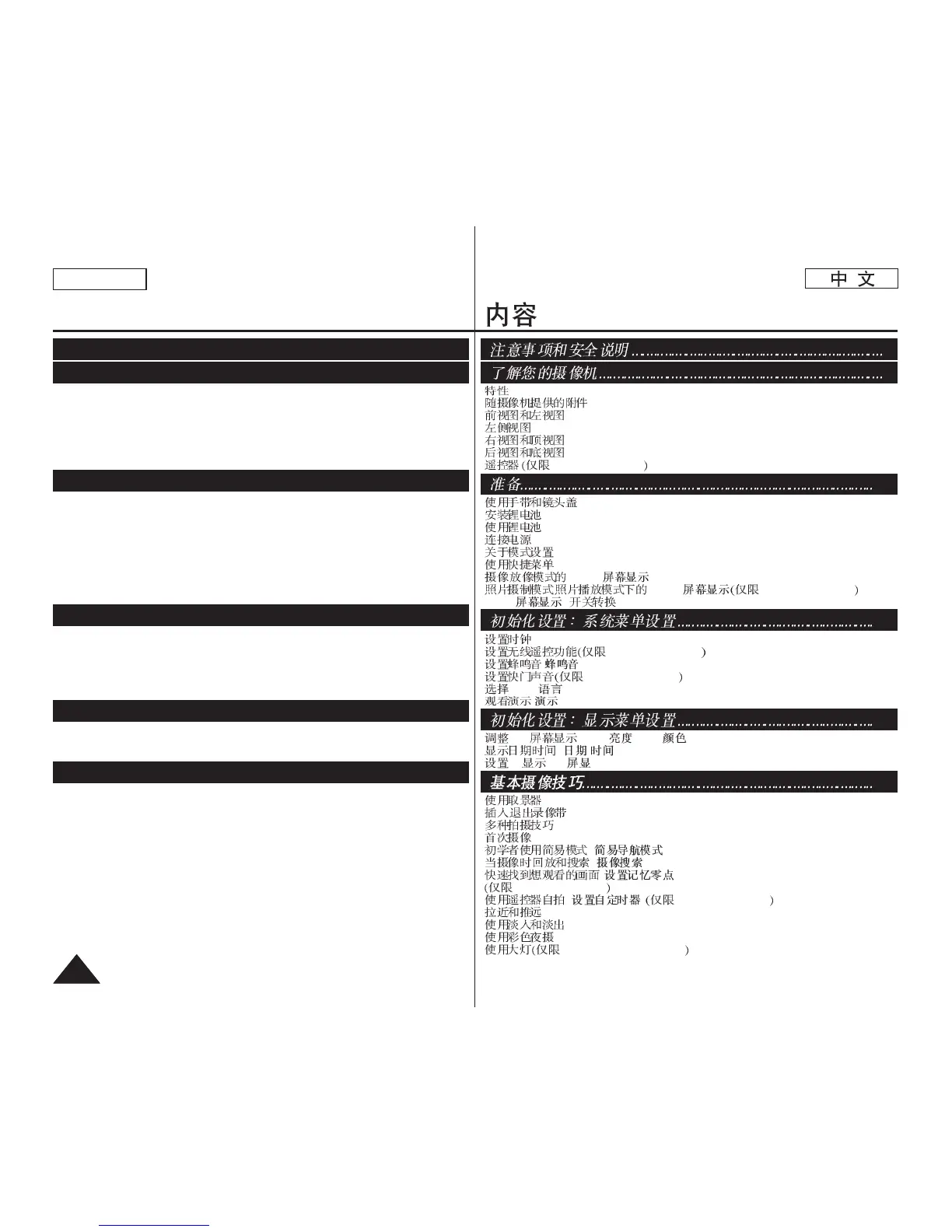
Contents
Features .....................................................................................................................................7
Accessories Supplied with Camcorder......................................................................................8
Front & Left View .......................................................................................................................9
Left Side View ..........................................................................................................................10
Right & Top View......................................................................................................................11
Rear & Bottom View ................................................................................................................12
Remote Control (SC-D375(H)/D975 only)...............................................................................13
Using the Hand Strap & Lens Cover.......................................................................................14
Lithium Battery Installation.......................................................................................................15
Using the Lithium Ion Battery Pack.........................................................................................16
Connecting a Power Source....................................................................................................19
About the Operating Modes.....................................................................................................19
Using the QUICK MENU .........................................................................................................20
OSD (On Screen Display) in Camera/Player Modes .............................................................21
OSD (On Screen Display) in M.Cam/M.Player Modes (SC-D375(H)/D975 only)..................22
Turning the OSD (On Screen Display) On/Off .......................................................................22
Setting the Clock (Clock Set)..................................................................................................23
Setting the Wireless Remote Control Acceptance (Remote) (SC-D375(H)/D975 only)........24
Setting the Beep Sound (Beep Sound)..................................................................................25
Setting the Shutter Sound (Shutter Sound) (SC-D375(H)/D975 only) .................................26
Selecting the OSD Language (Language).............................................................................27
Viewing the Demonstration (Demonstration) ........................................................................28
Adjusting the LCD Screen (LCD Bright/LCD Color).............................................................29
Displaying the Date/Time (Date/Time)....................................................................................30
Setting the TV Display (TV Display).......................................................................................31
Using the Viewfinder................................................................................................................32
Inserting / Ejecting a Cassette.................................................................................................32
Various Recording Techniques ................................................................................................33
Making your First Recording....................................................................................................34
Recording with Ease for Beginners (EASY.Q Mode) .............................................................35
Reviewing and Searching a Recording (REC SEARCH) .......................................................36
Searching quickly for a desired scene (Setting the ZERO MEMORY)
(SC-D375(H)/D975 only) .........................................................................................................37
Self Record using the Remote Control (Setting the Self Timer)
(SC-D375(H)/D975 only) .........................................................................................................38
Zooming In and Out.................................................................................................................39
Using the Fade In and Out ......................................................................................................40
Using the COLOR NITE (COLOR NITE) ................................................................................41
Using the LIGHT (SC-D372/D375(H)/D975 only)....................................................................42
Getting to Know Your Camcorder...............................................7
Initial Setting : System Menu Setting.........................................23
Notes and Safety Instructions......................................................5
Basic Recording .........................................................................32
Initial Setting : Display Menu Setting ........................................29
Preparation ................................................................................14
.......................................................................................................................7
..............................................................................................8
.....................................................................................................9
..............................................................................................................10
...................................................................................................11
...................................................................................................12
SC-D375(H)/D975 .........................................................................13
................................................................................................14
..........................................................................................................15
..........................................................................................................16
..............................................................................................................19
.......................................................................................................19
.......................................................................................................20
/ OSD ( ) ......................................................................21
/ OSD ( ) SC-D375(H)/D975 ......22
OSD (
) ...................................................................................22
..............................................................................................................23
SC-D375(H)/D975 .......................................................24
( ) .............................................................................................25
SC-D375(H)/D975 ..............................................................26
OSD (Language).................................................................................27
( ) ....................................................................................................28
LCD (LCD / LCD )............................................................29
/ ( / ) ...................................................................................30
TV (TV ) ..........................................................................................31
..........................................................................................................32
/ ..................................................................................................32
.......................................................................................................33
..............................................................................................................34
( ) ...................................................................35
, ( ) .........................................................................36
( ZERO MEMORY)
SC-D375(H)/D975 .....................................................................................37
( ) SC-D375(H)/D975 .................................38
..........................................................................................................39
...................................................................................................40
(COLOR NITE) .............................................................................41
SC-D372/D375(H)/D975 ............................................................42
7
23
5
32
29
14














 To Next Page