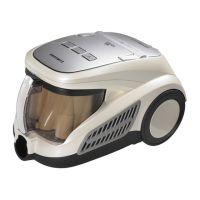
EMPTYING THE DUST BIN
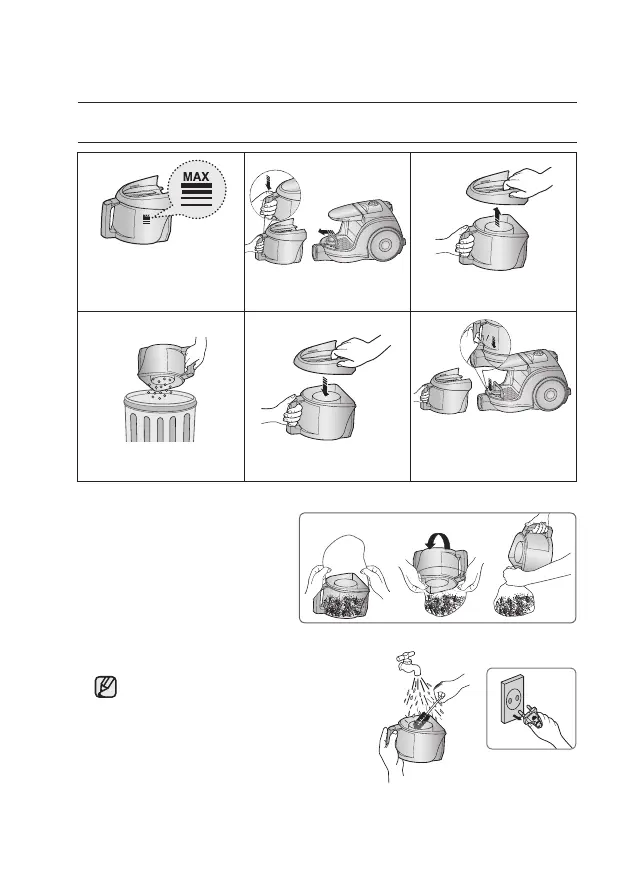
Once dust reaches the
dust full mark, or sution is
noticeably reduced during
cleaning, empty the dust bin.
4 5 6
Take the dust bin out by
pressing the button. Separate the dust bin cover.
Throw away dust into the bin. Close the dust bin cover.
Before use, push the dust
bin into the main body of the
vacuum cleaner until you hear
the “click” sound.
1 2 3
- Empty into a plastic bag
(recommended for asthma/allergy
sufferers)
You may rinse the dust bin with cold water.



 To Next Page