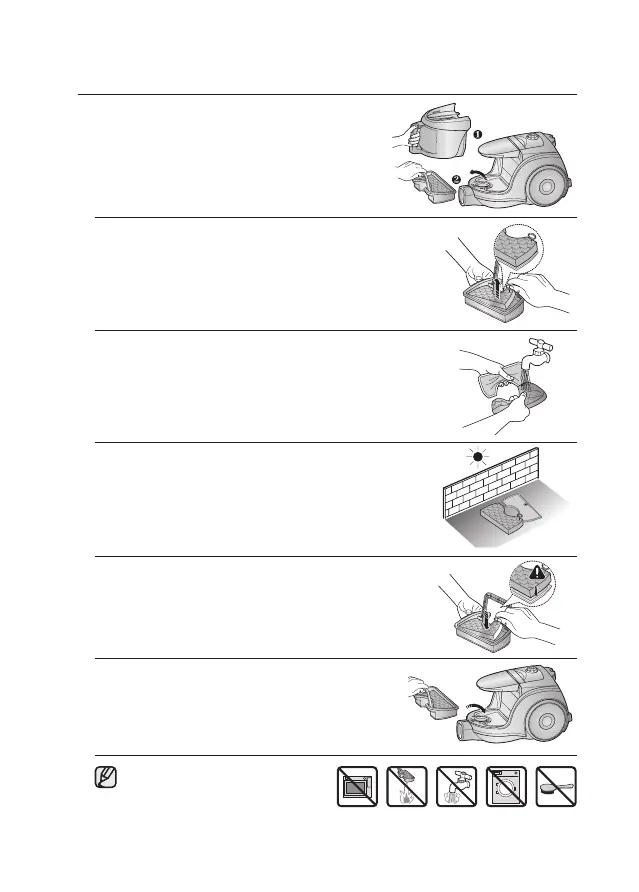
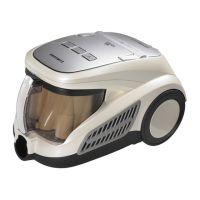
CLEANING THE DUST PACK
2. Remove the sponge and filter from the dust pack.
1. Remove the dust bin and dust pack as shown.
Make sure the filter is completely dry
before putting it back into the vacuum
cleaner. Allow 12 hours for it to dry.
3. Wash the sponge and the filter of the dust pack with water.
4. Let the sponge and filter dry in the shade for more than
12 hours.
5. Put the sponge and lter into the dust pack.
6. Put the assembled dust pack into the main body.



 To Next Page