FRANÇAIS
41
ENGLISH
Advanced Recording
Selecting an effect
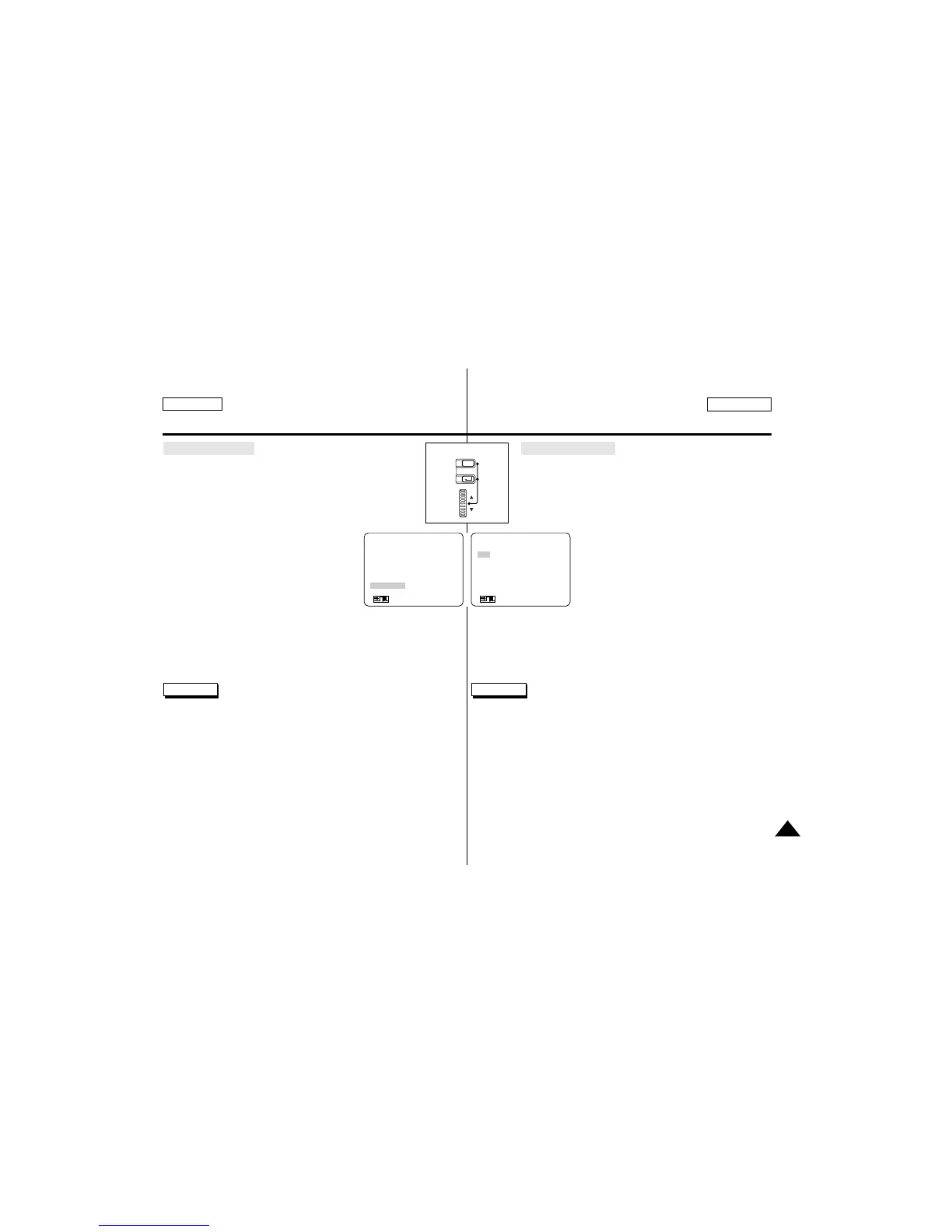
1. Set the camcorder to CAMERA mode.
2. Press the MENU ON/OFF button.
■
The menu list will appear.
3. Turn the MENU DIAL to highlight DSE SELECT.
4. Press ENTER to enter the sub-menu.
5. Using the MENU DIAL, select the DSE
mode.
■
Press ENTER to confirm the DSE mode.
– In MAKE-UP mode, a MENU list for
selecting RED/GREEN/BLUE/
YELLOW will appear.
6. To exit, press the MENU ON/OFF button.
Reference
■
If you select the DSE mode with the PIP mode, the PIP mode
will be switched off.
■
GHOST function will not operate in DIS and 1/8, 1/15, 1/30
SHUTTER modes.
Perfectionnez vos enregistrements
Sélection d’un effet
1. Réglez le caméscope sur CAMERA.
2. Appuyez sur la touche MENU ON/OFF.
■
Le menu des fonctions apparaît.
3. A l’aide de la molette MENU, sélectionnez DSE SELECT.
4. Appuyez sur ENTER pour accéder au
sous-menu.
5. A l’aide de la molette MENU, mettez en sur
brillance l’option DSE.
■
Appuyez sur la touche ENTER pour
confirmer.
- En mode MAKE-UP, le menu des
couleurs (RED/GREEN/BLUE/
YELLOW) apparaît.
6. Pour sortir, appuyez sur la touche MENU ON/OFF.
Important
■
En mode DSE, le mode PIP n’est pas disponible.
■
Le mode GHOST n’est pas disponible en mode DIS ni en mode
SHUTTER 1/8, 1/15, 1/30.
(MENU) SP STBY
CUSTOM SET
DIS............................OFF
PIP............................OFF
D.ZOOM ...................OFF
PROGRAM AE.........AUTO
DSE SELECT ..........OFF
: MENU
●
DSE SELECT
●
SP STBY
(OFF)
OFF
ART
MOSAIC
SEPIA
NEGA
MIRROR
SEL.:ENTER
: MENU



 To Next Page