Getting Started 8
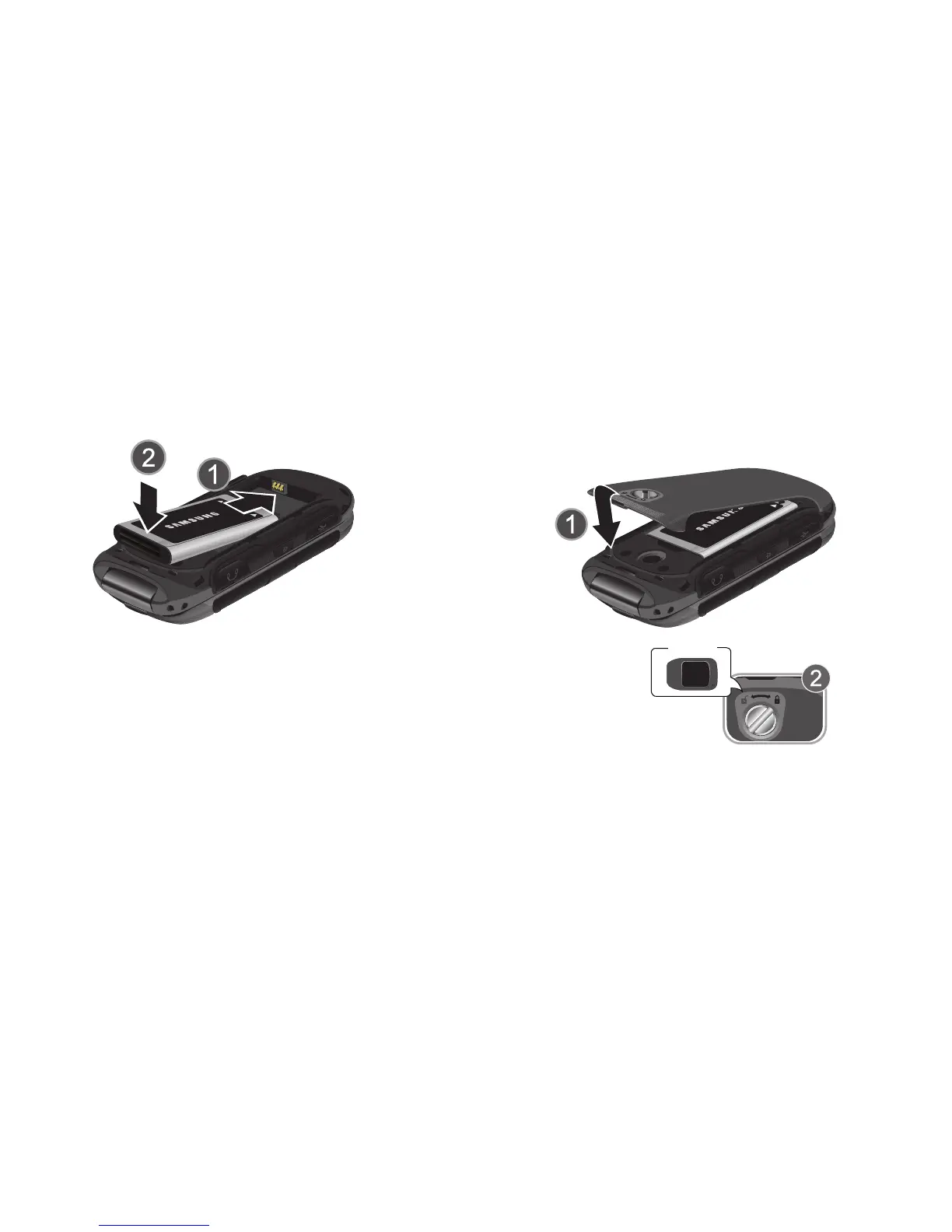
Insert the Battery
1. Insert the battery, making sure to align the gold
contacts.
2. Press down gently to secure the battery.
Replace the Battery Cover
1. Place the cover over the back of the phone, then press
down along the edges to secure the cover.
2. Use the battery cover removal tool to turn the dial
clockwise until the cover is locked.














 To Next Page