17
Navigation Keys
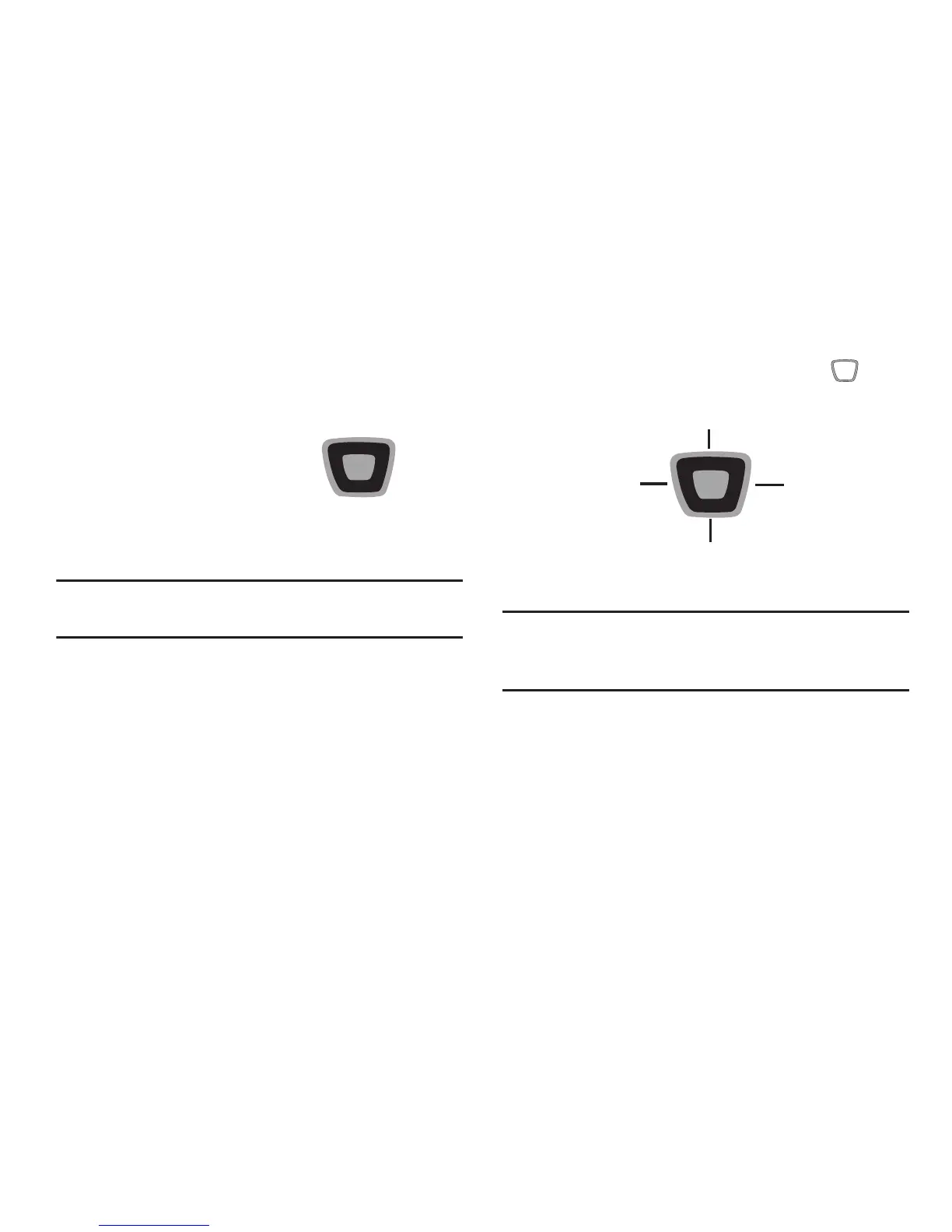
Directional Key
Press the
Directional Key
UP, DOWN, LEFT or
RIGHT to browse menus
and lists, or to launch
applications from the
Home screen with
Directional Key
Shortcuts.
Tip:
While navigating, you can also press the number key
corresponding to an menu item to launch the item.
Directional Key Shortcuts
From the Home screen, press the
Directional Key
to
launch favorite applications.
Tip:
Customize Directional Key Shortcuts with Set Shortcuts
under Phone Settings. For more information, see “Set
Directional Keys” on page 115.














 To Next Page