Funbox
100
Navigating the WAP browser
Entering text in the WAP browser
When you are prompted to enter text, the active text input
mode is indicated on the screen.
The following modes are available:
Upper-case character mode (A): allows you to enter upper-
case English characters.
Lower-case character mode (a): allows you to enter lower-
case English characters.
Note: You can enter symbols in upper or lower-case character mode by
pressing the 1 key.
Number mode (1): allows you to enter numbers.
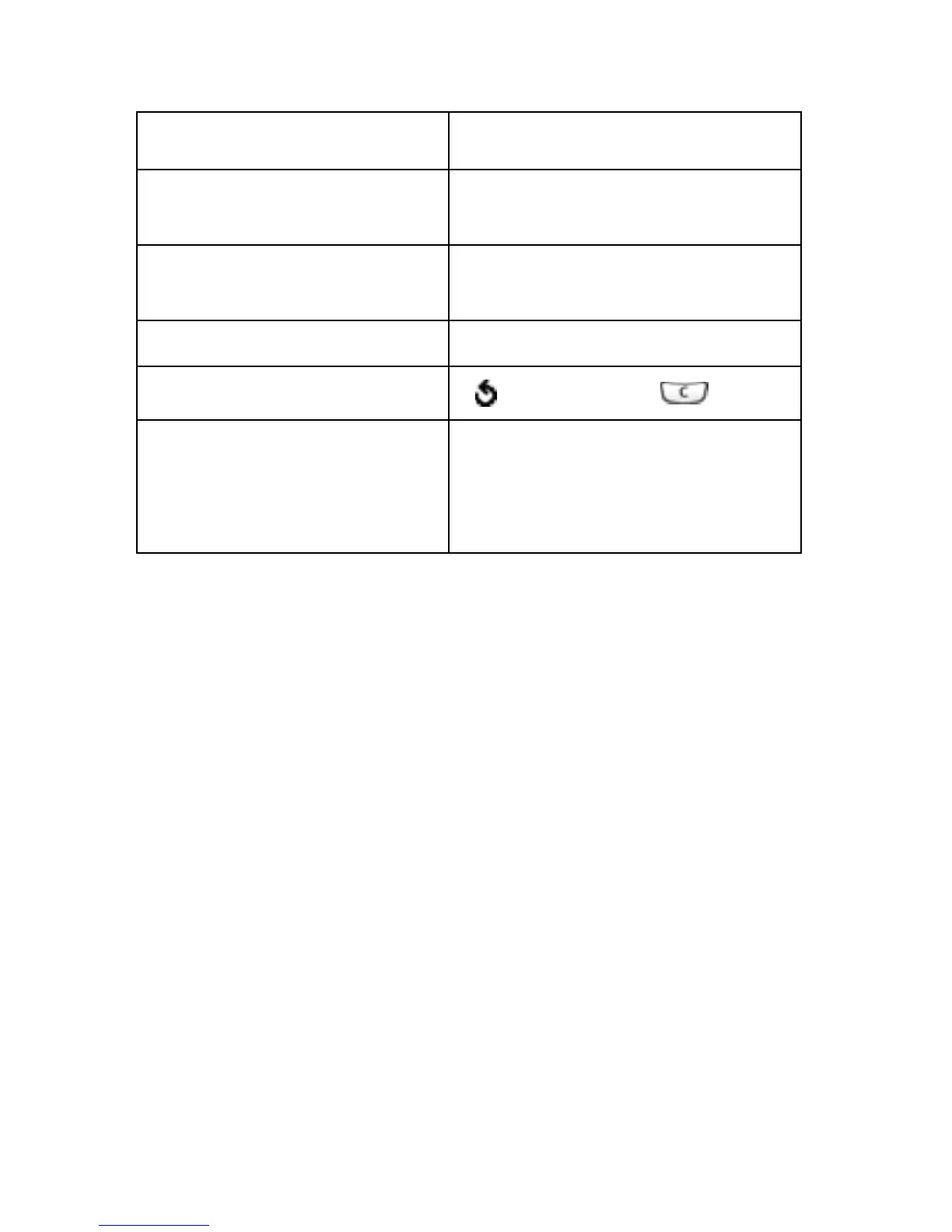
To Press the
scroll through browser
items
Up or Down keys.
select browser items Options soft key, then choose
Select.
select a numbered item corresponding numeric key.
return to the previous page
soft key or the key.
return to the startup
homepage
Options soft key, then choose
the Home menu. For more
details about this option, see
page 101.



 To Next Page