Your phone
12
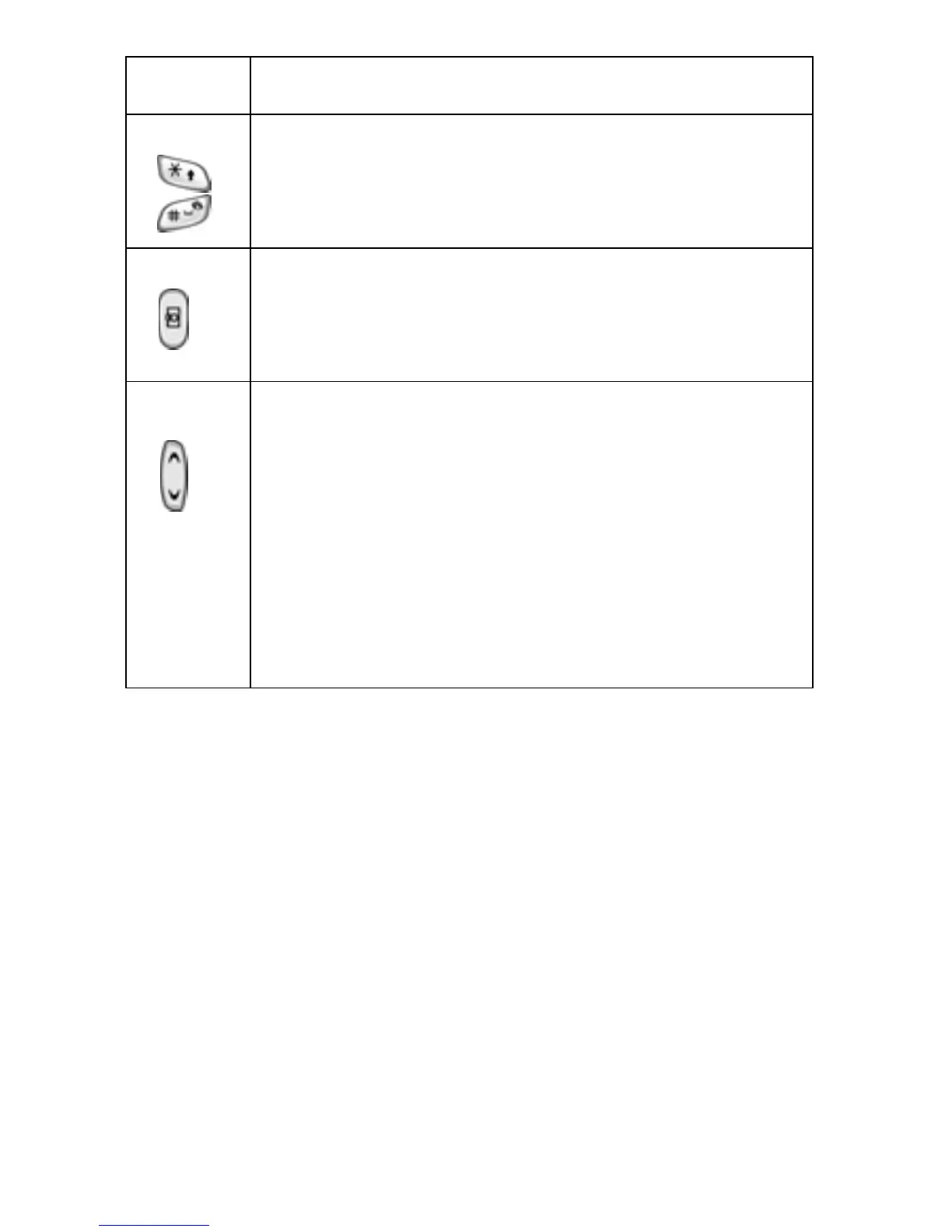
Enters special characters.
Performs various functions.
Press and hold the Camera key, on the right side of
your phone, to turn your camera on. With your camera
on, use this key as your shutter button.
Use the Volume key, on the left side of your phone, to
adjust the earpiece volume during a call, or use it to
adjust the keypad tone volume with the phone open
and in Idle mode.
With the phone closed, press and hold to turn on the
external display.
In Menu mode, use for scrolling through menus.
Key
(s)
Description



 To Next Page