Messages
94
Save address: allows you to extract the sender’s number
or e-mail address and URL, other e-mail addresses or
phone numbers from the message text.
Save Picture: allows you to save an image from the
message into your phone. Images are stored in the
Images folder (Menu 6.4).
Save Sound: allows you to save a sound from the
message into the Sounds folder (
Menu 6.3).
Properties: shows you information about the message,
such as the subject, sender’s e-mail address or phone
number, message size, recipient’s e-mail address or
phone number, its priority, and the time and date the
message was received.
Outbox
The Outbox menu (Menu 5.2.3) lists the multimedia
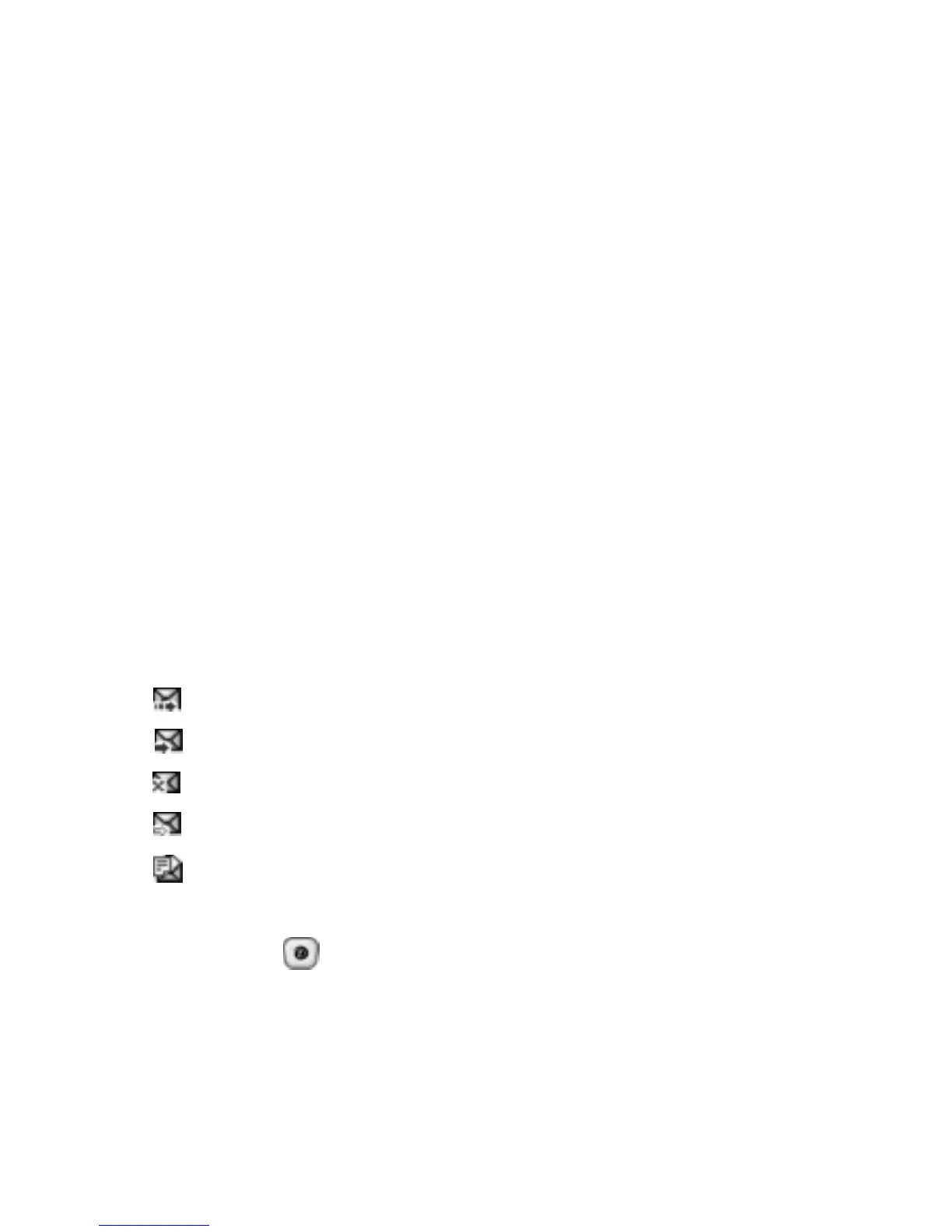
messages you have sent or saved. The icons below
indicate the status of your messages:
● : Messages currently being sent
● : Messages sent
● : Messages your phone couldn’t send
● : Messages to be sent
● : Messages deferred
1. Select a message on the list and press the Select soft
key or the
key.
The message displays and scrolls to additional pages, if
necessary.



 To Next Page