Your phone
16
Backlight
The display and the keypad are illuminated by a
backlight. When you press any key, the backlight
illuminates. It turns off if you don’t press any key
within a given period of time, depending on the
Backlight
menu option. For further details, see
page 161.
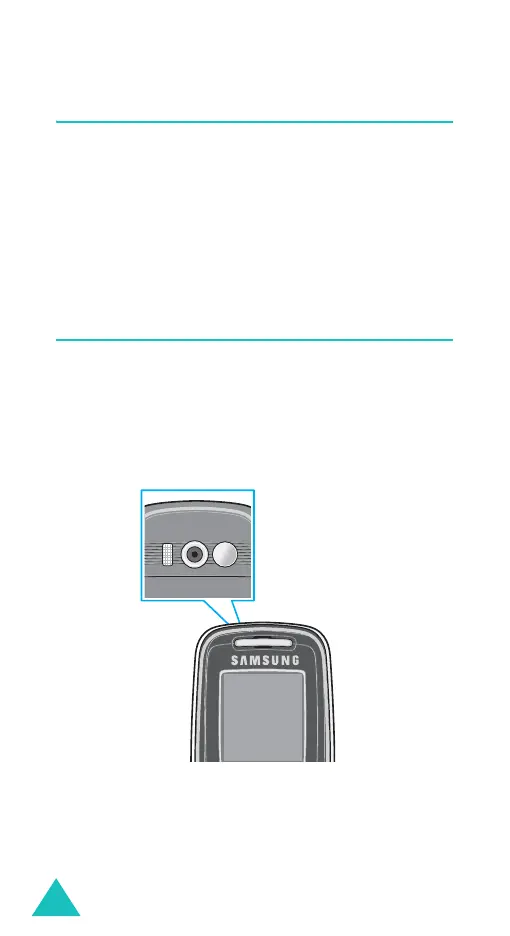
Camera
The camera embedded in your phone allows you to
take a picture of people or events while on the
move.
For further details about using the Camera feature,
see page 151.
(Reverse side)



 To Next Page