Getting started
22
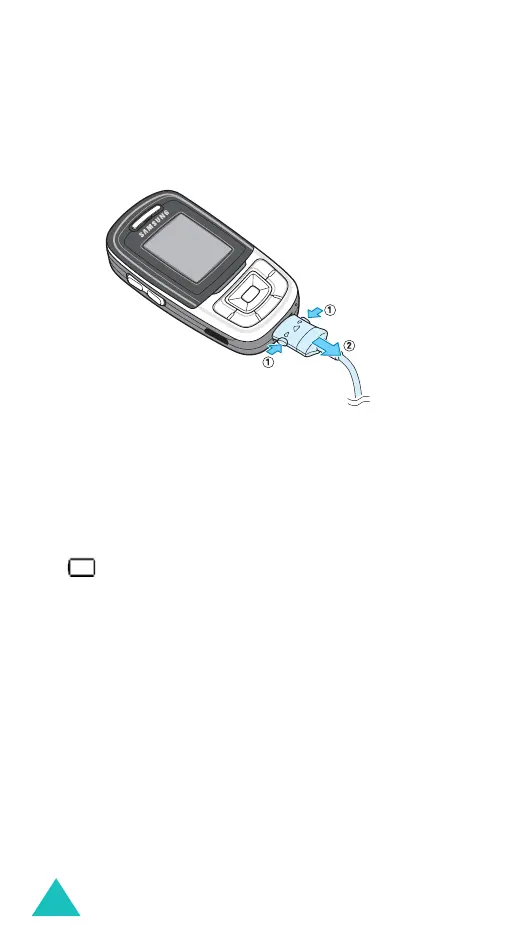
3. When charging is finished, disconnect the
adapter from the power outlet and from the
phone by pressing the grey tabs on both sides of
the connector and pulling the connector out.
Low battery indicator
When the battery is weak and only a few minutes of
talk time remain, the battery sensor informs you in
the following ways: an empty battery icon flashes
( ), you hear a warning tone and a message
repeats at regular intervals on the display.
When the battery becomes too weak for the phone
to operate, it switches off automatically.



 To Next Page