Getting started
21
Charging the battery by using the travel
adapter
Note
: The phone can be used while the battery is
being charged, but this causes the battery to
charge more slowly.
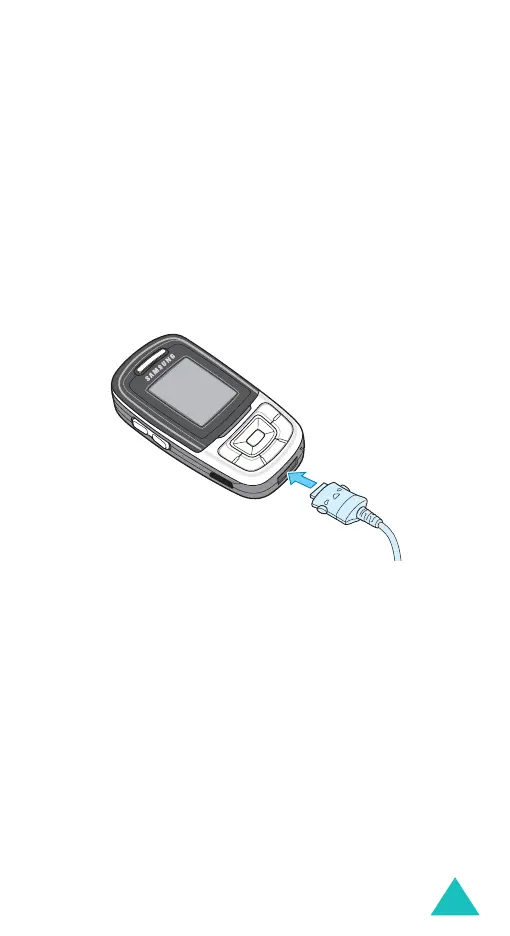
1. Plug the travel adapter connector into the jack
at the bottom of the phone.
Check that the arrow on the connector is facing
towards the front of the phone.
2. Plug the adapter into a standard AC wall outlet.
While charging, the battery icon at the top right
corner of the display repeatedly fills to show that
the battery is charging.



 To Next Page