Getting started
19
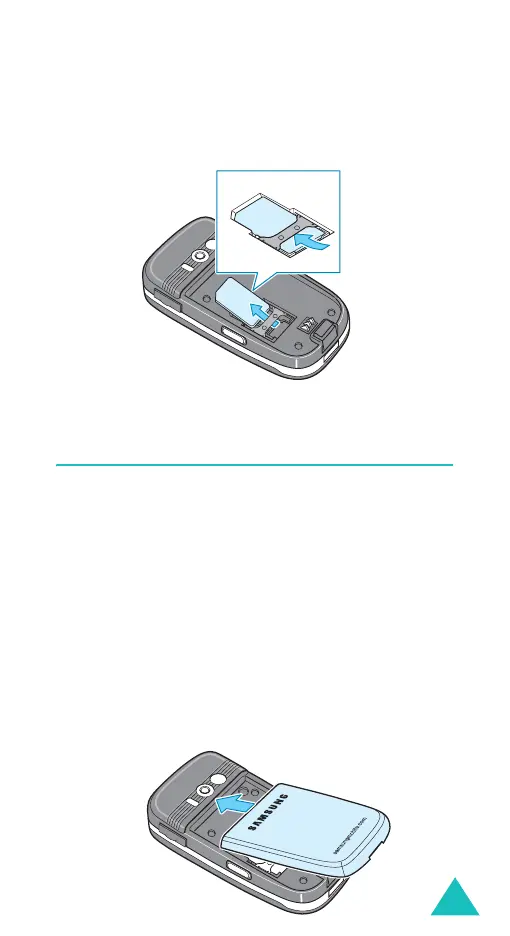
Removing the SIM card
To remove the SIM card, slide it out, as shown, and
remove it from the socket.
Installing/Removing/Charging the
battery
Your phone is powered by a rechargeable Li-ion
battery. Use only approved batteries and chargers.
Ask your local Samsung dealer for further details.
Note
: You must fully charge the battery before using
your phone for the first time. A discharged
standard battery is fully recharged in
approximately 130 minutes.
Installing the battery
1. Insert the teeth on the top of the battery into
the corresponding slots on the phone.



 To Next Page