12
Get started
Access menu functions
Bluetooth hands-free
car kit or
headset connected
p. 91
Bluetooth active
p. 91
Music playback in progress
Music playback paused
Memory card inserted
p. 24
Alarm set
p. 46
Silent mode (Vibration)
Silent mode (Mute)
Call ringer set to vibrate
Mute mode, during a call
Battery power level
* Depending on your country or service provider, the
icons shown on the display may vary.
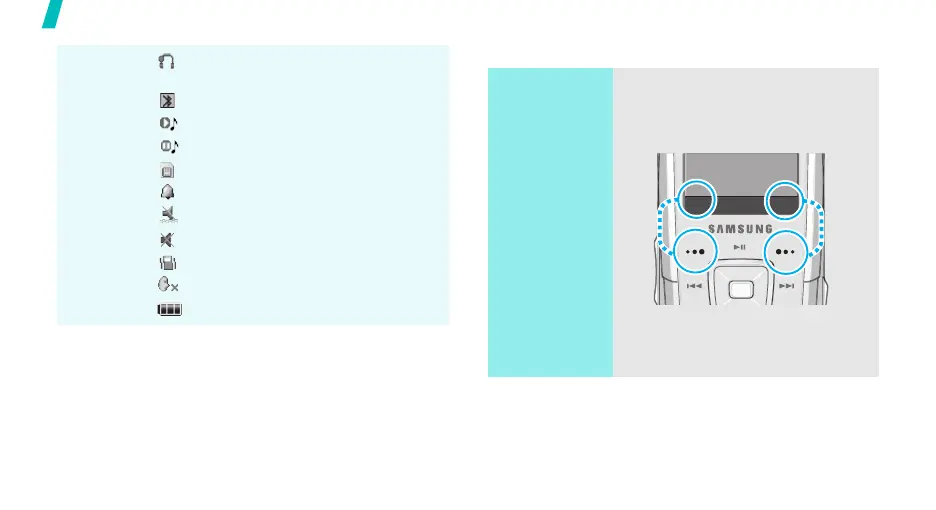
Use the soft
keys
The roles of the soft keys vary
depending on the function you are
using. The bottom line of the
display indicates their current role.
Press the left
soft key to select
the highlighted
option.
Press the right
soft key to return
to the previous
menu level.
Select Back



 To Next Page