57
Menu functions
Messages
(Menu 5)
•
Attach
: attach Phonebook entries as name cards
or calender data as data format attachments.
•
Remove subject
/
Remove message
/
Remove
attachment
: remove an added item.
•
Remove all attachments
: delete all attached
files.
My messages
(Menu 5.2)
Use this menu to access messages you have received,
sent, or which have failed in sending.
Inbox
(Menu 5.2.1)
This folder stores all of the messages you have
received, except for e-mails.
Viewing a message
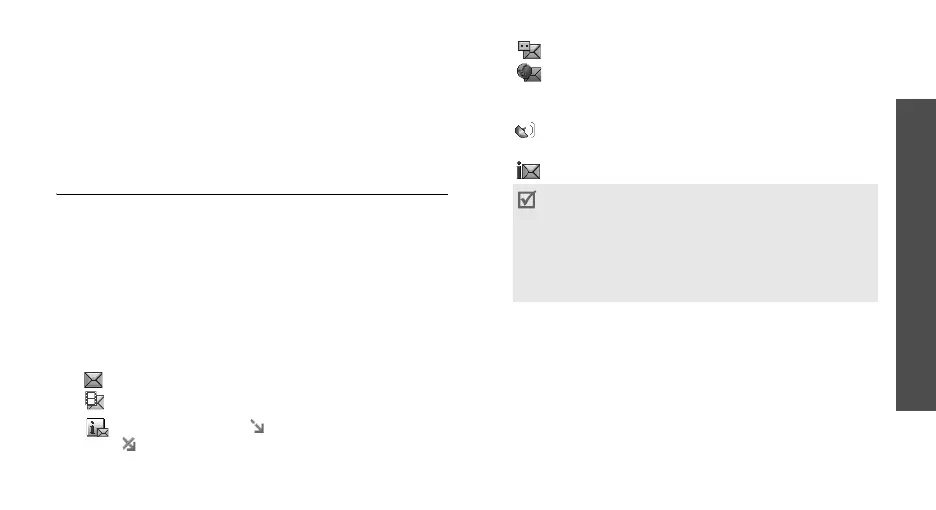
The following icons may appear on the message list to
show the message type:
• SMS
• MMS
• MMS notification ( : Being retrieved,
: Failed to retrieve)
• Voicemail
• Push message from web servers or
Configuration message, containing network
parameters from your service provider
• CB (Cell broadcast) message from your
service provider
• Delivery report for your sent messages
Using message options
While viewing a message, press <
Options
> to access
the following options:
SMS messages
•
Reply via text message
: reply to the sender via
SMS.
•
Reply via multimedia message to
: reply to the
sender via MMS.
• Depending on the DRM (Digital Rights
Management)
system, messages having web
content may not be
able to be forwarded.
• A
!
icon next to a message means that the
message is of high priority. A grey-coloured
message icon indicates low priority.



 To Next Page