26
Step outside the phone
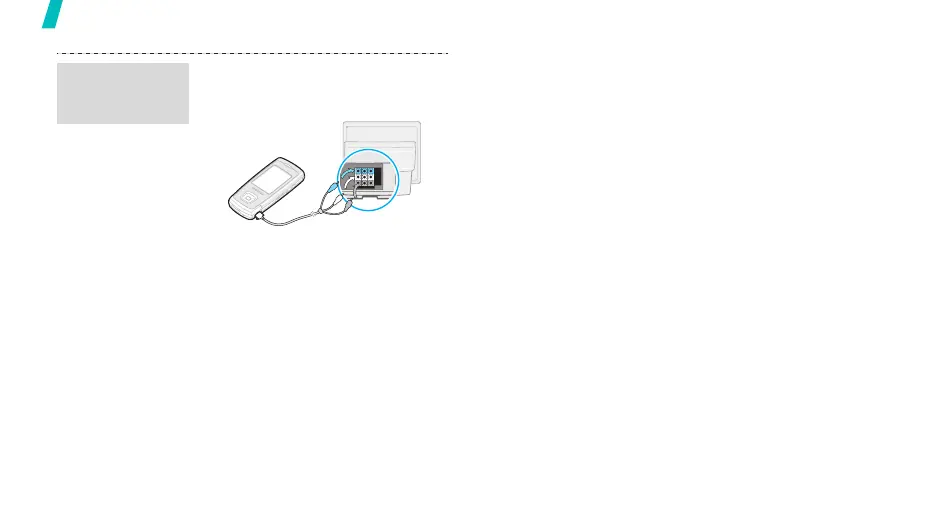
1. With the TV switched on,
connect your phone to the TV
with a TV out cable, as shown.
2. Switch the TV to External Input
mode.
The display switches to TV Out
mode and you can view the
phone’s display on the TV
screen.
3. If necessary, set the video
system for your TV in the
TV-out settings
menu.
p. 86
4. Access the application you want
and open files.
Transfer
phone display
to a TV



 To Next Page