EasyManua.ls Logo

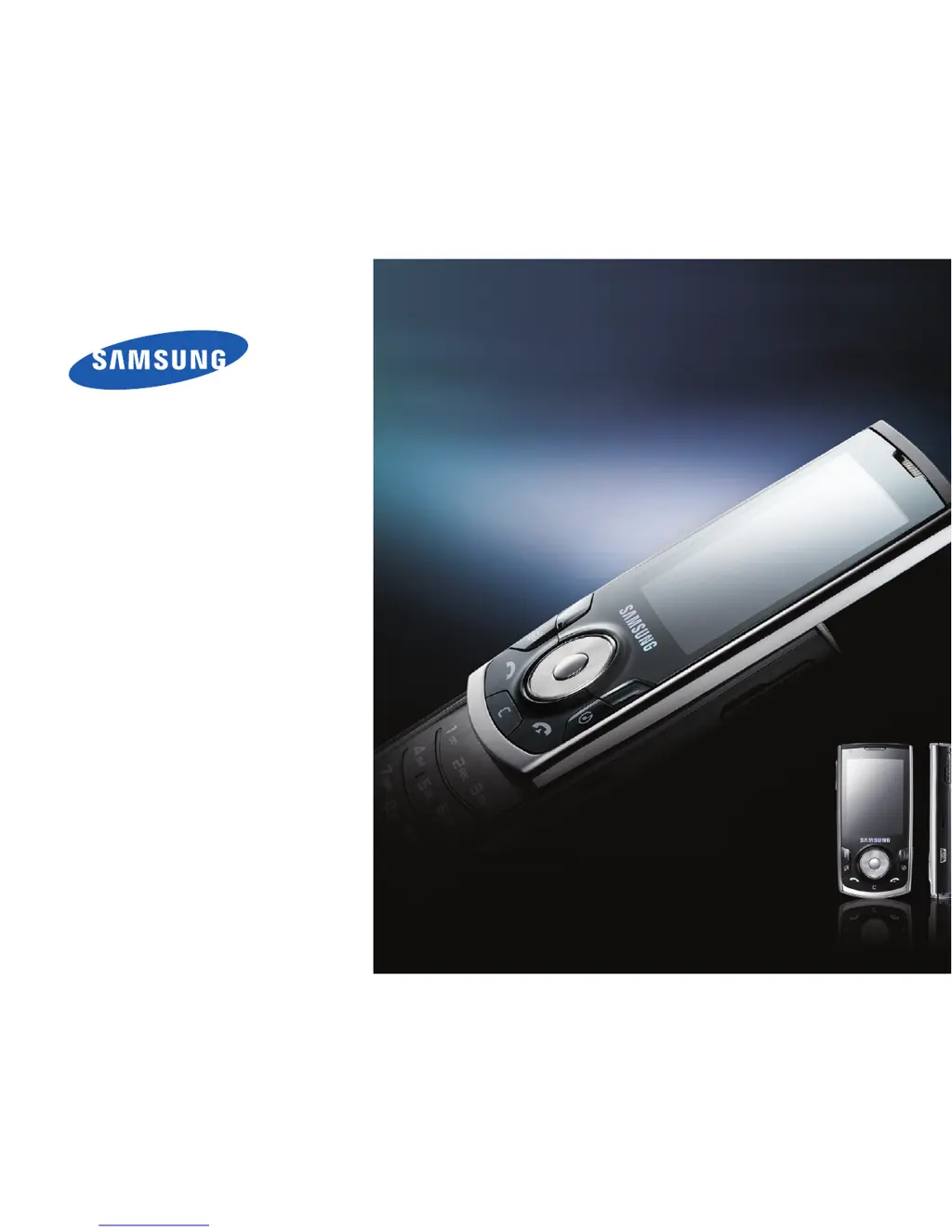
Samsung SGH-I560 - User Manual

Samsung SGH-I560
106 pages
Print Icon
To Next Page IconTo Next Page
Loading...
SGH-i560
User’s Guide

Table of Contents

Questions and Answers

  • J
    Jamie BrownAug 20, 2025
    Why is my Samsung SGH-I560 hot?
    • M
      melaniejohnsonAug 20, 2025
      If the Samsung Cell Phone is hot to the touch, it means that when you use several applications at once, your device requires more power and may heat up. This is normal and should not affect your device’s lifespan or performance.
  • R
    Robert VargasAug 22, 2025
    What to do if my Samsung SGH-I560 Cell Phone battery does not charge properly?
    • C
      Christine PerryAug 22, 2025
      If your Samsung Cell Phone does not charge properly or sometimes turns itself off while charging, try the following: * Disconnect the device from the charger, remove and reinstall the battery, and try charging again. * The battery terminals may be dirty, so wipe both gold-coloured contacts with a clean, soft cloth and try charging the battery again. * If the battery no longer charges completely, dispose of the old battery properly and replace it with a new battery.
  • J
    Jeffrey YoungAug 25, 2025
    How to unlock my Samsung SGH-I560?
    • K
      Keith AndersonAug 25, 2025
      If your Samsung Cell Phone is locked, it is because the autolock feature is enabled. To use the device, press and enter the code. To disable the autolock feature: 1. Press [ ] ? Settings ? General ? Security ? Phone and SIM card. 2. Set the Phone autolock period to None.
  • A
    alexandramartinAug 26, 2025
    What to do if I forgot my Samsung SGH-I560 PIN code?
    • C
      Charles MoralesAug 27, 2025
      If you forgot a security, PIN, or PUK code for your Samsung Cell Phone, the default lock code is 00000000. If you forget or lose this or another code, contact the seller or your service provider.
  • B
    Benjamin FletcherAug 28, 2025
    What to do if a Samsung SGH-I560 Cell Phone application is frozen?
    • C
      Crystal JohnsonAug 28, 2025
      If your Samsung Cell Phone application is frozen: * Press and hold [ ] to open the application list. * Scroll to the application that is frozen and press [C] and then . * Launch the application again.
  • J
    Jason GrahamAug 30, 2025
    Why does my Samsung Cell Phone not show a signal?
    • N
      Nicholas PetersonAug 30, 2025
      If your Samsung Cell Phone does not show a signal, wait about 2 minutes for your device to find the network and receive a signal. You may not be able to receive a signal in tunnels or elevators, so move to an open area. You may be between service areas, so you should receive a signal when you enter a service area.
  • T
    tthompsonSep 1, 2025
    How to disable PIN code on Samsung SGH-I560?
    • D
      Debra McdonaldSep 1, 2025
      To disable the PIN code request feature on your Samsung Cell Phone: 1. Press [ ] ? Settings ? General ? Security ? Phone and SIM card. 2. Set the PIN code request to Off.
  • T
    Taylor EstradaSep 3, 2025
    Why can't people hear me on my Samsung SGH-I560 Cell Phone?
    • G
      Gregory JonesSep 3, 2025
      If another caller cannot hear you speaking on your Samsung Cell Phone: * Ensure that you are not blocking the built-in microphone. * Move the built-in microphone closer to your mouth. * If using a headset, ensure that it is properly connected.
  • P
    paige96Sep 5, 2025
    Why is my Samsung Cell Phone not dialling the number?
    • A
      adamssusanSep 5, 2025
      If you enter a number on your Samsung Cell Phone, but the call is not dialled: * Ensure that you have pressed [ ]. * Ensure that you have accessed the right cellular network. * Ensure that you have not set call barring for the phone number.
  • S
    Sarah AndersonSep 7, 2025
    Why won't my Samsung SGH-I560 Cell Phone dial a contact?
    • M
      mccarthykimberlySep 7, 2025
      If you select a contact to call, but the call is not dialled on your Samsung Cell Phone: * Ensure that the correct number is stored in the contact information. * Re-enter and save the number, if necessary.

Summary

Safety and Usage Information

General Safety Precautions

Covers child safety, hearing, driving, aircraft, medical equipment, and environmental hazards.

Device and Battery Care

Guidelines for handling, charging, and disposing of the device and batteries safely.

Communication

Calls

Making, receiving, and managing phone calls.

Messages

Sending, receiving, and managing text and multimedia messages.

Media

Music Player

Playing MP3 and AAC music files.

Camera

Taking photos and recording videos.

Personal Productivity

Contacts

Storing and managing personal contact information.

Web

Browse a Web Page

Navigating and accessing web content using the browser.

Connectivity

Use Bluetooth Wireless Feature

Connecting and transferring data with Bluetooth devices.

Connect via USB

Connecting the device to a computer via USB cable.

Settings

General Settings

Customizing display, standby mode, tones, and language.

Phone Settings

Configuring call handling, caller ID, and call settings.

Troubleshooting

Contacting a Service Centre

Procedures for resolving device issues and contacting support.

Samsung SGH-I560 Specifications

General IconGeneral
BrandSamsung
ModelSGH-I560
CategoryCell Phone
LanguageEnglish

Related product manuals