E-16
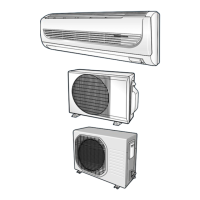
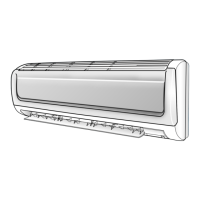
Adjusting the Air Flow Direction Vertically
Depending on the position of the indoor unit on the wall of your
room, you can adjust the position of the outer air flow blade on the
bottom of the unit, thus increasing the efficiency of the air
conditioner.
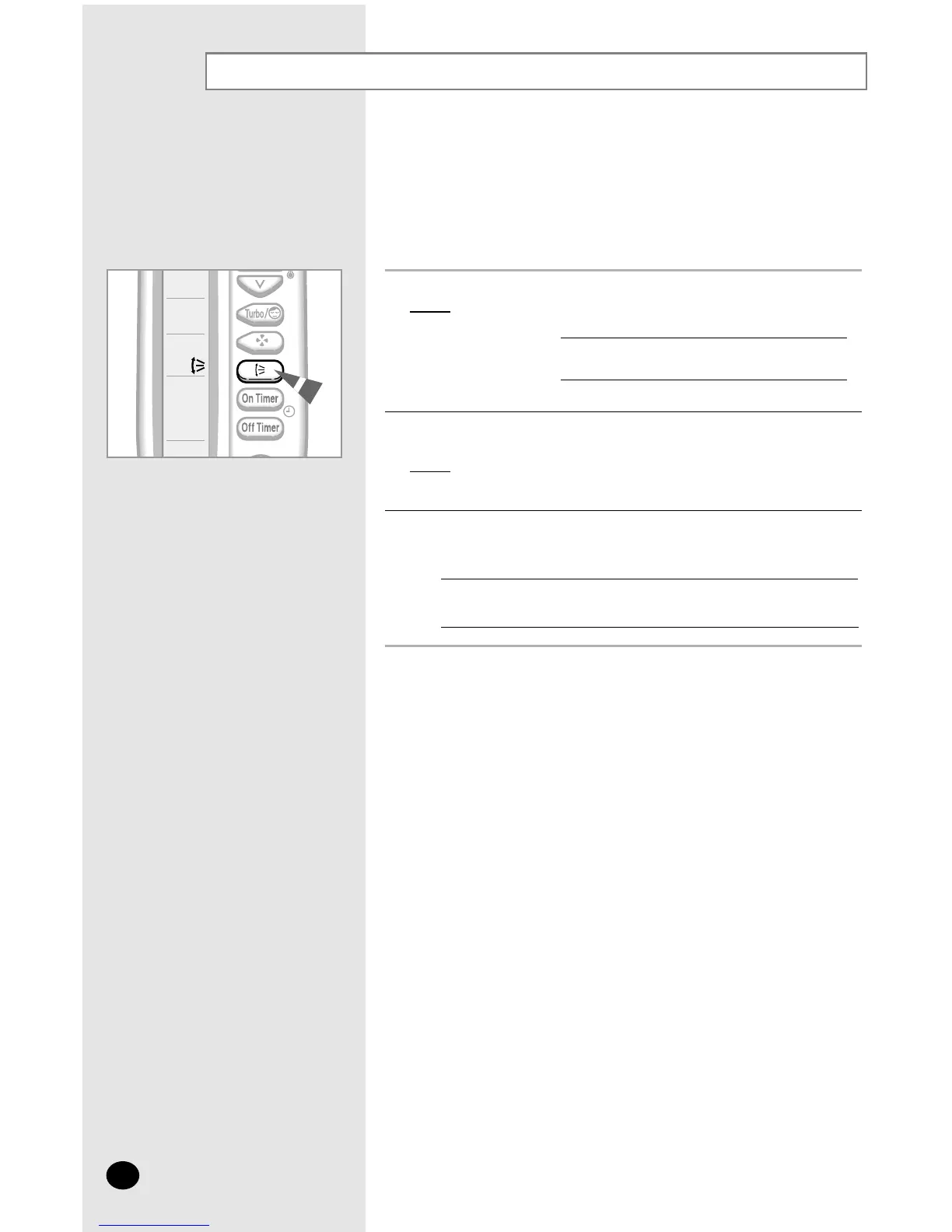
1 Press the SWING button one or more times as required.
Result
: The outer blade is adjusted vertically.
RECOMMENDATION When... Adjust the blade to face...
Cooling Upwards.
Heating Downwards.
2 If you want the blade to move up and down automatically when the air
conditioner is operating, press the SWING button.
Result
: The blade move up and down, around the base position set.
3
To stop the blade moving up and down, press the SWING button again.
NN
NN
oo
oo
tt
tt
ee
ee
If you switch the air conditioner... Then the blade is...
Off Closed completely.
On again Set to the initial position powered.



 To Next Page