E-24
Installing a Filter (Option)
Technical Specifications
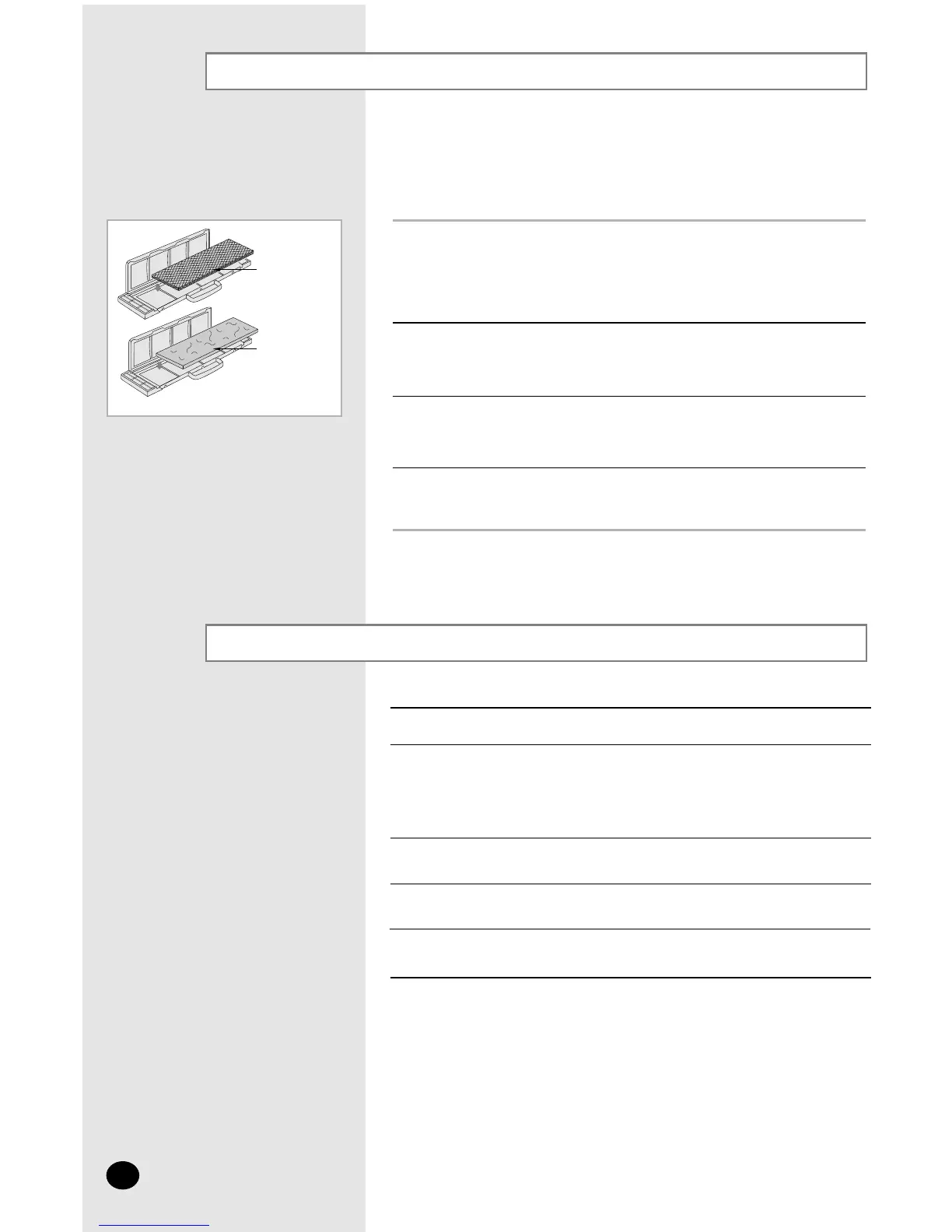
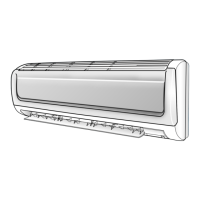
3 Open the front grille by pulling on the tabs on the lower right and left
sides of the indoor unit.
2 Insert the filter in the filter holder and press the three insert tabs until
you hear a click.
1 Remove the vinyl packing from the filter.
NN
NN
oo
oo
tt
tt
ee
ee Do not remove the packing from a deodorizing filter until you
wish to use the filter, as it will lose its properties.
The air conditioner can be fitted with a deodorizing and Bio-Pure
filter to remove minute dust particles or odours. The service life of
the filter is approximately three months depending on the time
during which the air conditioner is used.
Deodorizing
filter
Bio-Pure Filter
4 Take out the existing filter and replace it with the new one.
❈ The last letter of the Model Indoor unit means the power supply,
❈ "E" in the "AQ12AAME", for instance.
Model Indoor unit
200-220V~, 50Hz
208-230V~, 60Hz
✴✴✴✴✴E
✴✴✴✴✴ED
SH✴✴✴✴
SH✴✴✴✴D
AQ✴✴✴B
AQ✴✴✴BD
✴✴✴✴✴C
✴✴✴✴✴CD
✴✴✴✴✴D
✴✴✴✴✴DD
220-240V~, 50Hz
Power Supply
220V~, 60Hz



 To Next Page