Shooting options
44
Using face detection
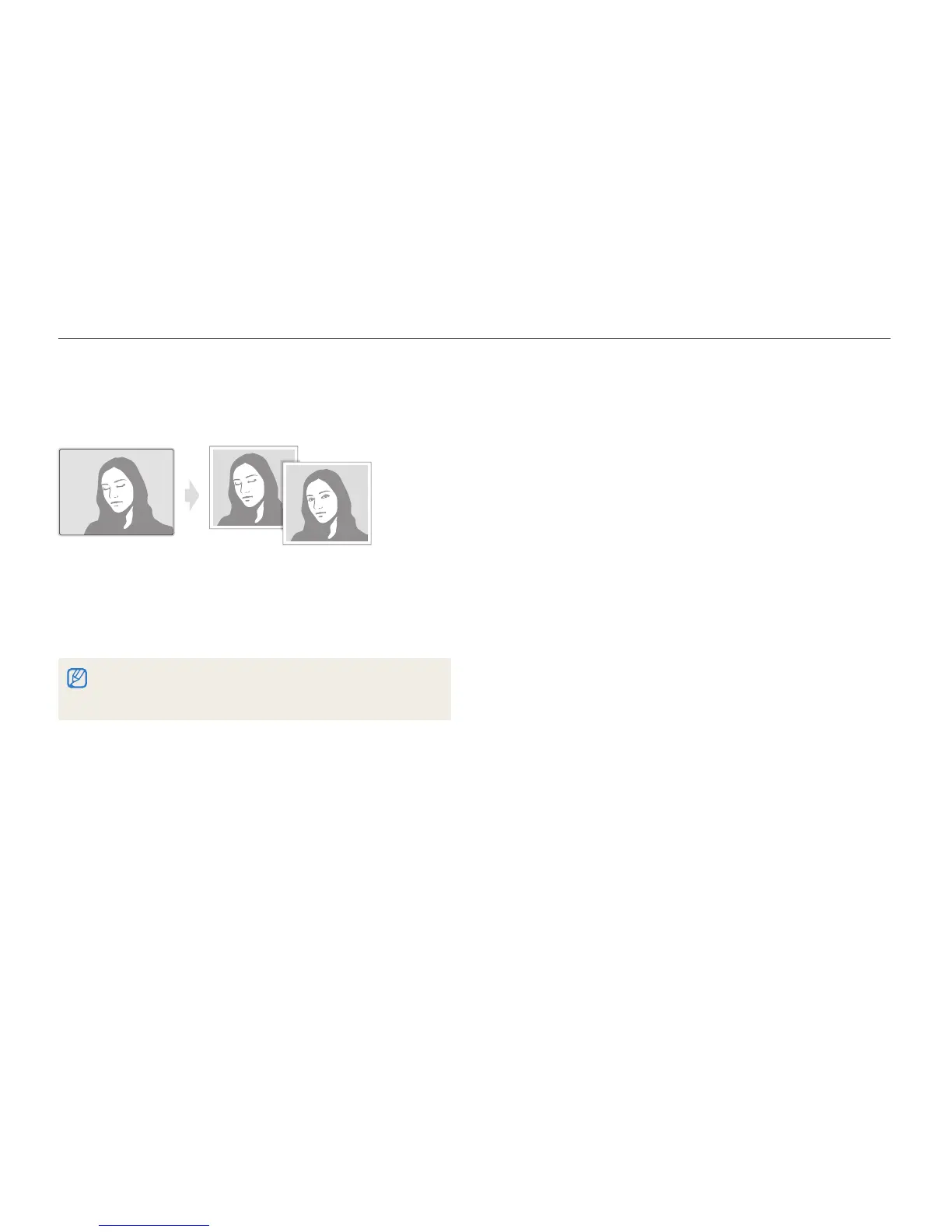
Detecting eye blinking
If your camera detects closed eyes, it will automatically take
2 photos in succession.
In Shooting mode, press [
1
m
].
Select
2
Functions Face Detection Blink
Detection.
Hold your camera still while t “Capturing” is displayed on the screen.
When blink detection fails, t “Picture taken with eyes closed.”
message appears. Take another photo.



 To Next Page