EasyManua.ls Logo

Samsung SMH7174 - User Manual

Samsung SMH7174
36 pages
Print Icon
To Next Page IconTo Next Page
Loading...
Code No. : DE68-00356D
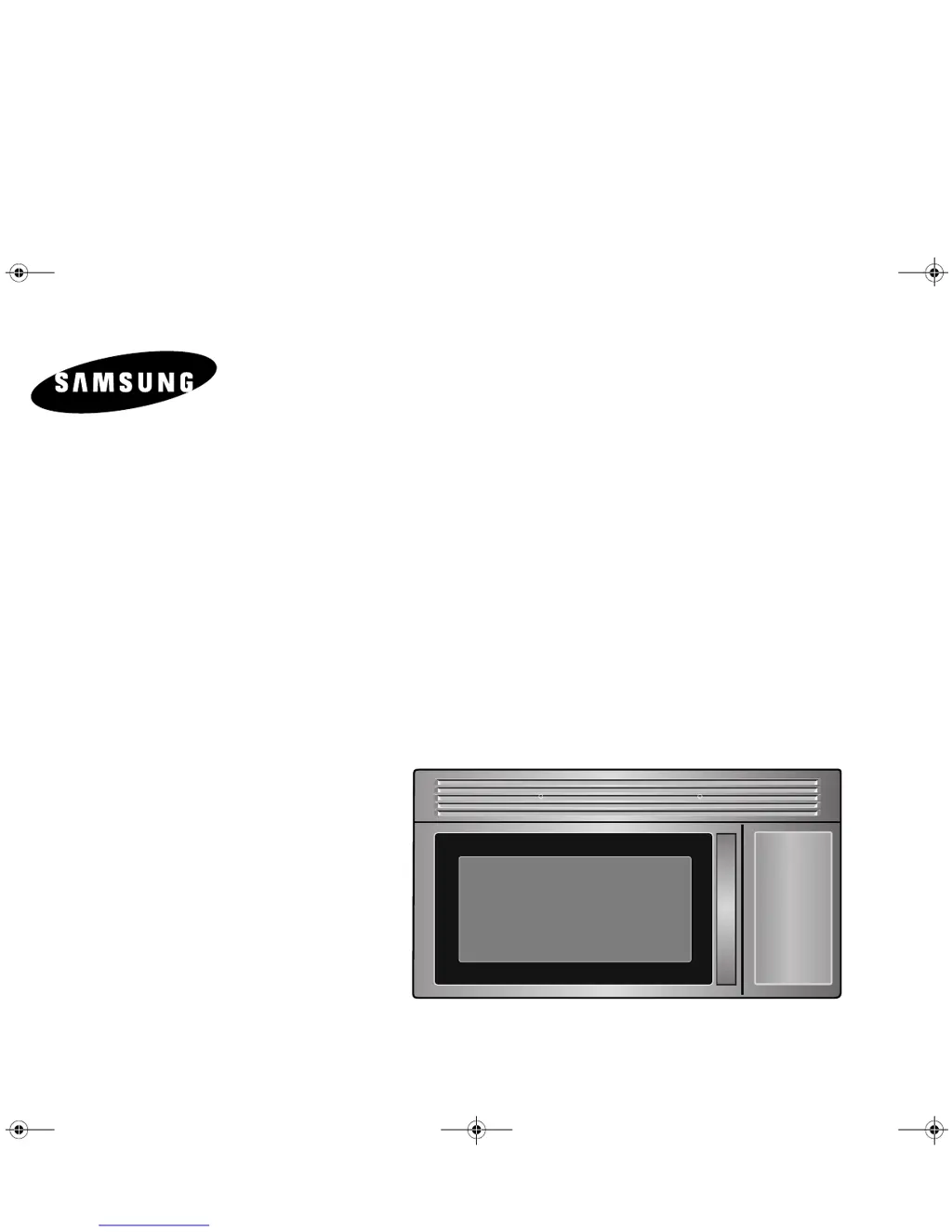
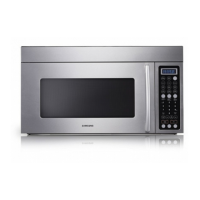
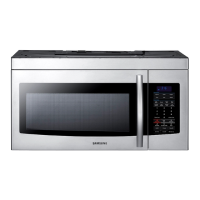
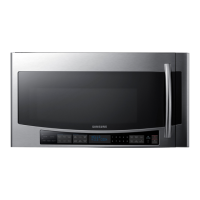
Microwave Oven
Owner’s Manual
SMH7174
SMH7175
SMH7195
zto^X^\~jUGGwGXGG{SGqGX\SGYWW[GGXXaW\Ght

Table of Contents

Questions and Answers

  • P
    Peter LoweJul 30, 2025
    Why does my Samsung SMH7174 Microwave Oven spark?
    • C
      Casey RosalesJul 30, 2025
      Sparks or arcing in your Samsung Microwave Oven can be caused by metallic utensils, cookware, or metal ties. Remove any metallic items. If you’re using foil, use only narrow strips, ensuring there is at least one inch of space between the foil and the interior oven walls.
  • M
    Mr. David KnightAug 4, 2025
    Why is my Samsung SMH7174 not working?
    • M
      michael49Aug 5, 2025
      If neither the display nor the oven of your Samsung Microwave Oven are working, ensure the plug is properly inserted into a grounded outlet. If the outlet is controlled by a wall switch, make sure the switch is turned on. Try removing the plug from the outlet, waiting ten seconds, and then plugging it back in. Also, reset the circuit breaker or replace any blown fuse. Plug another appliance into the outlet to test it; if it doesn't work, have an electrician repair the outlet. You can also try plugging the oven into a different outlet.
  • J
    James HowellAug 12, 2025
    What to do if my Samsung Microwave Oven power goes off before the set time?
    • G
      gregorygeorgeAug 12, 2025
      If your Samsung Microwave Oven loses power before the timer finishes, and there hasn't been a power outage, unplug the oven, wait ten seconds, and then plug it back in. If there was a power outage, the display will show 'ENJOY YOUR COOKING - - PRESS MY CHOICE FOR PERSONAL OPTIONS'. Reset the clock and any cooking instructions. Also, check your circuit breaker or fuse and reset or replace if necessary.
  • E
    ecamposAug 17, 2025
    How to fix Samsung SMH7174 Microwave Oven when it causes TV or radio interference?
    • B
      Brad LopezAug 17, 2025
      To reduce TV or radio interference from your Samsung Microwave Oven, move the microwave further away from other appliances, such as your TV or radio.
  • B
    Bradley RodriguezAug 23, 2025
    How to fix a noisy or sticking turntable in a Samsung SMH7174?
    • S
      stevenperezAug 23, 2025
      If the turntable in your Samsung Microwave Oven is making noises or sticking, clean the turntable, roller ring, and the oven floor. Also, ensure that the turntable and roller ring are positioned correctly.

Summary

Safety

Precautions for Microwave Energy Exposure

Guidelines to prevent harmful exposure to microwave energy and ensure safe operation.

Important Safety Instructions

Essential safety precautions to follow when using the appliance to reduce risks.

Safety

Grounding Instructions

Information on the importance and procedure of grounding the appliance for electrical safety.

Safety

Vent Fan Safety and Operation

Details on the vent fan's function, cleaning, and safe operation during cooking.

Your New Microwave Oven

Warranty and Service Information

Details on product warranty, service procedures, and contact information for support.

Setting Up Your Microwave Oven

Step-by-step guide for the initial setup and installation of the microwave oven.

Your New Microwave Oven

Control Panel Buttons Overview

Description and function of each button on the microwave control panel for easy operation.

Operation

Initial Setup and Personalization

Initial setup for powering on the oven, choosing language, and customizing settings.

Using the My Choice Feature

How to customize personal preferences and settings using the My Choice function.

Operation

Display and Time Settings

Instructions for setting display weight units and adjusting clock/daylight saving time.

Operation

Advanced Cooking Functions

Using custom cook, kitchen timer, pause/cancel, help, and one-minute increment features.

Operation

Sensor Cook and Reheat Functions

Using automatic cooking and reheating based on food steam sensing.

Operation

Defrost and Handy Helper Functions

How to use defrost functions and the Handy Helper feature for specific food items.

Operation

Kids Meals and Snack Bar Cooking

Using dedicated buttons for cooking children's meals and snack bar items.

Operation

Setting Cooking Times and Power Levels

How to set single or multi-stage cooking times and adjust power levels.

Adjusting Cooking Times with More;Less

Adjusting pre-set cooking times by adding or reducing minutes.

Operation

Turntable, Light, and Vent Fan Controls

Controlling the turntable, interior light, and vent fan speeds for optimal cooking.

Operation

Using the Microwave Shelf and Child Lock

Properly using the shelf for reheating and engaging the child protection lock.

Cooking Instructions

Utensils, Techniques, and Tips

Guidance on cookware, cooking techniques, and general tips for effective microwave use.

Cooking Instructions

Sensor Cooking and Reheating Features

Instructions for using sensor cooking, reheating, and auto defrost functions for various foods.

Cooking Instructions

Recipes and Cooking Guides

A collection of recipes and detailed guides for cooking specific dishes and food types.

Cooking Instructions

Guides for Cooking Meats, Poultry, Seafood, and Vegetables

Detailed instructions for cooking meats, poultry, seafood, eggs, and vegetables.

Recipes

Beef and Barley Stew Recipe

Ingredients and instructions for preparing Beef and Barley Stew.

Broccoli and Cheese Casserole Recipe

Ingredients and instructions for preparing Broccoli and Cheese Casserole.

Recipes

Potato Salad and Black Bean Soup Recipes

Ingredients and instructions for preparing Warm Potato Salad and Black Bean Soup.

Appendix

Troubleshooting Oven Operation

Common problems and solutions for oven operation, display issues, and cooking performance.

Oven Care and Cleaning Procedures

Instructions for cleaning the oven's interior, exterior, control panel, and door surfaces.

Appendix

Light Bulb Replacement Guide

Step-by-step guide for replacing the cooktop and oven interior light bulbs.

Appendix

Exhaust Feature: Vent Fan and Filters

Information on the vent fan, reusable grease filters, and charcoal filters.

Appendix

Installing Charcoal Filter

Instructions for installing a new charcoal filter for odor removal.

Product Specifications

Technical specifications including model numbers, dimensions, power, and weight.

Warranty

Limited Warranty Terms and Conditions

Details of the limited warranty for parts and labor, exclusions, and customer service contact.

Quick Reference

Clock and Basic Cooking Operations

Quick guide for setting the clock and performing basic cooking functions.

Defrost, Sensor, and Helper Function Quick Guide

Quick reference for auto defrost, sensor cooking/reheating, and helper functions.

Samsung SMH7174 Specifications

General IconGeneral
BrandSamsung
ModelSMH7174
CategoryMicrowave Oven
LanguageEnglish

Related product manuals