EasyManua.ls Logo

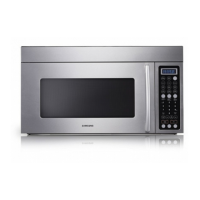
Samsung SMH7178STE - User Manual

Samsung SMH7178STE
32 pages
Print Icon
To Next Page IconTo Next Page
Loading...
Code No. : DE68-00356R
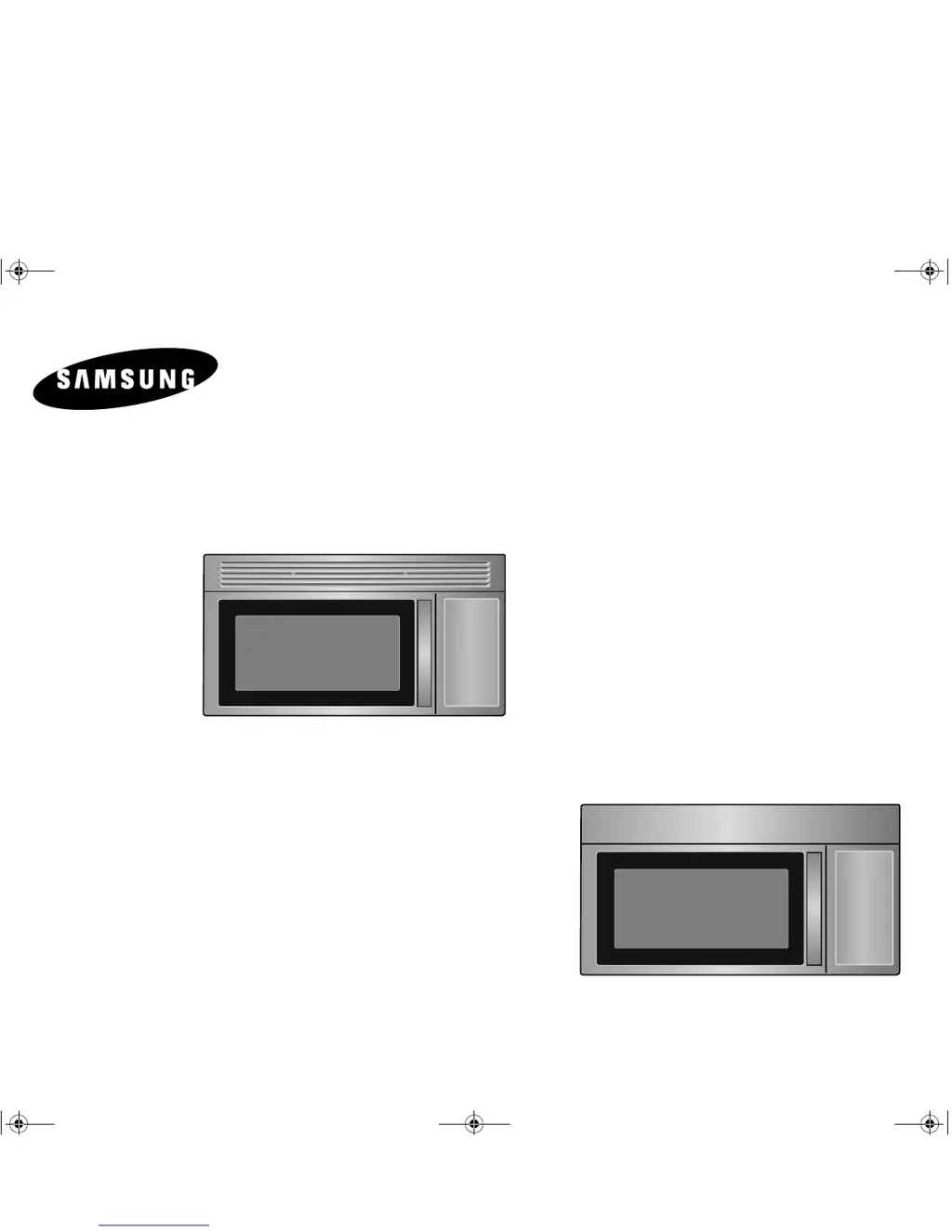
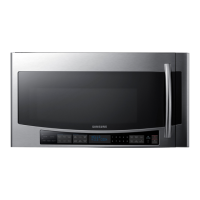
Microwave Oven
Owner’s Manual
SMH7177
SMH7178
SMH7174
SMH7175
SMH7176
SMH7175WE DE68-00356R.fm Page 1 Friday, May 6, 2005 10:55 AM

Table of Contents

Other manuals for Samsung SMH7178STE

Questions and Answers

  • B
    Brian KleinSep 9, 2025
    Why Samsung SMH7178STE fan motor turns on when plugged in?
    • J
      Jill RiosSep 9, 2025
      If the fan motor of your Samsung Microwave Oven turns on as soon as it's plugged in, it's likely due to loose wiring of the door sensing switch. Check the wire of the door sensing switch.
  • C
    Carolyn MarshallAug 23, 2025
    What to do if my Samsung SMH7178STE Microwave Oven isn't accepting key inputs?
    • J
      jennifer88Aug 23, 2025
      If your Samsung Microwave Oven isn't accepting key inputs, it could be due to the key input not being in sequence, an open or loose connection of the membrane key pad to the Ass’y PCB, a shorted or open membrane panel, or a defective Ass’y PCB. Refer to the operation procedure. Replacing the PCB main might solve the problem.
  • C
    Carl MontgomeryAug 25, 2025
    What to do if my Samsung SMH7178STE Microwave Oven has no display and no operation at all?
    • S
      spearsronaldAug 25, 2025
      If your Samsung Microwave Oven is completely dead with no display or operation, and the fuse is OK, the problem might be an open or loose lead wire harness, an open thermal cutout (Magnetron), an open low voltage transformer, or a defective Ass’y PCB. Check the fan motor when thermal cutout is defective. Check Ass’y PCB when LVT is defective.
  • B
    burnsjenniferAug 27, 2025
    What to do if my Samsung SMH7178STE Microwave Oven display works but the power won’t come on?
    • I
      Ian MartinAug 27, 2025
      First, make sure the door is securely closed. Then, check for any packing material or obstructions stuck to the door seal and inspect the door for any damage. If everything appears normal, press Cancel twice and re-enter all cooking instructions.
  • C
    Cynthia McclureAug 27, 2025
    What to do if my Samsung SMH7178STE stops before the set time?
    • D
      Daniel MooreAug 28, 2025
      If your Samsung Microwave Oven powers off prematurely, and there hasn't been a power outage, unplug it, wait ten seconds, and then plug it back in. If a power outage occurred, the display will show “ ENJOY YOUR COOKING - - PRESS MY CHOICE FOR PERSONAL OPTIONS”. In this case, reset the clock and any cooking instructions.
  • J
    Justin MartinezAug 29, 2025
    What to do if my Samsung SMH7178STE Microwave Oven stops operation during cooking?
    • T
      tina05Aug 29, 2025
      If your Samsung Microwave Oven stops operating during cooking, it could be due to an open or loose wiring of the primary interlock switch or the operation of thermal cutout (Magnetron). Try adjusting the door and latch switches.
  • K
    Katherine JohnsonSep 18, 2025
    What does error3 mean on my Samsung SMH7178STE display?
    • J
      Jackson HoffmanSep 18, 2025
      Error3 on your Samsung Microwave Oven display means that, on the cooling mode, the sensor’s Vout was not less than 4.7V within 3 minutes. Let the oven cool for at least 5 minutes.
  • N
    ncookSep 18, 2025
    What does error4 mean on my Samsung SMH7178STE display?
    • M
      markreynoldsSep 22, 2025
      Error4 on your Samsung Microwave Oven display indicates that the door was opened during sensing. Press the ‘pause/cancel’ pad, and then you have to do all over again.
  • B
    bobbygarciaSep 7, 2025
    Why is my Samsung Microwave Oven sparking?
    • J
      Joan WilsonSep 8, 2025
      Sparks in your Samsung Microwave Oven are likely caused by metallic ware or cooking dishes touching the oven wall, or ceramic ware trimmed with gold or silver powder. Do not use any type of cookware with metallic trimming.
  • A
    Andrew WrightSep 4, 2025
    What to do if my Samsung SMH7178STE Microwave Oven timer starts countdown but no microwave oscillation?
    • D
      Donna BrownSep 4, 2025
      If the timer on your Samsung Microwave Oven is running, but there's no heat, and the oven lamp and fan are on, the issue might be due to off-alignment of latch switches, a loose connection in the high voltage circuit (especially the magnetron filament circuit), defective high voltage components (H.V.Transformer, H.V. Capacitor, H.V.Diode, H.V.Fuse, Magnetron), open or loose wiring of the power relay, a defective primary latch switch, or a defective power relay or Ass’y PCB. Try adjusting the door and latch switches. Also, check the high voltage components and replace them if defective. Replacing the PCB main may also resolve the issue.

Summary

Safety Precautions

Microwave Energy Exposure Precautions

Safety measures to avoid harmful exposure to microwave energy.

General Safety Instructions

Key safety guidelines and warnings for appliance use.

Grounding and Vent Fan Safety

Proper grounding and vent fan operation safety guidelines.

Microwave Oven Overview

Operation: Basic Functions

Initial Power On and Display Language

Steps to power on and select the display language.

Customizing Settings with My Choice

Using the My Choice feature to customize options like display weight.

Operation: Sensor and Specialty Cooking

Sensor Cook and Reheat Modes

Utilizing Sensor Cook and Sensor Reheat functions.

Power Defrosting Function

How to use the Power/Auto Defrost feature for frozen foods.

Operation: Manual Cooking and Features

Appendix: Maintenance and Troubleshooting

Troubleshooting Oven Operation

Solutions for common problems like display errors, no power, or slow cooking.

Warranty Information

Limited Warranty Terms and Conditions

Details on the limited warranty period and coverage.

Samsung SMH7178STE Specifications

General IconGeneral
Capacity1.7 cu. ft.
Power1000 Watts
TurntableYes
Sensor CookYes
Cooking PresetsYes
ColorStainless Steel
Convection CookingNo
Grill FunctionNo
Child LockYes
Auto DefrostYes
Keep Warm FunctionYes
TypeOver-the-Range
Control TypeTouch
Turntable Diameter12.5 inches

Related product manuals