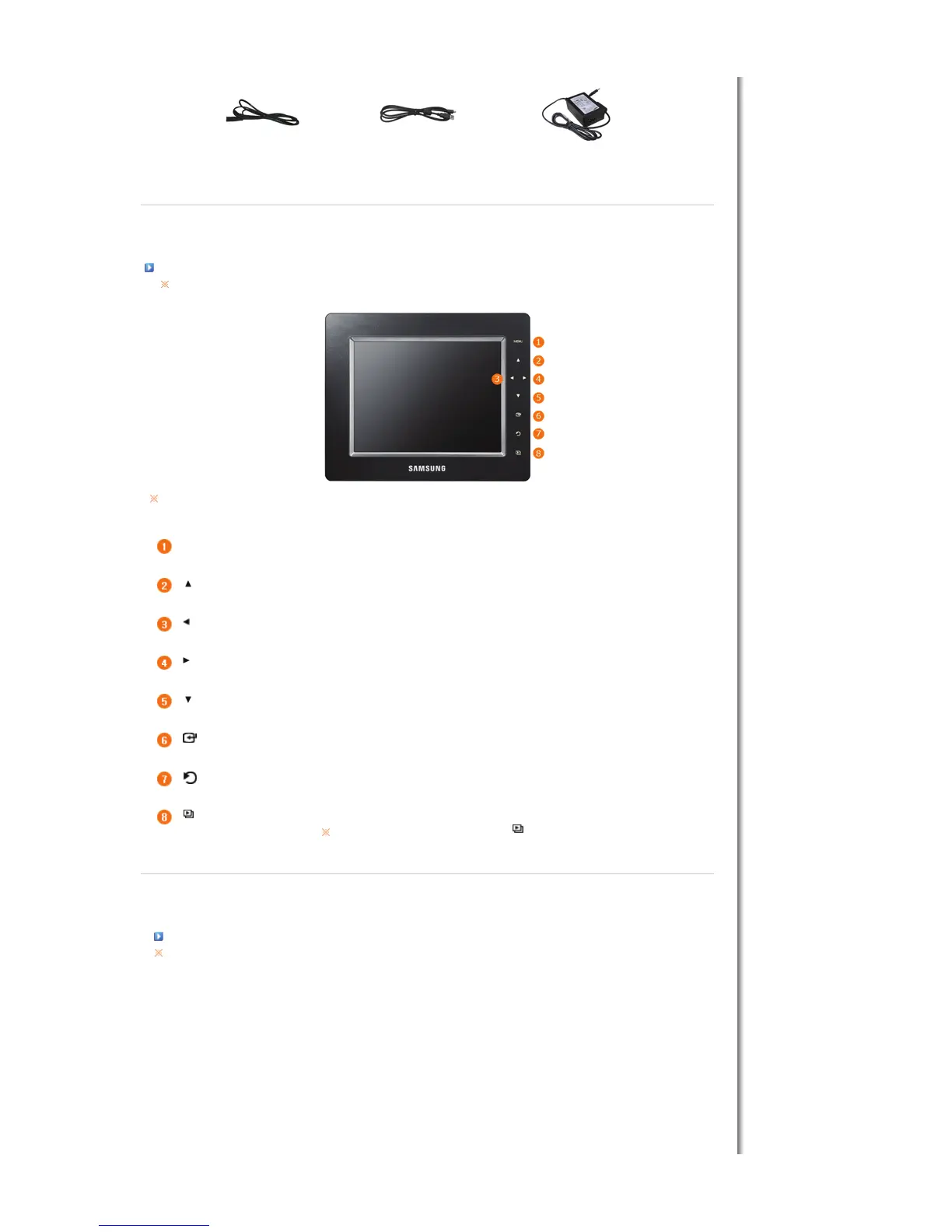
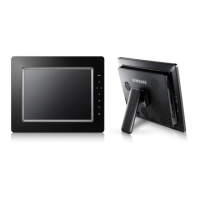
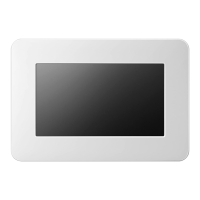
his product is a touch type product. If you lightly touch the button on the right of the product, the button light is turned on.
When the button light is turned on, you can then operate each button's menu.
[MENU] Menu Button Displays the menu window at the bottom left corner of the screen.
[ ] Up Button
djusts the sound volume when playing music files or movies.
[ ] Left Button
Used for moving left.
[ ] Right Button
Used for moving right.
[ ] Down Button
Used for moving down.
[ ] Enter Button
Used for selection.
[ ] Back Button
Return to the previous menu.
[ ] Slideshow Button
Play or pause a Slideshow.
When playing a slideshow by pressing the [] button, the photos in the folder of the
last played photo are played. If the photos in the folder of the last played photo have
been removed, they are automatically searched for and then played in a slideshow.
|
Features
|
Components
|
Front
|
Back
|
Side
|
Back


 To Next Page