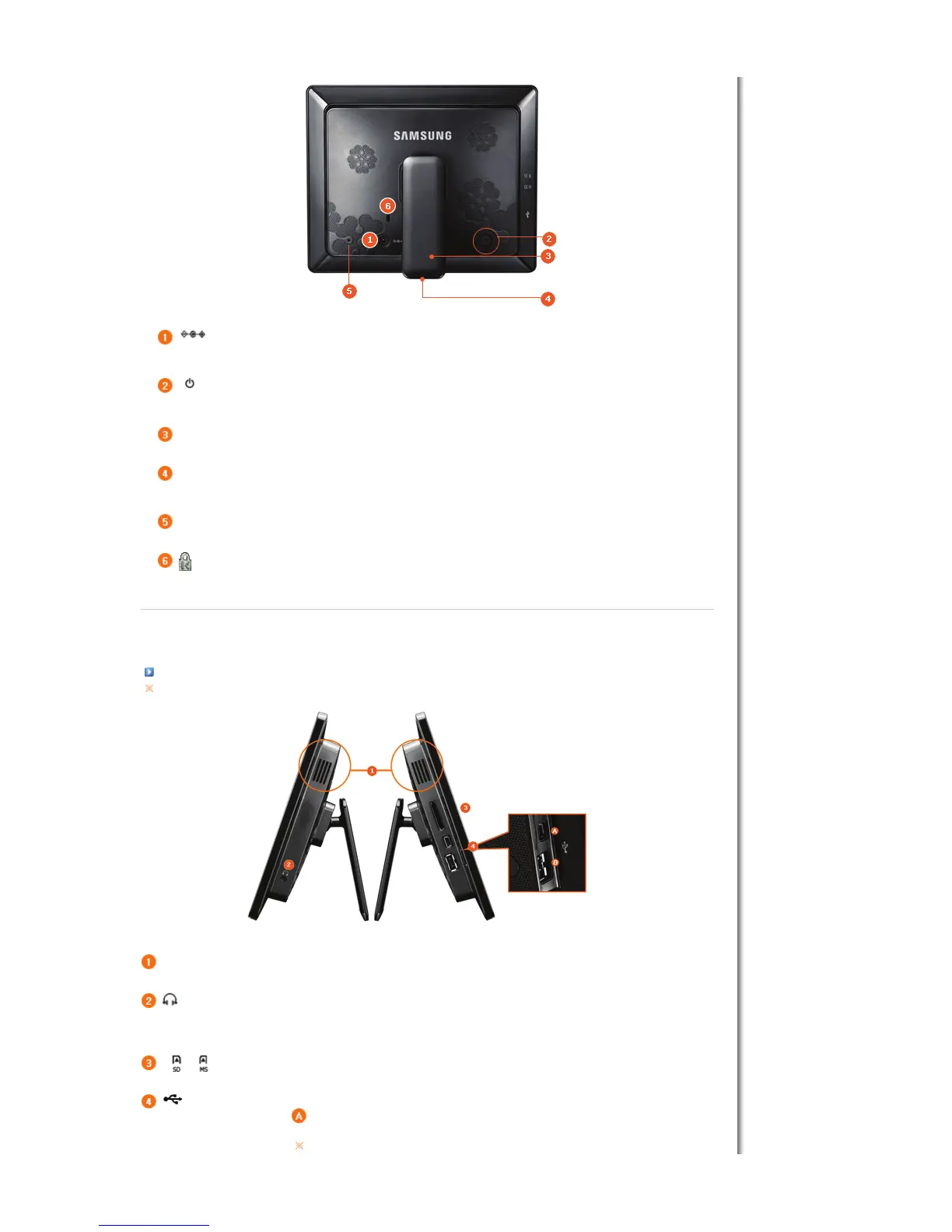
DC –In Jack
Connect the power adapter to this jack.
Connect the power cord to the power terminal of the power adapter.
[ ] Power Button
urns the product on or off.
Hold down the power button at the right of the product for about 2 seconds.
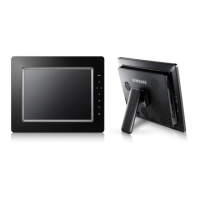
Stand
ou can use the product in a vertical or horizontal direction by using the rotating stand.
Sliding Prevention
Holder
Supports the product so that it stays firmly in place on slippery surfaces.
Service terminal
his is a terminal for servicing the product only. Do not operate it arbitrarily.
Kensington lock
he Kensington lock is a device used to physically secure the system when using it in a public place.
(The locking device has to be purchased separately.)
|
Features
|
Components
|
Front
|
Back
|
Side
|
Side
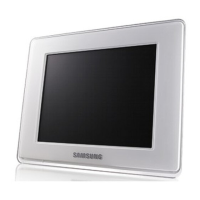
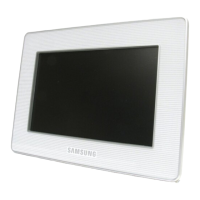
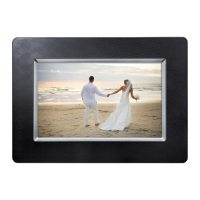
he product color and shape may vary depending on the model.
Speaker
ou can listen to sound without connecting an additional speaker.
Headphone connection
ou can listen to sound by connecting headphones or earphones to the product.
llows you to insert an optional memory card. (Only applicable for SD/MS card)
Connect a PC or an external device using a USB cable.
Up stream terminal
Connect your Digital Photo Frame to a PC's USB terminal
with a USB cable.
Make sure to use the USB cable (A-mini B type) provided with the product when



 To Next Page