Phone Basics
Section 2A. Phone Basics 21
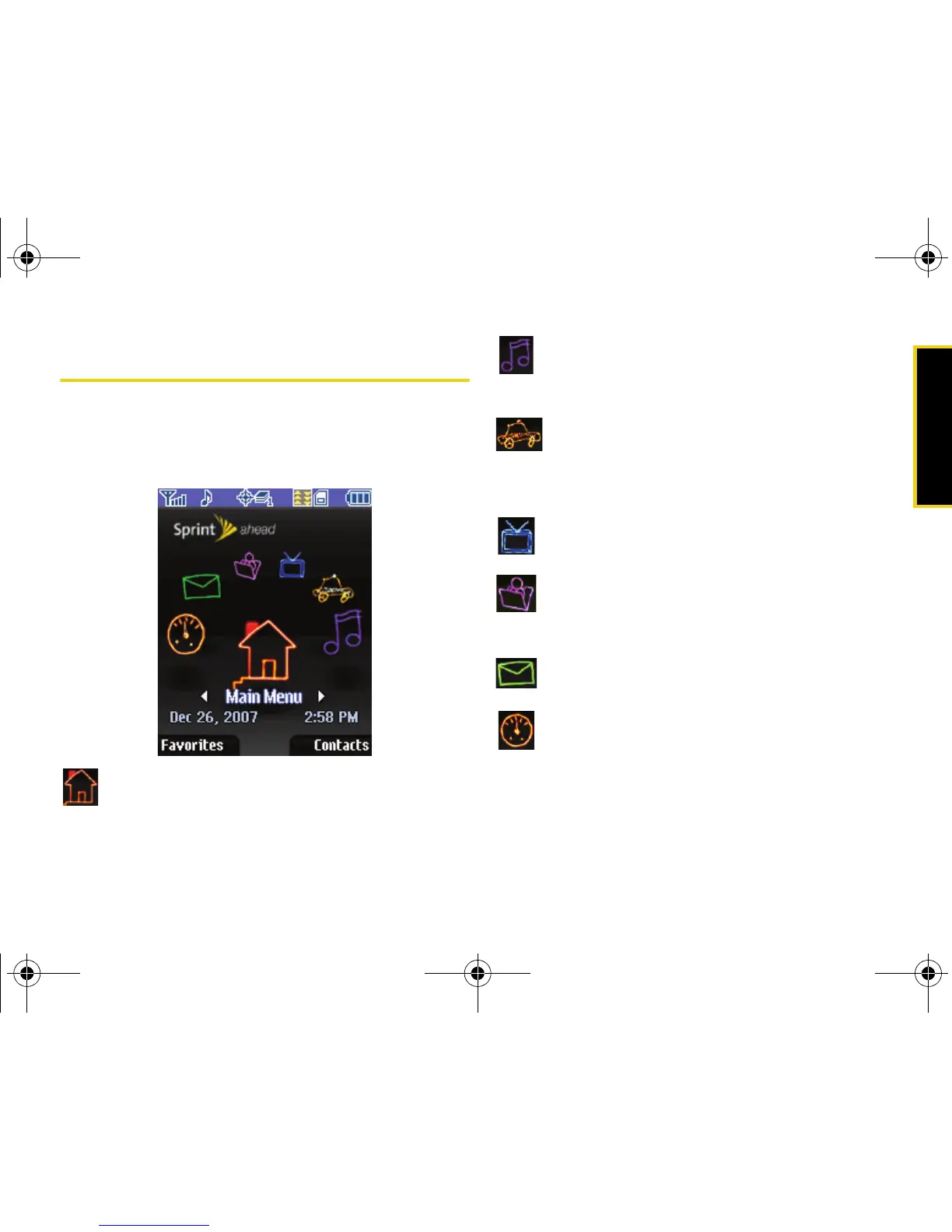
Navigating the Standby Screen
This screen is displayed when your phone is in standby
mode and when it is set to the Sprint theme. (See
“Changing the Theme” on page 39.) Use the
navigation key to select an option:
Main Menu: to access features such as Web,
Call History, Tools, Pictures, and Settings.
Music: for one-touch access to the Sprint
Music Store. See “The Sprint Music Store” on
page 159.
Navigation: to use the phone’s built-in location
feature to obtain driving directions and other
information. (This is an optional service and
will incur an additional monthly fee.)
TV: for easy access to Sprint TV. See “Sprint
TV” on page 156.
My Account: to conveniently access your Sprint
account online. See “Exploring the Web” on
page 148.
Email: to easily access email services. See
“Using Email” on page 142.
On Demand: to access to Sprint’s exclusive On
Demand services. See “On Demand” on
page 151.
M520_Sprint.book Page 21 Thursday, September 18, 2008 12:34 PM



 To Next Page