Phone Basics
Section 2A. Phone Basics 23
Backing Up Within a Menu
To go to the previous menu:
䊳 Press .
To return to standby mode:
䊳 Press .
Displaying Your Phone Number
Just in case you forget your phone number, your
phone can remind you.
1. While in standby mode, select Main Menu and press
.
2. Select Settings > Phone Information > Phone Number.
(Your phone number and other information about
your phone will be displayed.)
Making and Answering Calls
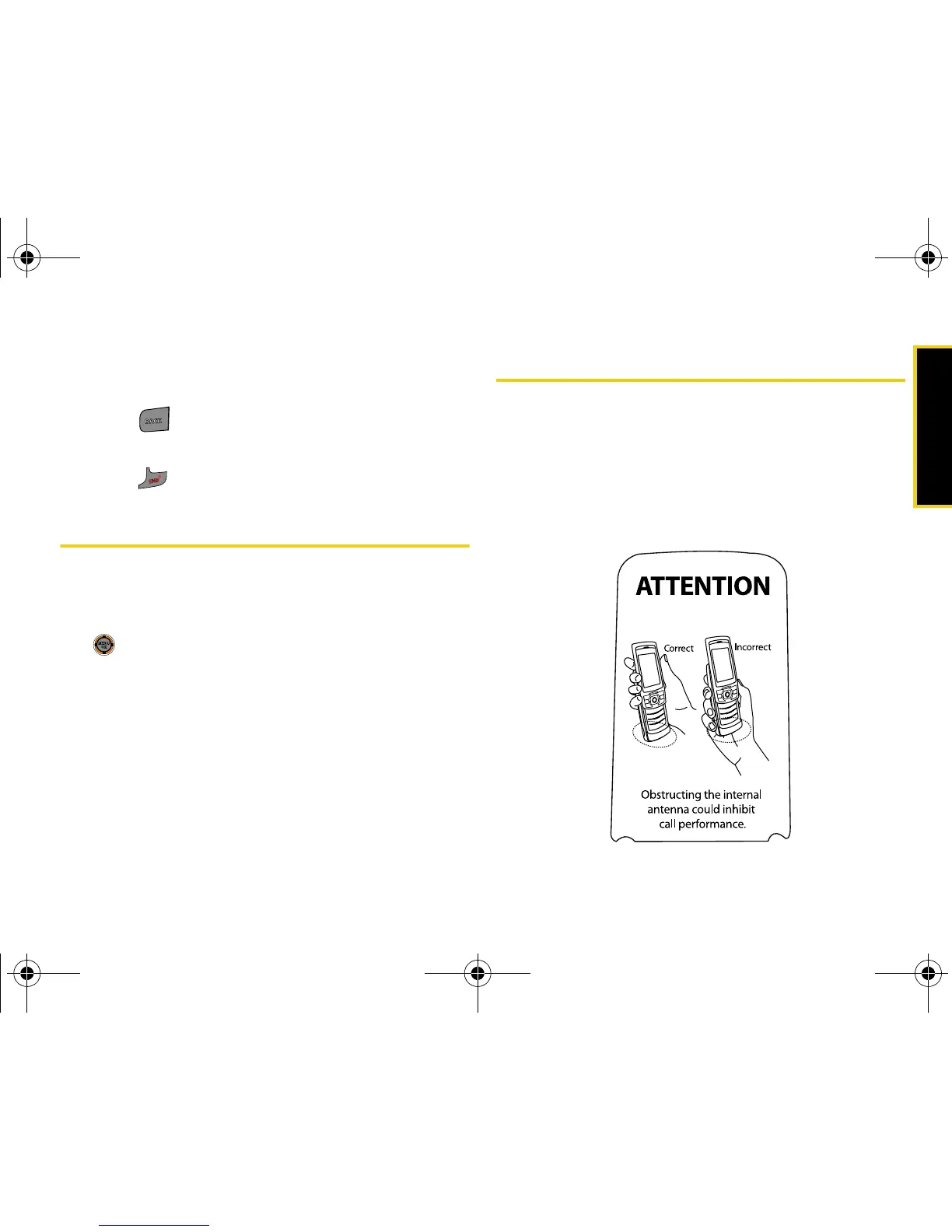
Holding Your Phone
It is important not to block the internal antenna to
ensure the strongest possible signal. The internal
antenna is located near the bottom of your phone
(below the keypad).
M520_Sprint.book Page 23 Thursday, September 18, 2008 12:34 PM



 To Next Page