Playback/Editing
63
Playing back
Start a slide show (p. 69)
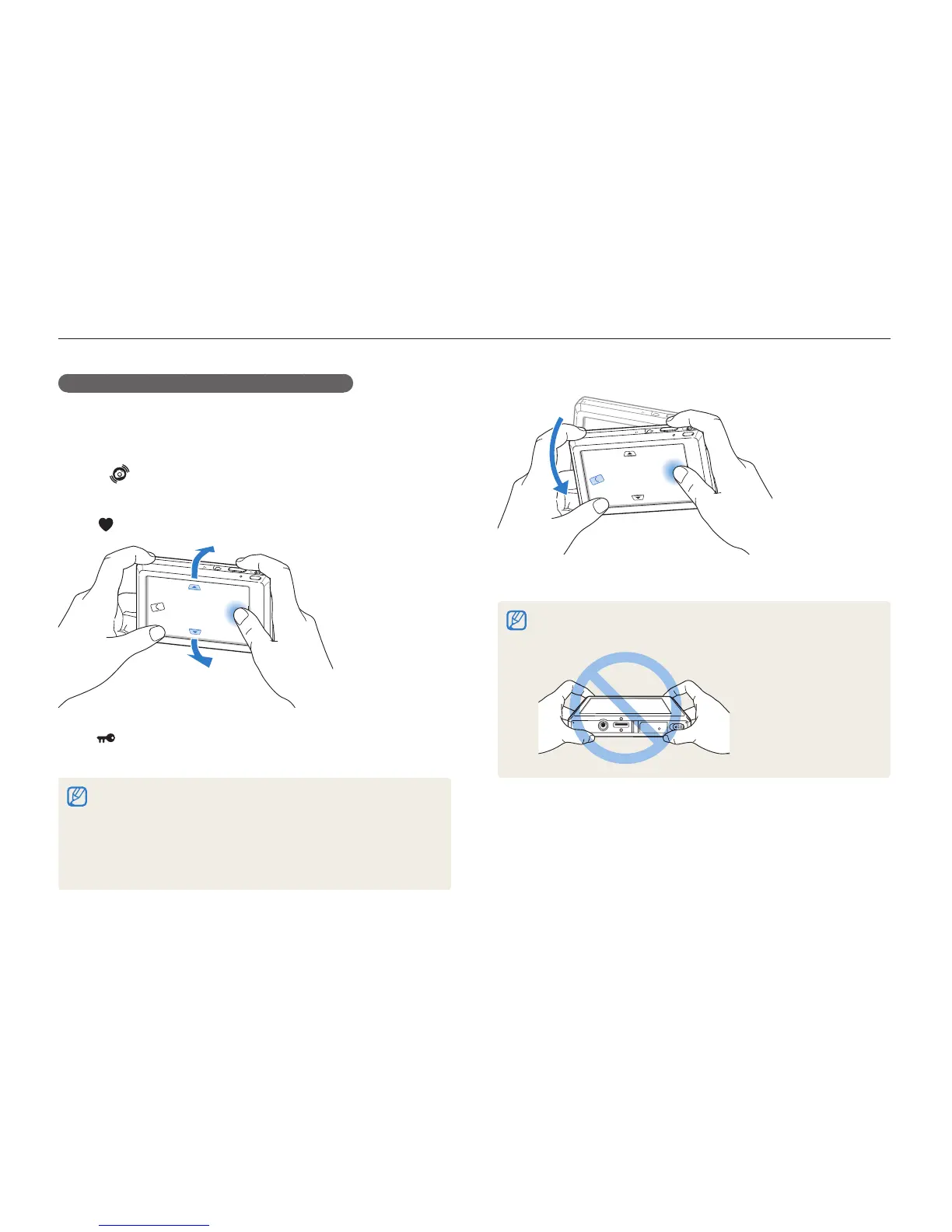
Motion recognition may not work well if you hold the camera parallel to the
ground, as shown below.
Selecting a menu using motion recognition
Your camera features a built-in motion sensor that allows you to
quickly select a menu by tilting the camera.
In Playback mode, tilt the camera while touching and
holding
.
Set the current photo as your favourite photo*
(
will appear on the top of the file.)
Lock or unlock the current file
(
will appear on the top of the file.)
* You cannot set files as favourites for:
videos or voice memos -
photos with errors or locked photos -
photos taken with cameras from other manufacturers -
photos taken using the motion capture option set -
photos that are too large for the available memory -



 To Next Page