English 21
English
FrançaisDeutschEspañolPortuguese Italiano
4. Setting up MPAA rating Mode
- Use Up/Down/Left/Right arrow buttons to move around the matrix and press
Menu
button to change the value from "U" to "B" or "B" to "U"
- MPAA : Motion Picture Association (of) America [movie rating organization]
5. Entering a new pin number
- Use numeric keys enter a new pin number. Pin number confirm menu appears.
- Again, use numeric keys to enter the pin number you entered at the previous step. If the
two pin numbers do not match, "Incorrect" message will be displayed for 3 seconds.
6. Blocking Screen
- If the incoming signal’s rating is higher than the one specified, the screen will be blanked
and "Excessive rating" message will be appeared.
NOTE: When the screen is blocked by V-Chip, and if you want to change V-Chip setting,
press
Exit
button on the remote control or on the front cabinet of the monitor to bring
up OSD Menu.
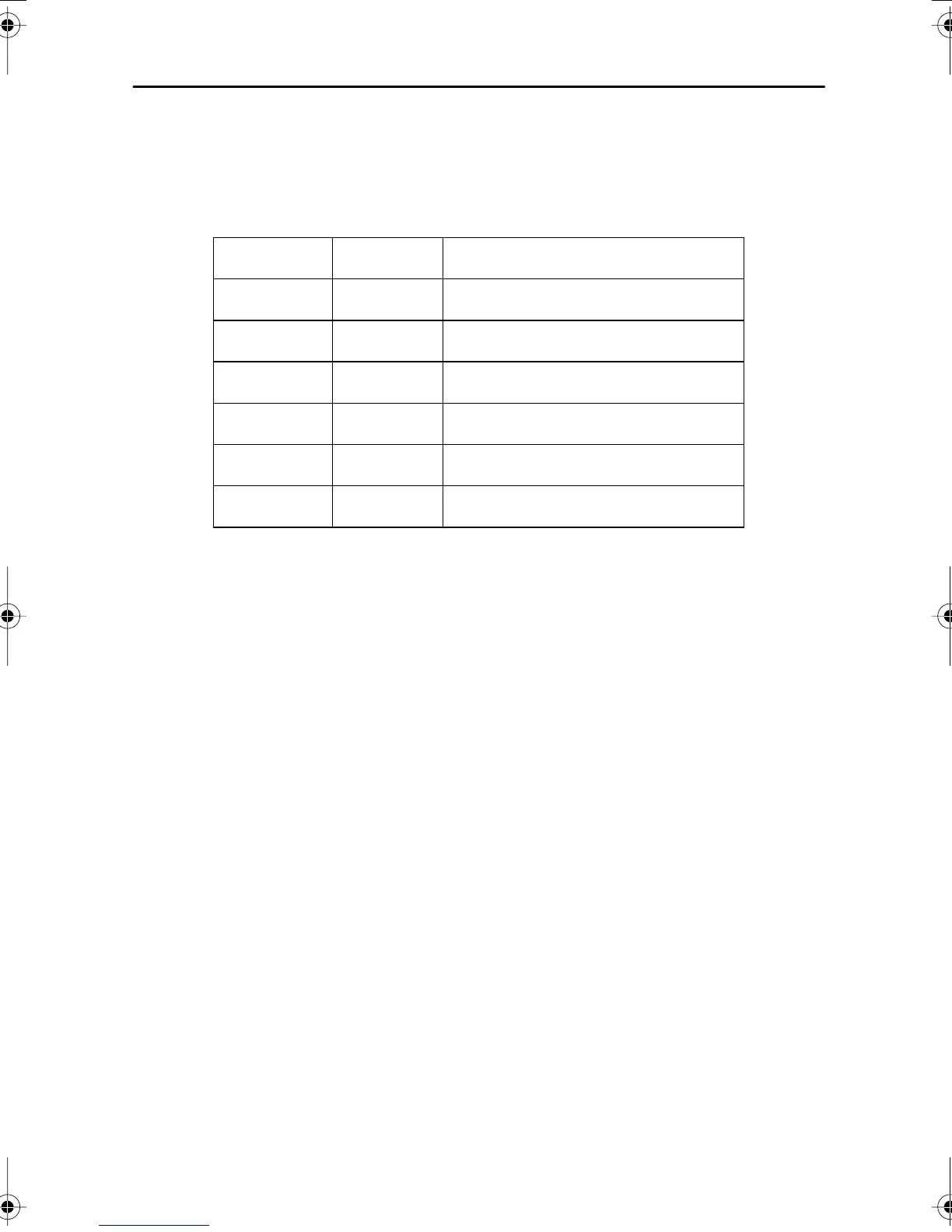
G
U General Guidance
PG
U Parental Guidance Suggested
PG-13
U Parents Strongly Cautioned
R
U Restricted Under 17 Requires
NC-17
U No Children Under 17 Admitted
X
U Adult Only
NR
U Not Rated
Appendix
body2.fm Page 21 Tuesday, August 29, 2000 2:21 PM








 To Next Page