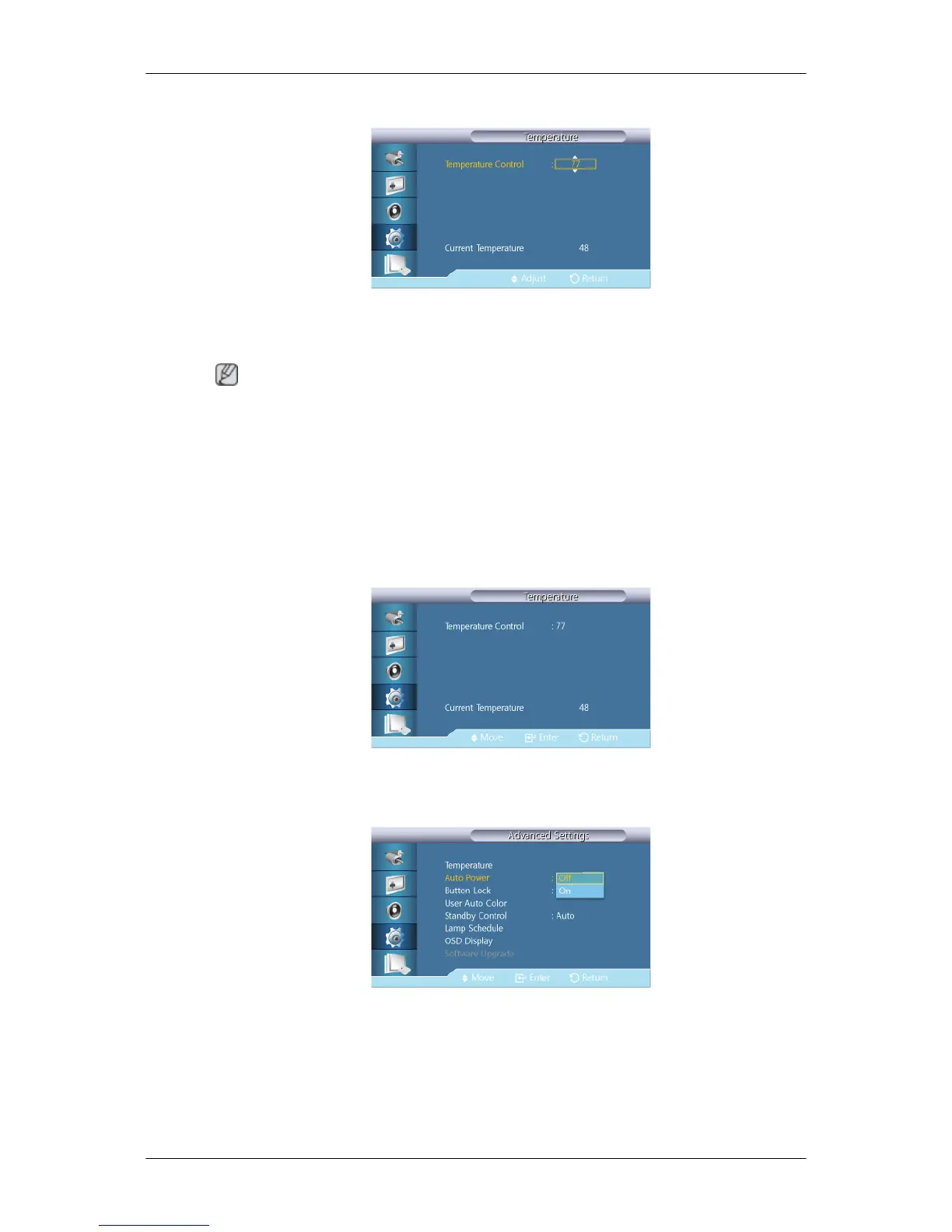
Temperature Control
Detects the product's internal temperature and specifies the desired temperature.
The product is set to 77°C by default.
Note
• The picture will be dimmed if the temperature exceeds the specified temperature, and the
product ill automatically power off to prevent overheating if the temperature keeps rising.
• It is best to use the product at temperatures 75 - 80°C (based on ambient temperature of
40°C).
Refer to "Specifications" herein for details about operating conditions.
Current Temperature
Shows the current temperature of the product.
Auto Power
Enables or disables Auto Power for the product.
• Off
• On
Adjusting the LCD Display







 To Next Page