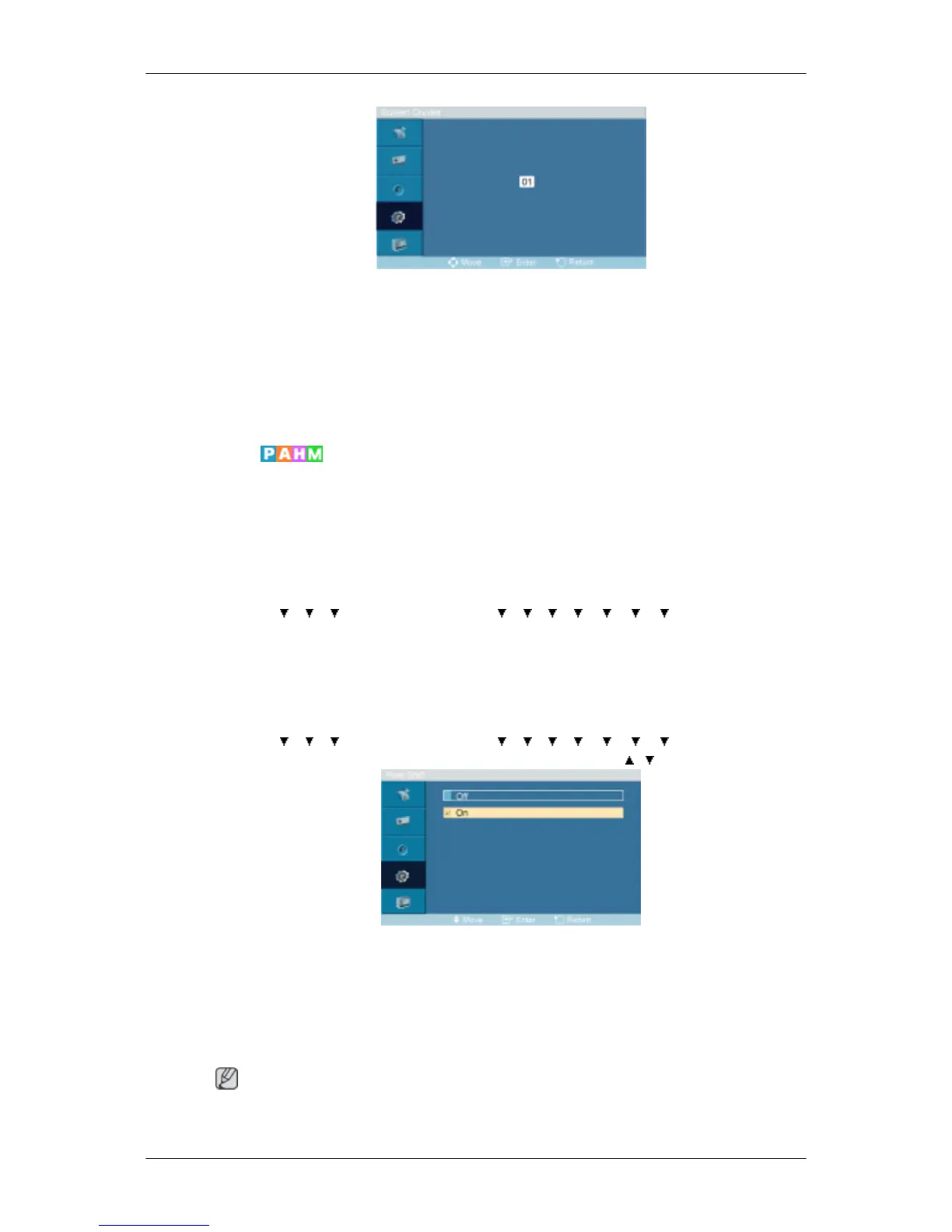
The screen can be divided into several images. A number of screens can be selected with a
different layout when dividing.
• Select a mode in Screen Divider.
• Select a display in Display Selection.
• The selection will be set up by pressing a number in the selected mode.
Safety Screen
The Safety Screen function is used to prevent afterimages that may appear when a still picture
is displayed on the screen over a long time.
• The Safety Screen function scrolls the screen for the specified period of time.
• This function is not available when the power is turned off.
MENU → → → → ENTER → [Setup] → → → → → → → → ENTER → [Safety
Screen]
Pixel Shift
Pixel Shift
MENU → → → → ENTER → [Setup] → → → → → → → → ENTER → [Safety
Screen] → ENTER → [Pixel Shift] → ENTER → [Pixel Shift] → , → ENTER
To prevent after-images on the screen you can use this function, so that every minute pixels
on the LCD are moved in horizontal or vertical direction.
1. Off
2. On
Note
The Pixel Shift is not available when Video Wall is On.
Adjusting the LCD Display








 To Next Page