Note
Available in PC mode only
Note
The Reset function is not available when Video Wall is On.
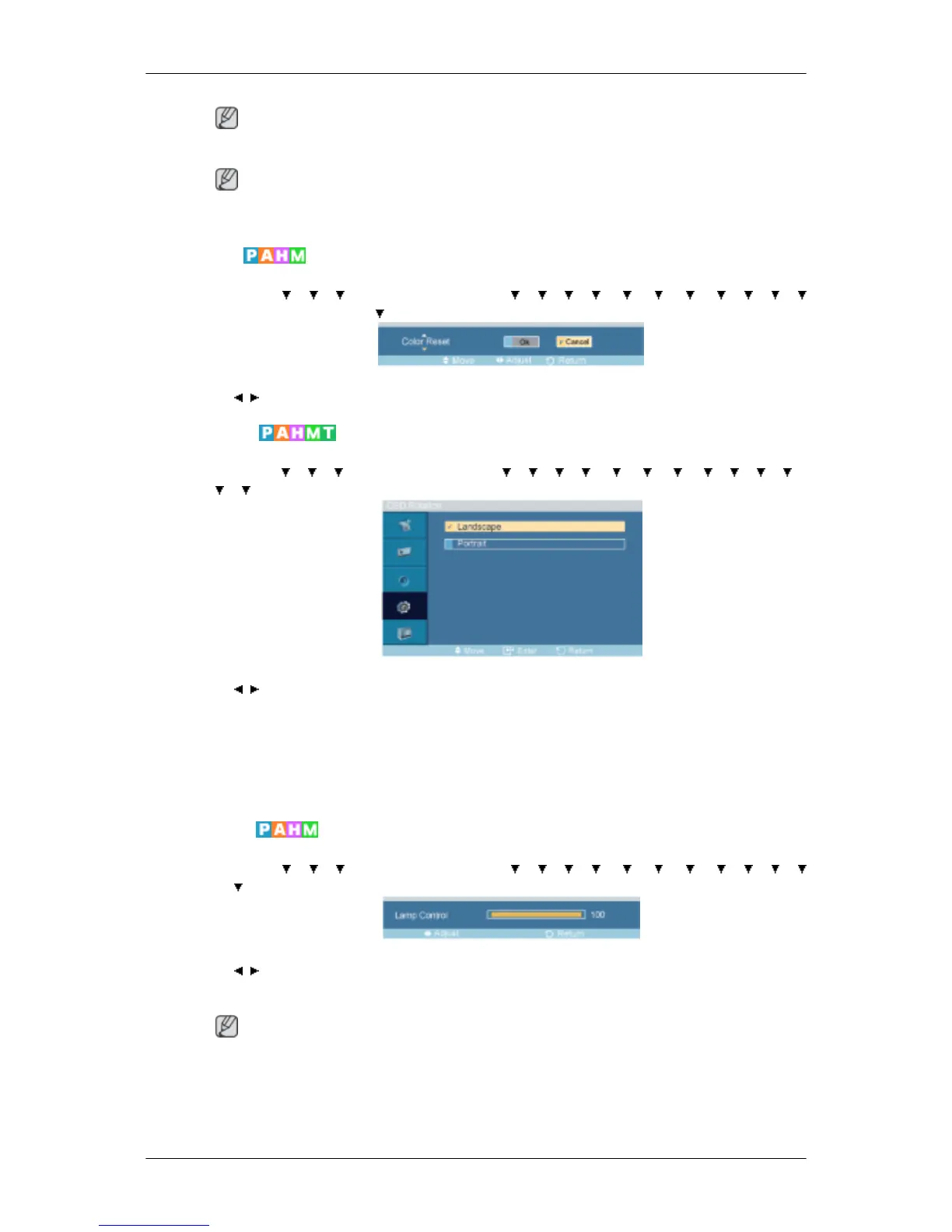
Color Reset
MENU → → → → ENTER → [Setup] → → → → → → → → → → →
→ ENTER → [Reset ]→ → ENTER → [Color Reset ]
→ , → ENTER
OSD Rotation
MENU → → → → ENTER → [Setup]→ → → → → → → → → → → →
→ → ENTER → [OSD Rotation ]
→ , → ENTER
OSD Rotate
1. Landscape
2. Portrait
Lamp Control
MENU → → → → ENTER → [Setup] → → → → → → → → → → →
→ → ENTER → [Lamp Control ]
→ , → ENTER
Adjusts the inverter lamp in order to reduce energy consumption.
Note
This function does not operate when Dynamic Contrast is set to On in PC, DVI, AV, HDMI,
TV modes.
Adjusting the LCD Display








 To Next Page