Using Macintosh
- Connect the monitor and the Macintosh computer using the computer connection cable (Tableau
Signal Cable).
If you are using an old model Macintosh, connect the monitor and the Macintosh using a Macintosh
adaptor (sold separately).
If the monitor and the computer are connected, you can turn them on and use them.
Usin
the Tablet
Press the Signal button to activate it.
(The buttons are raised when the Tablet function is turned on.)
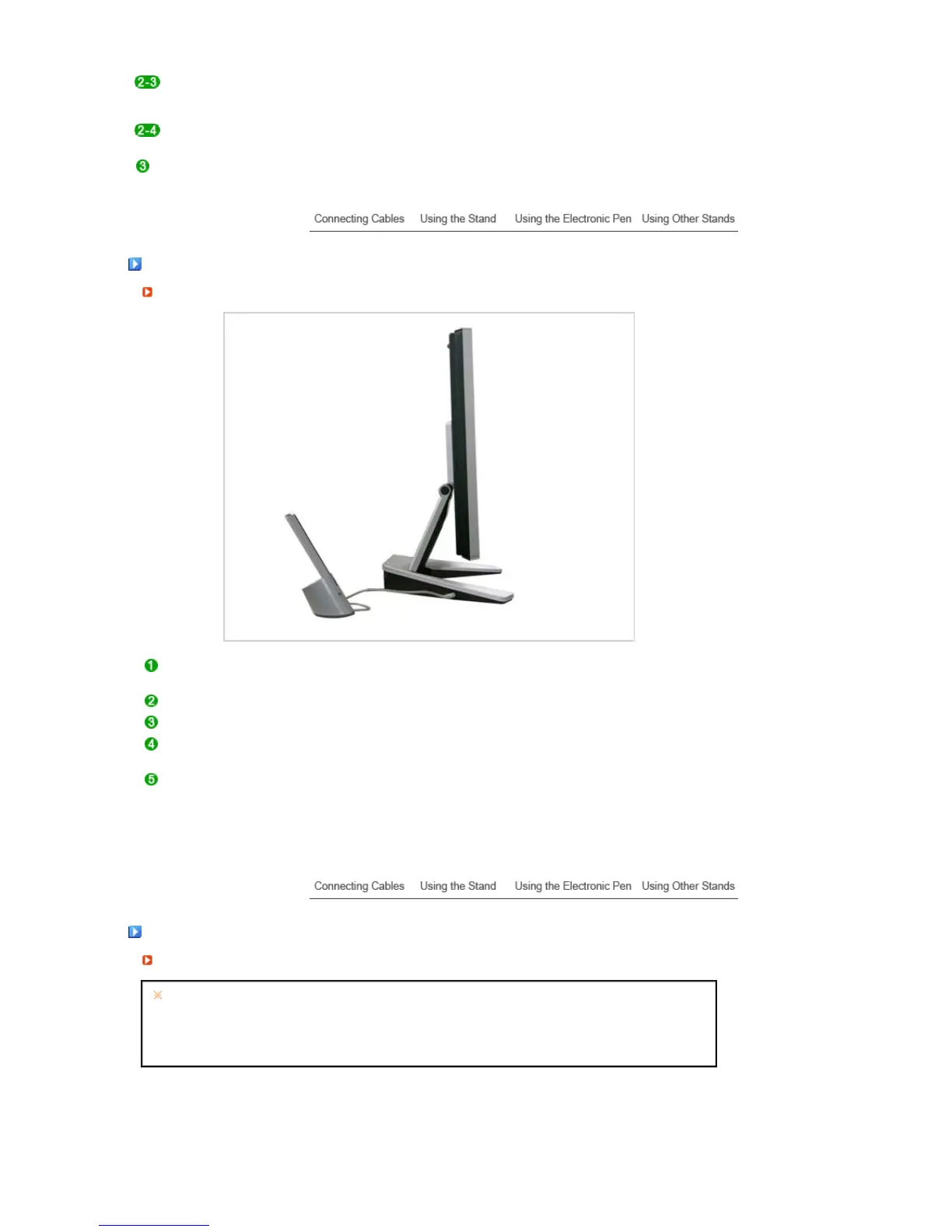
Pull the monitor back to a comfortable angle for using it as a tablet.
Separate the pen from the pen holder.
You can perform necessary operations by running a graphics or word processing
software.
To stop using the monitor as a tablet and to use the monitor as a normal monitor, press
the two signal buttons.
(The buttons are pushed down, when the Tablet function is turned off.)
Usin
the Electronic Pen
About the Electronic Pen
Warning: There is a danger of overheating, fire or explosion.
If put into a fire, heated, shocked or punctured
If children or pets make oral contact with the pen.
If submerged in water or if the battery terminals come into contact with a necklace or any other metal
Use only the charger specified in the User Manual.












 To Next Page