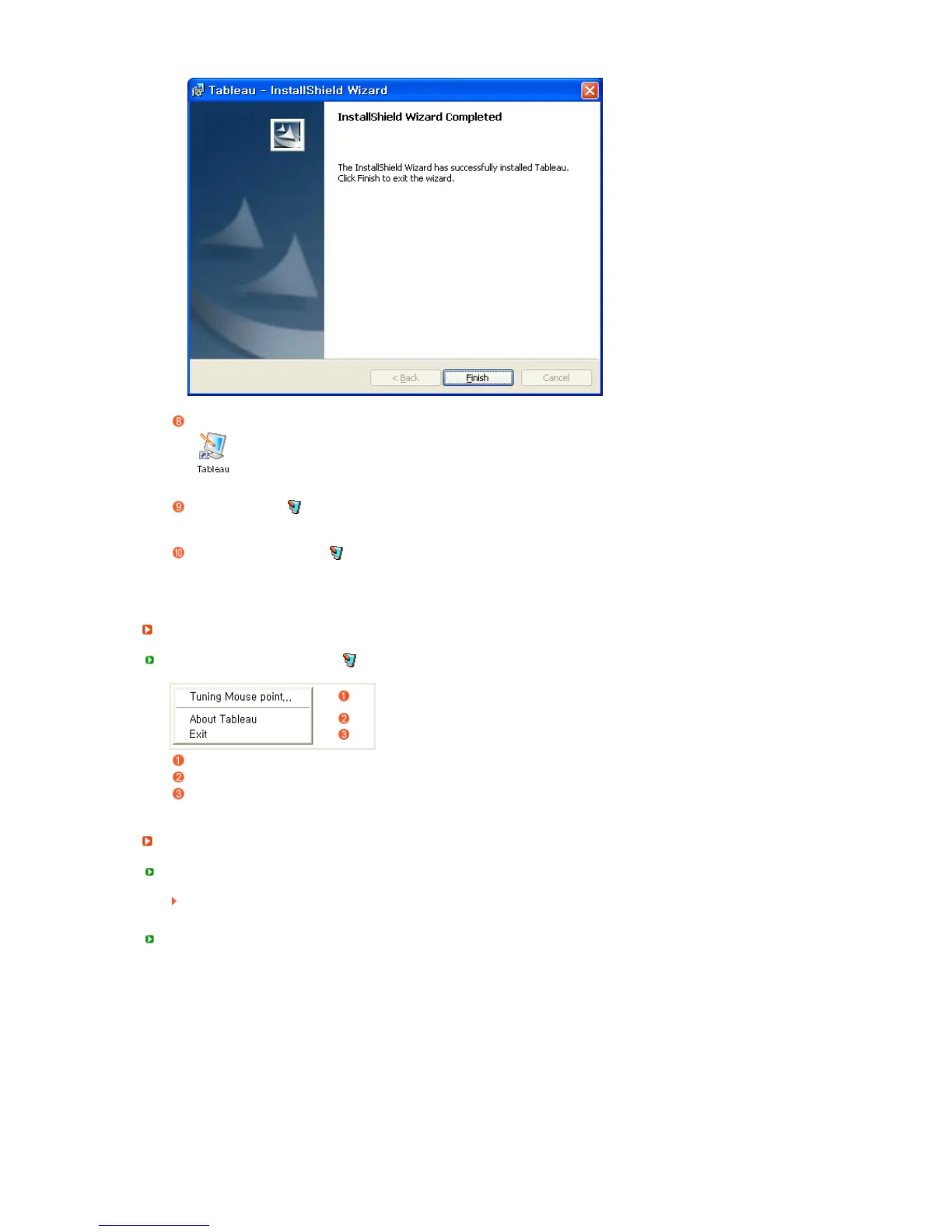
When the installation is completed, the Tableau shortcut icon is created on the Desktop.
The Tableau icon [ ] is also created in the Taskbar (System Tray).
Click on the Tableau icon [ ] and select a Tableau menu.
Menus
When clicking the Tableau icon [ ], the Tableau menu window appears.
Mouse pointer positional adjustment menu.
Tableau program properties.
Select to exit the Tableau program.
Mouse Pointer Positional Ad
ustment
Mouse Pointer Positional Adjustment
Fix the electronic pen tip to the screen and you can adjust the mouse pointer position to a
comfortable position using the keyboard.
Menu and Toolbars












 To Next Page