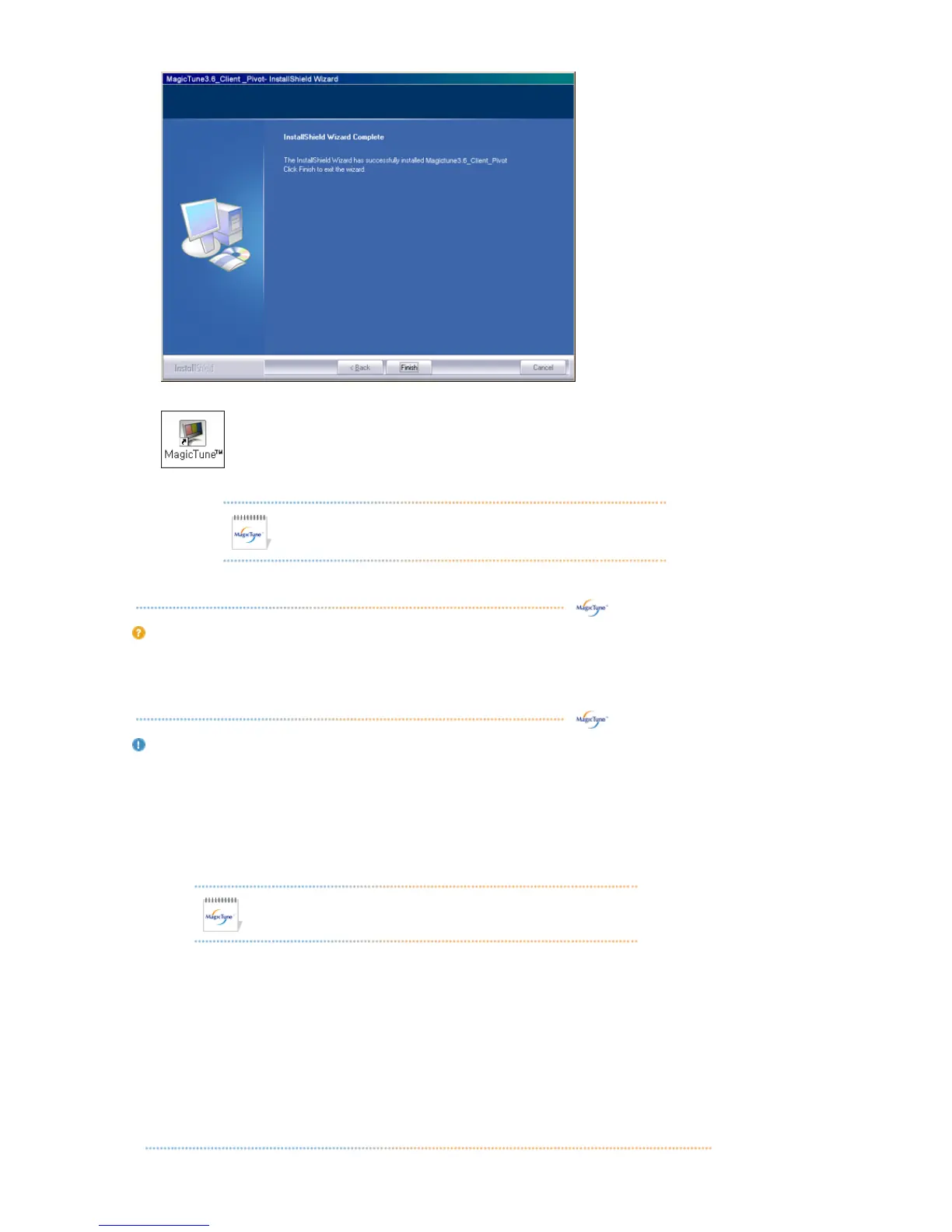
10. When the installation is complete, the MagicTune™ executable icon appears on your desktop.
Double-click the icon to start the program.
MagicTune™ execution icon may not appear depending on specification
of computer system or monitor.
If that happens, press F5 Key.
Installation Problems
The installation of MagicTune™ can be affected by such factors as the video card, motherboard and the
network environment.
See "Troubleshooting" if you have trouble during installation.
S
uirements
OS
z
Windows™ 98 SE
z
Windows™ Me
z
Windows™ 2000
z
Windows™ XP Home Edition
z Windows™ XP Professional
Hardware
z 32MB Memory above
z
25MB Hard disk space above
* For more information, visit the MagicTune™ website.
It is recommended using MagicTune™ in Windows™ 2000
or later.
Overview | Installation |
OSD Mode
s | Color Calibration | Uninstall | Troubleshooting












 To Next Page