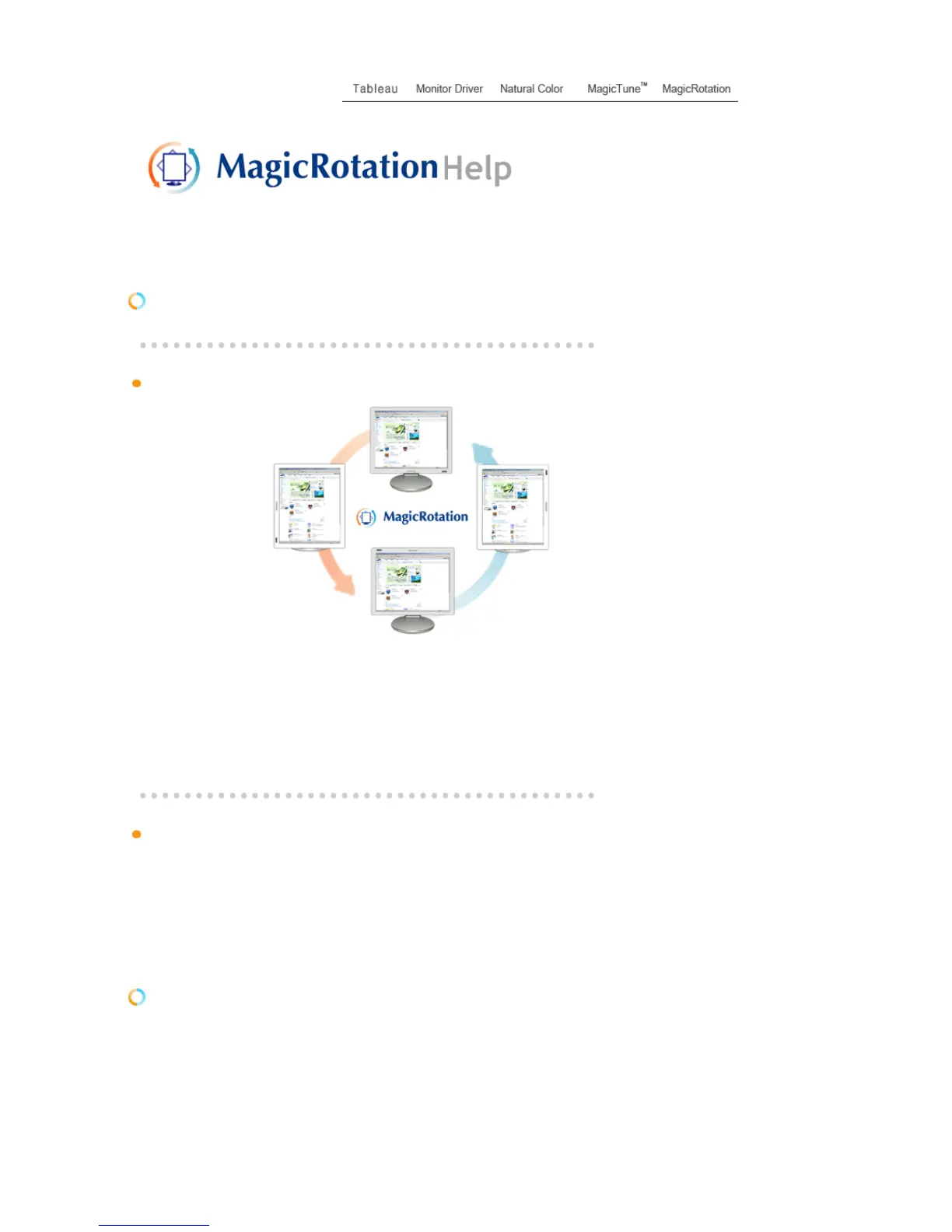
icRotation?
Traditionally, computer displays allowed the user to view only in landscape mode.
In today's information age, more users need to view documents, web pages, emails, etc. in there day to
day life. These types of applications can be better viewed in portrait mode where the entire contents are
available on the screen. This greatly improves the user's productivity allowing him the flexibility to switch
between landscape and portrait modes.
The MagicRotation Software from Samsung Electronics, Inc. provides the user with a rotation feature (0,
90, 180, 270 orientation) that facilitates the optimum utilization of computer display screen, better viewing
and improved user productivity.
Basic Function
MagicRotation will support Windows™ 98 SE, Me, NT 4.0, 2000, XP Home and XP Professional.
* Windows™ is registered trademark of Microsoft Corporation,Inc.
Overview |
Installation
| Interface | Uninstall | Troubleshooting
Installation
1. Insert the installation CD into the CD-ROM drive.
2. Click the MagicRotation installation file.
3. Select installation Language, Click "Next".












 To Next Page