On-Screen Display
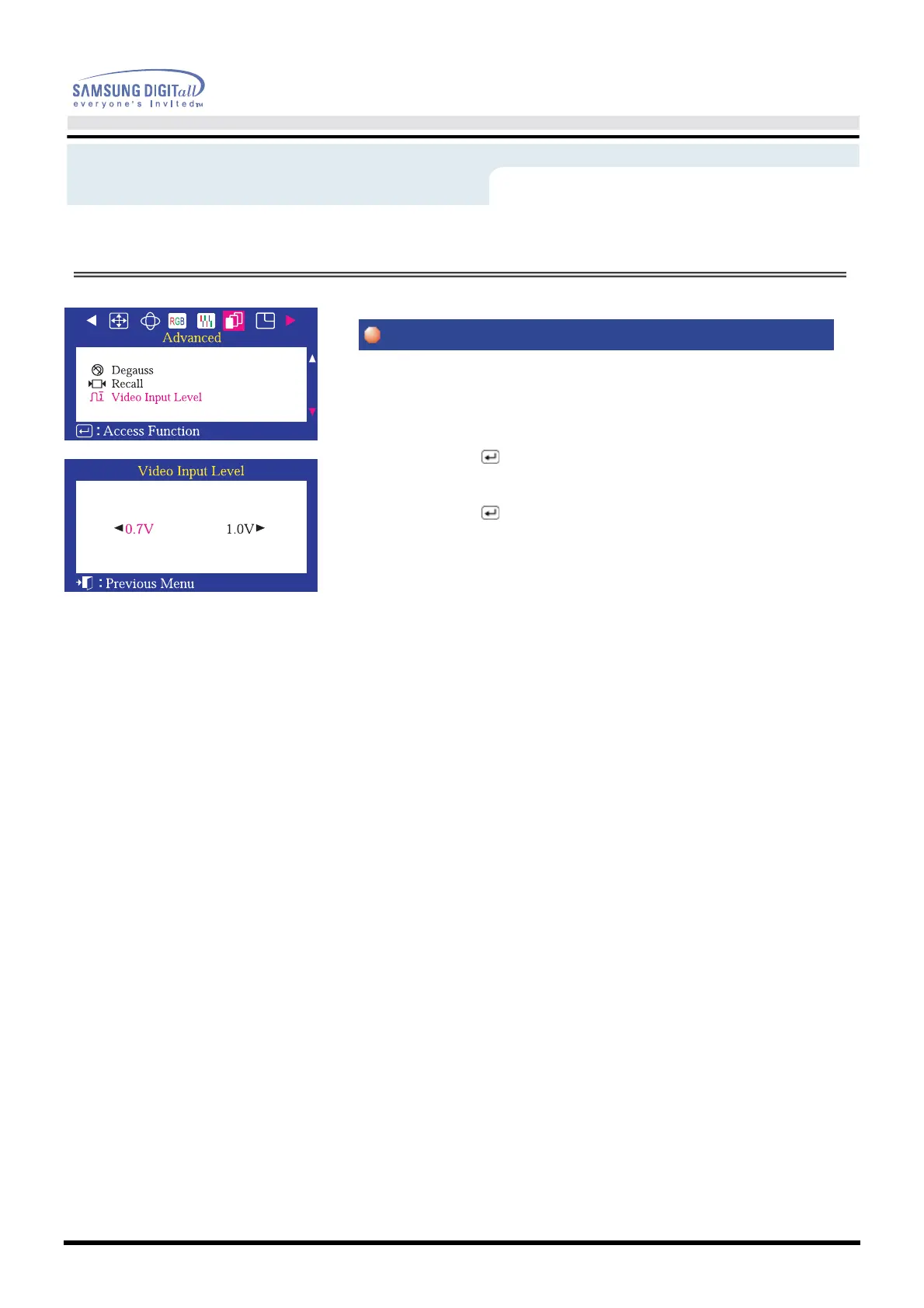
Some video cards use video signals higher than 1.0V which causes the display to
be very bright.
For those video cards, use this feature to select the 1.0 V Level.
1 Push the Menu ( ) button.
2 Push the
◀
button or
▶
button until the Advanced screen is displayed.
Push the
▲
button or
▼
button to select Video Input Level.
3 Push the Menu ( ) button to open the Video Input Level
selection screen.
4 Use the
◀
or
▶
buttons to select 0.7 V or 1.0 V.
Menu
How to adjust









 To Next Page