Model
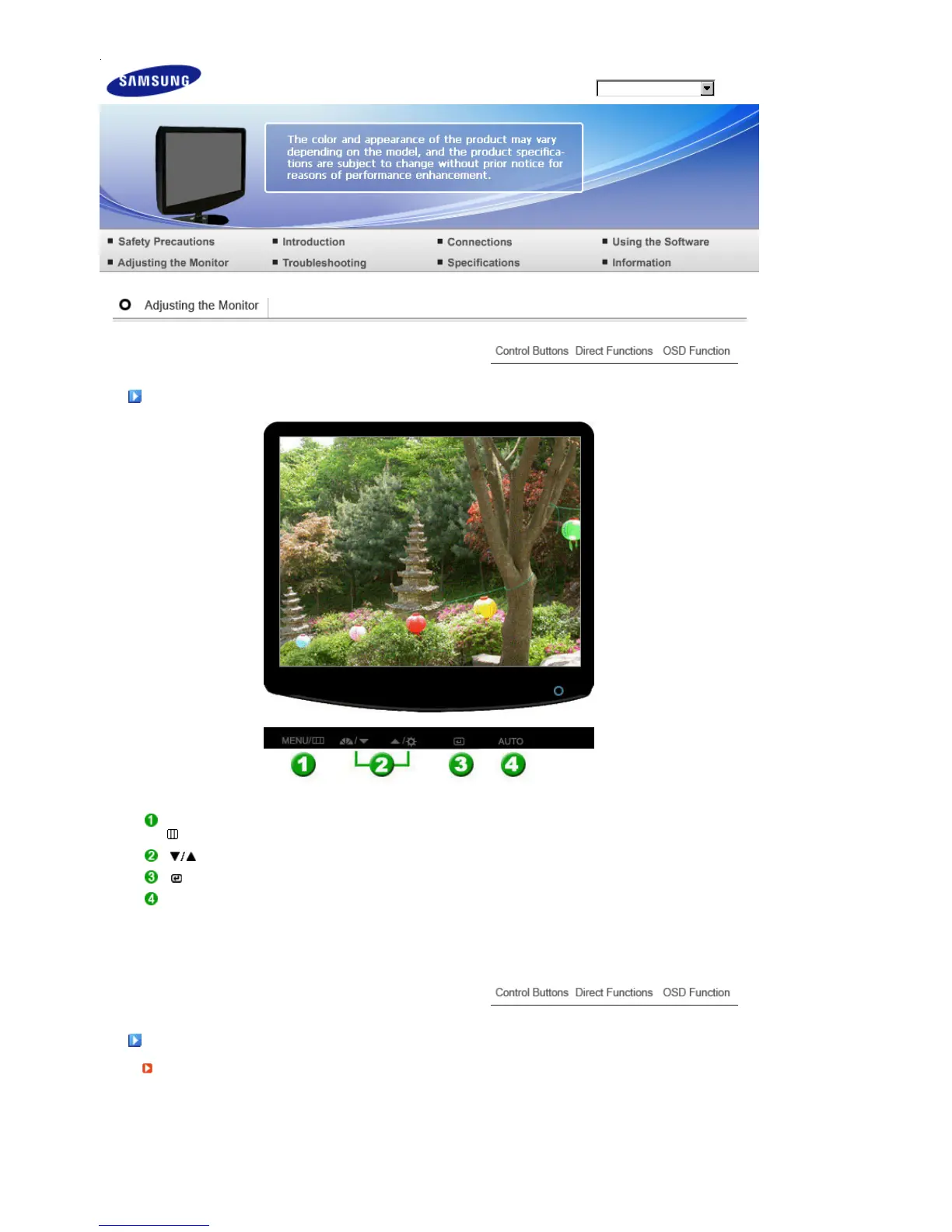
Control Buttons
[MENU /
]
Opens the OSD menu. Also use to exit the OSD menu or return to the previous menu.
[] These buttons allow you to adjust items in the menu.
[] Press this button to activate a highlighted menu item.
[AUTO] When the 'AUTO' button is pressed, the Auto Adjustment screen appears as shown in
the animated screen on the center.
Direct Functions
AUTO










 To Next Page