On-Screen Display
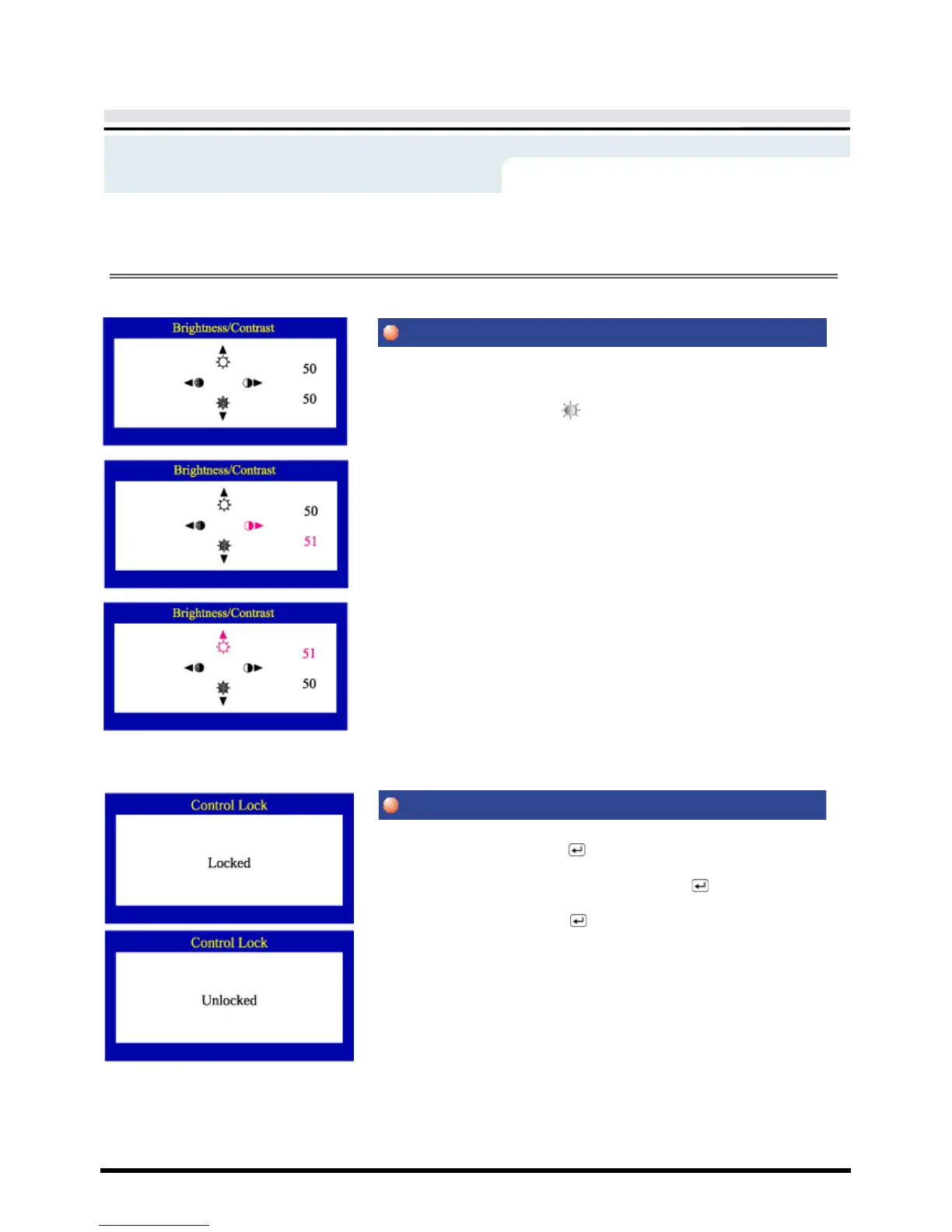
Adjust Brightness and Contrast.
1 Push the
◀▶
( ◑ )
or
▲▼
( ) button. The brightness/contrast display
will appear.
2 Push the
▲
button to increase the brightness or the
▼
button to decrease
the brightness.
Push the
◀
button to increase the contrast or the
▶
button to decrease the
contrast.
1 Push and hold in the Menu ( ) button for 10 seconds or more to Lock
the OSD.
(In this case, even if you click the Menu button( ), the control screen
will not be printed.)
2 Push and hold in the Menu ( ) button for 10 seconds or more to
UnLock the OSD.
Menu
How to adjust











 To Next Page